


ashleym72097028
Participant
December 4, 2017
Question

Dreamweaver CC 2018

  • December 4, 2017
  • 2 replies
  • 1618 views

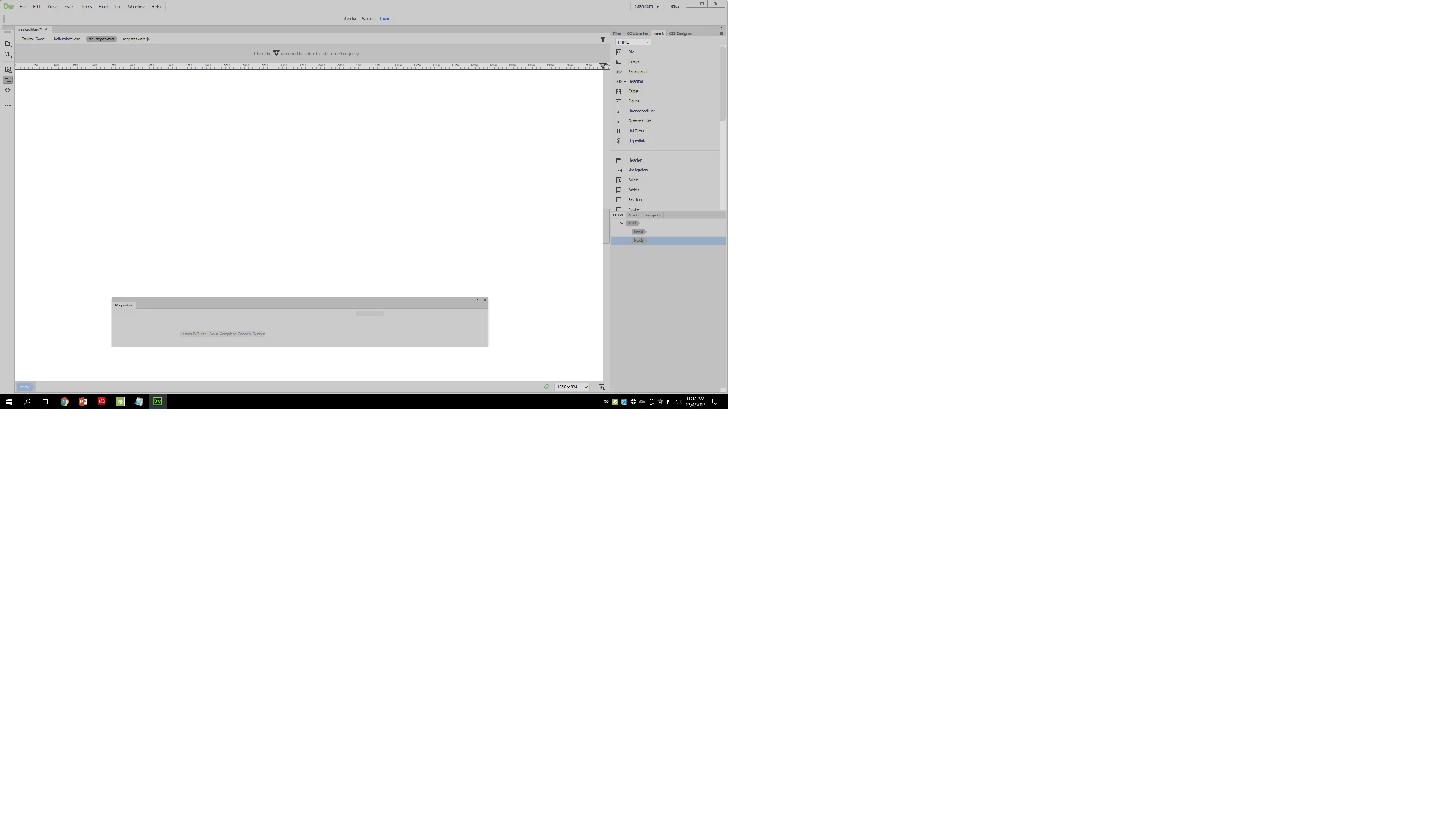
I am having issues seeing Design View. I am in a class where we use a textbook and follow step by step directions. The book wants me to use Design view but whenever I click on it I get the following issue. I go to View - Design and it defaults back to live view and a blank screen. Help please!
    This topic has been closed for replies.

    2 replies

    pziecina
    Legend
    December 4, 2017

    Can you show us the code you are trying to view, as the dom panel is not showing any html elements beyond head and body?

    Participant
    December 4, 2017

    Participant
    December 4, 2017

    Live view works fine - Design View is where I am having an issue. The book is having me complete a spell check and I cannot do that without being able to get into the Design View screen.

    Nancy OShea
    Community Expert
    Community Expert
    December 4, 2017

    Your image is so small I can't make out what it says.

    Which version is your text book written for?

    Nancy

    Nancy O'Shea— Product User & Community Expert
    Participant
    December 4, 2017

    Dreamweaver CC. The view options on the top of the screen include Code, Split, and Live. Design view is not a shortcut there so I have to manually select it using a drop down menu. Once I do that it completely blanks my screen out as if there is nothing on the webpage.

    Jon Fritz
    Community Expert
    Community Expert
    December 4, 2017

    Design and Live are now the same button. Click the tiny arrow next to Live and Design will be an option in a drop menu.

    Unless you're using a legacy Fluid Grid Layout. As part of deprecating and finally removing them from the program, Adobe removed Design View when working with Fluid Grid Layouts.

    If you are using an LFGL, there is a way to get Design View back, but it would be better to move away from the obsolete coding method all together.