This topic has been closed for replies.

3 replies

Jon Fritz
Community Expert
Community Expert
November 20, 2017

It looks like you've got it...

GIMMEGIMMEGIMMEGIMME!!!!

LOL

NetoperAuthor
Known Participant
November 21, 2017
Community Manager
November 20, 2017

Hi,

Please refer to below link:

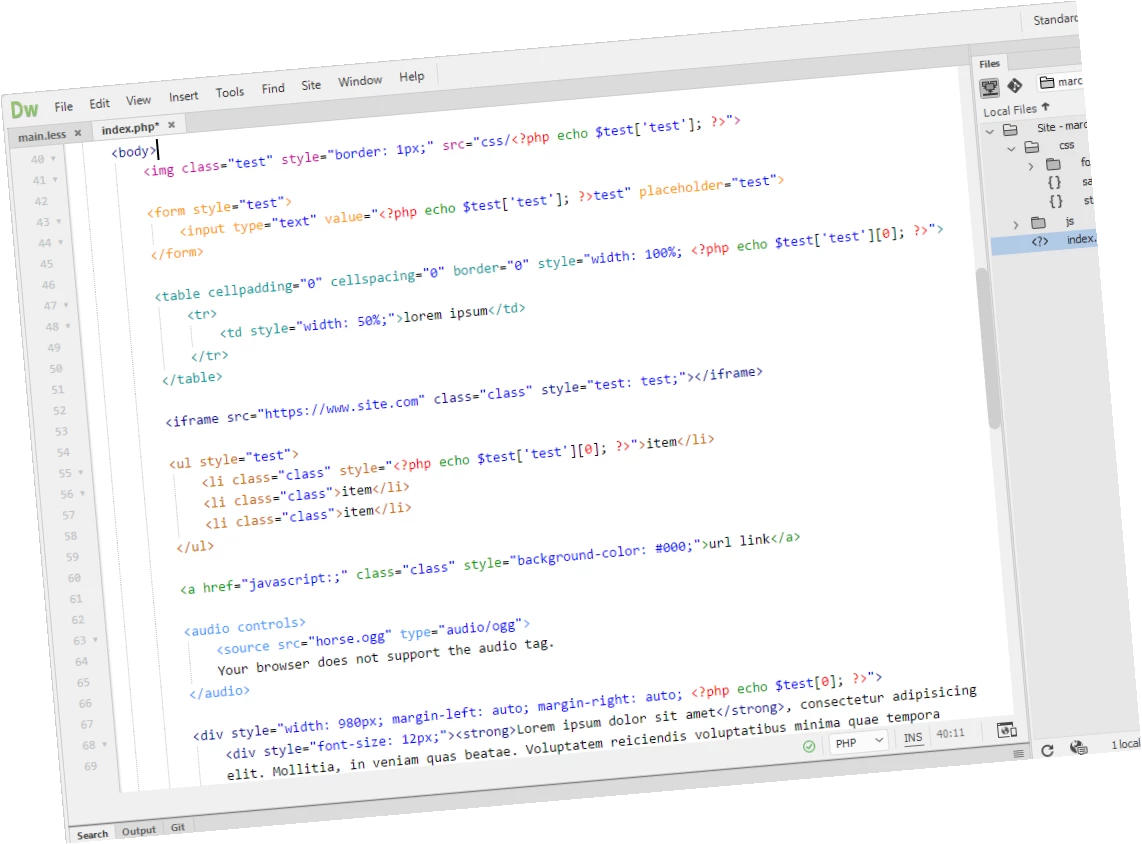
Learn how you can customize the colors of your code elements in Dreamweaver.

Theme-

RubyBlue/RubyBlueTheme.less at master · Brackets-Themes/RubyBlue · GitHub

Open Preferences > Interface > clicked the Theme plus sign to create a new theme, name it,edit the theme in DW by pasting RubyBlue.less into the document.  Save it and close .less file. Go back to Preferences and apply new theme.

Thanks

Legend
November 19, 2017

Looks good.

I might even get back to using DW myself one day if the code coloring becomes more flexible, which it desperately needs to be.