
Dreamweaver CC 2018 / light and dark themes
hi!
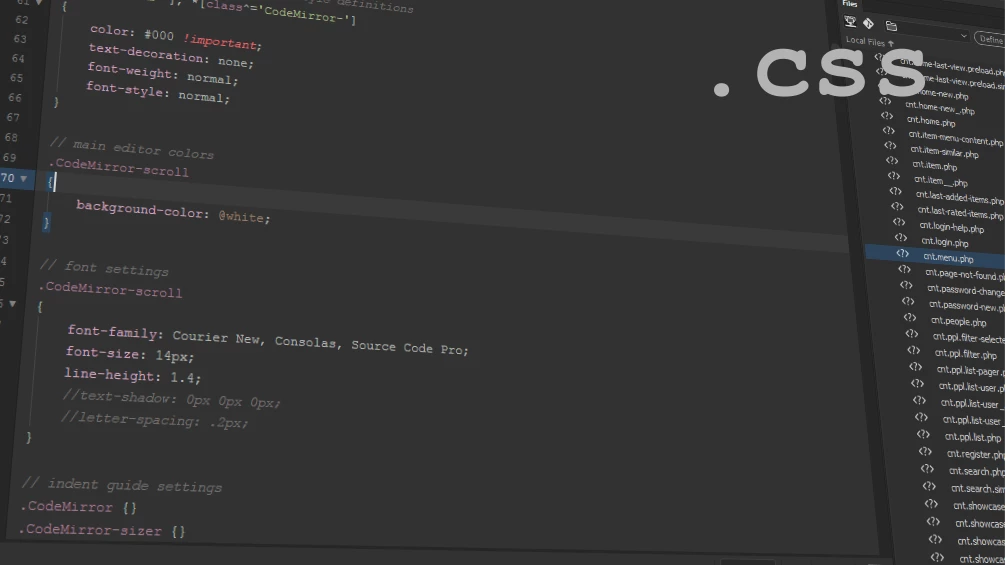
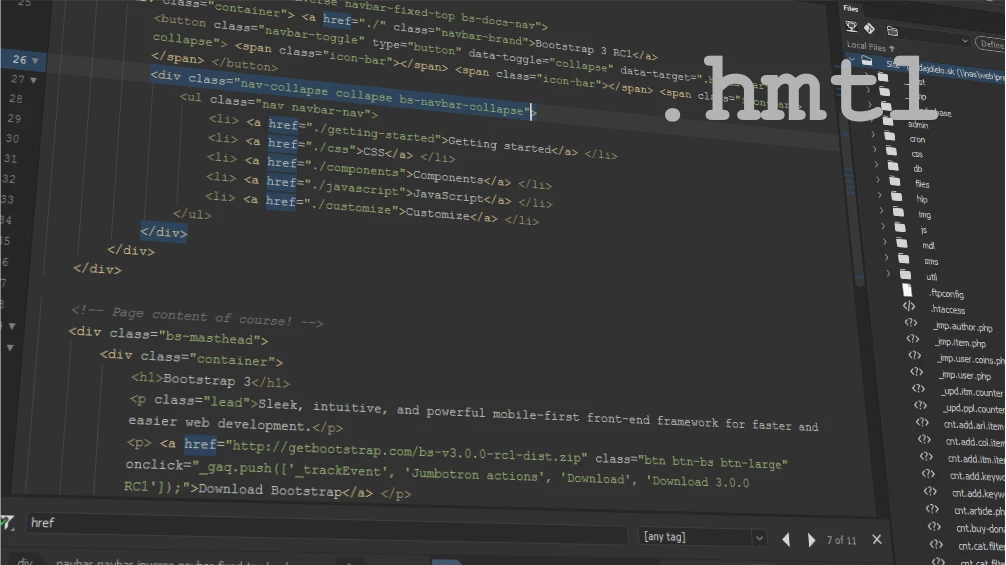
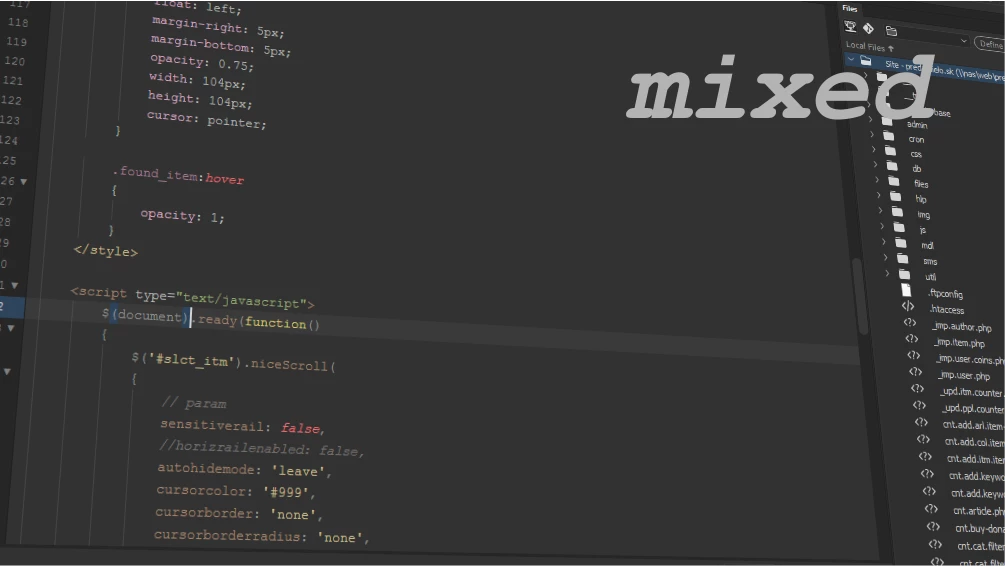
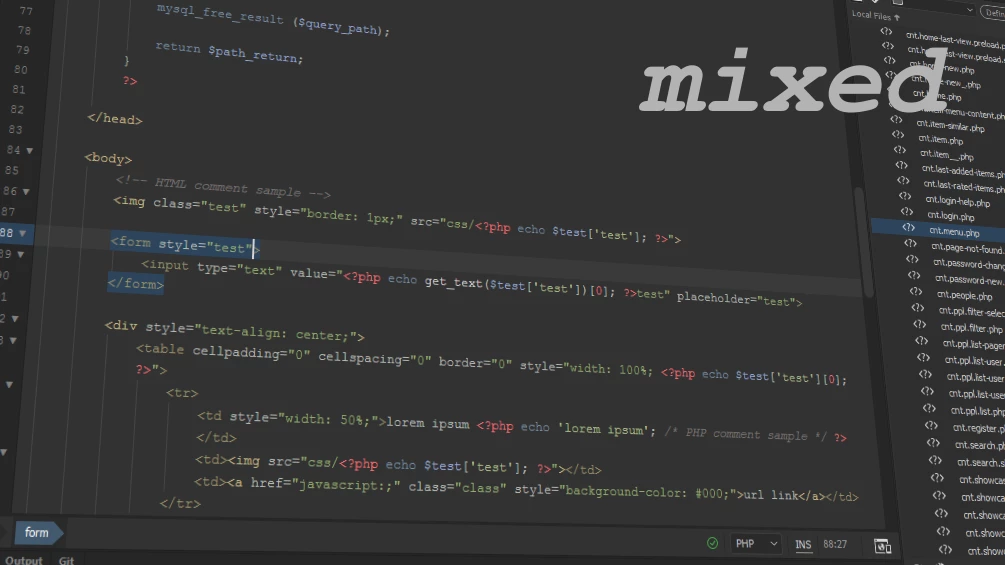
i completely rewrite the code and create new light and dark theme to.
themes are decently tuned with really professional look!
themes are using extensions! (thanks go to..)
Color The Tag Name (brackets-color-the-tag-name) v5.0.3
GitHub - jzmstrjp/brackets---color-the-tag-name: brackets extension - color the tag name
and
Indent Guides (brackets-indent-guides) v1.3.11
themes are using active line, then must be enabled. please edit your brackets.json file located in:
C:\Users\~~user~~\AppData\Roaming\Adobe\Dreamweaver CC 2018\en_US\Configuration\Brackets (if you use DW CC 2017 then folder is ..CC 2017/en_..)
and add new line: "styleActiveLine": true
.. save

Legacy (light theme), font: Courier New
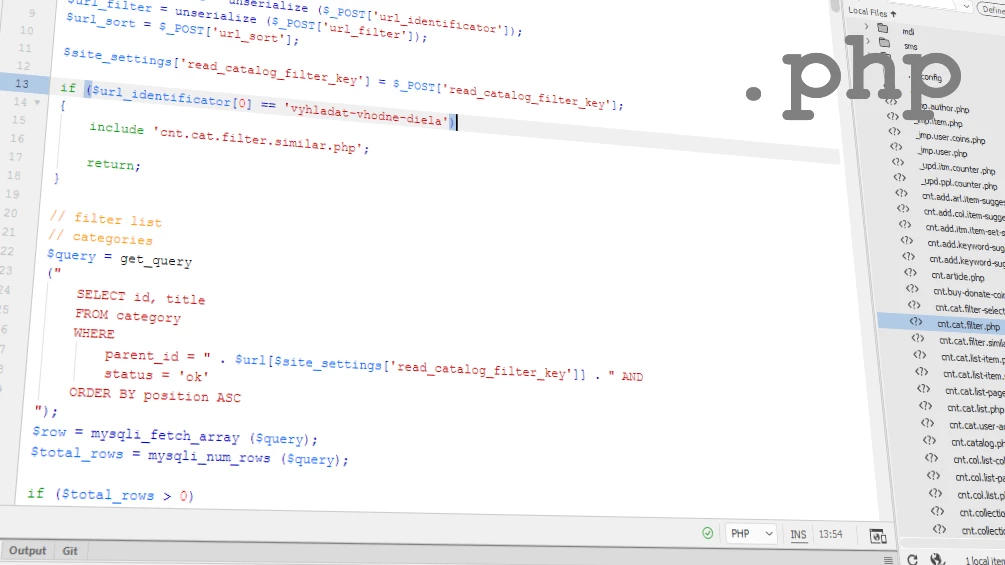
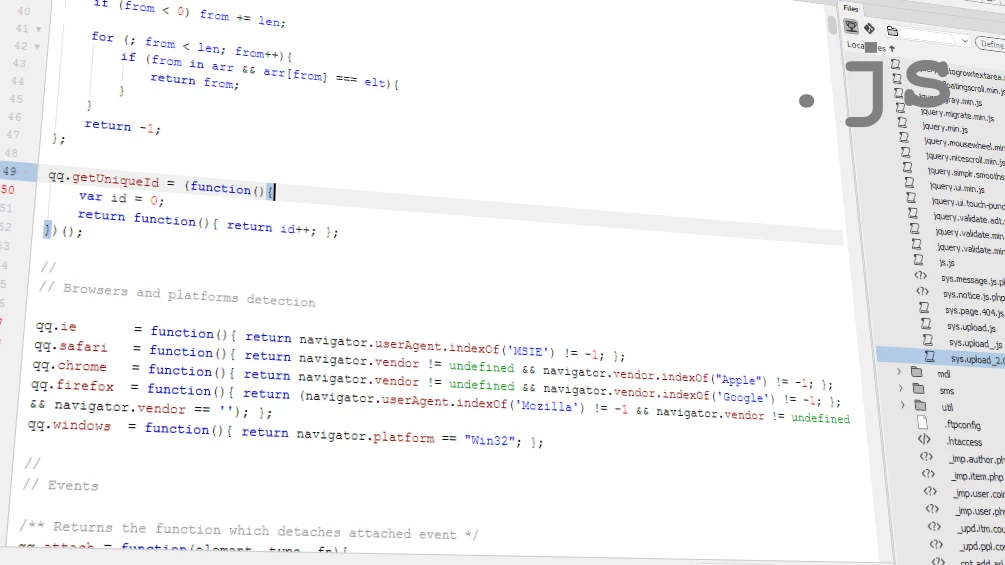
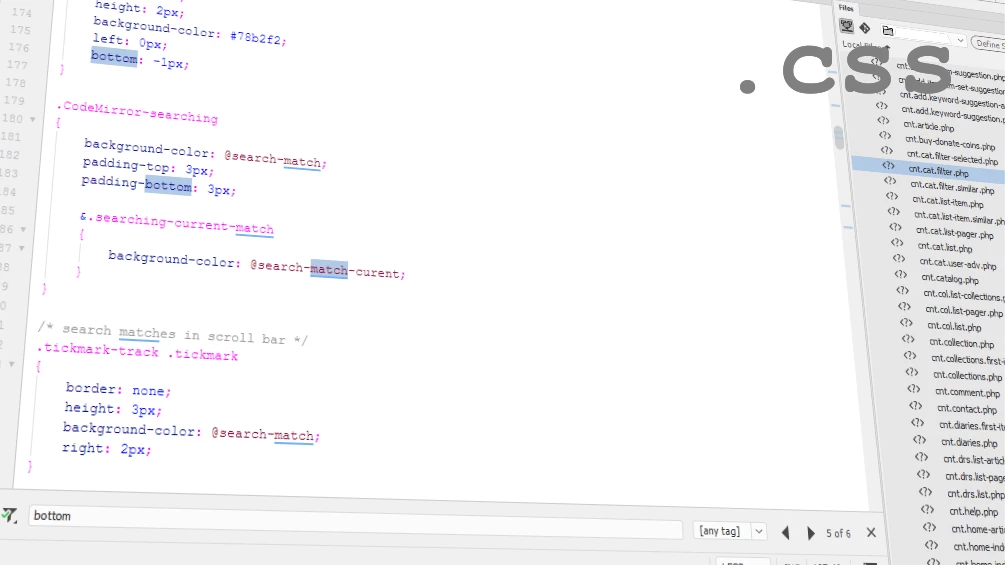
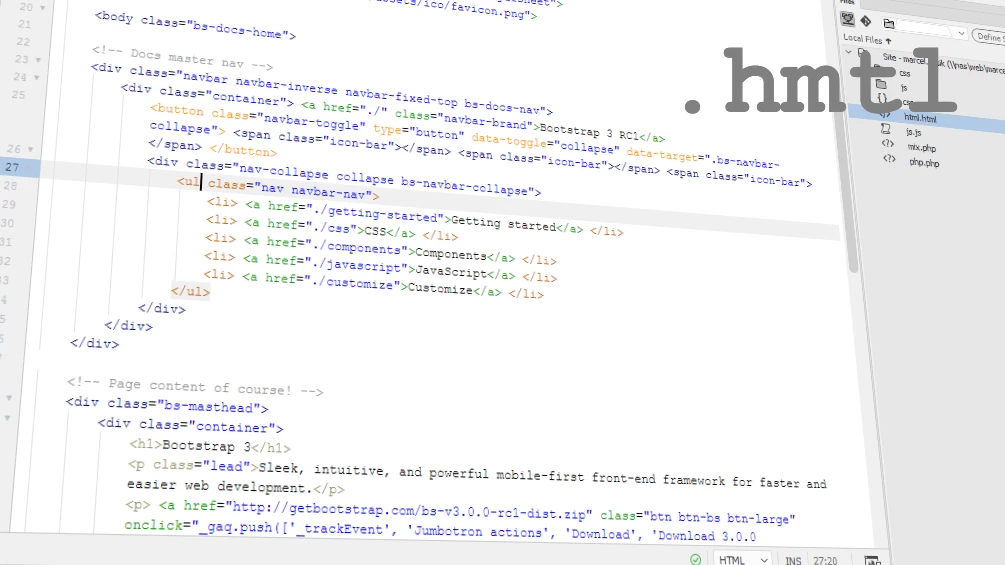
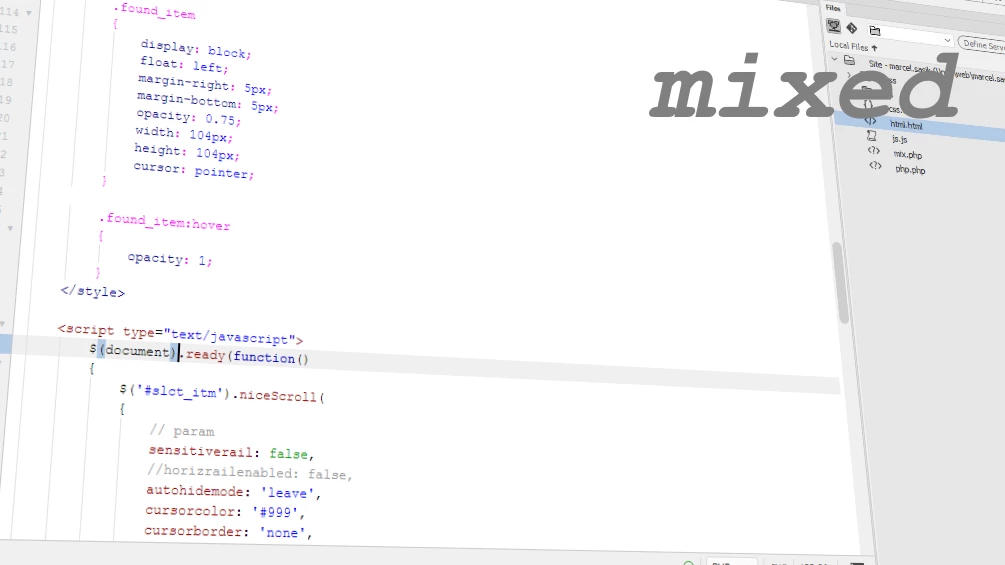
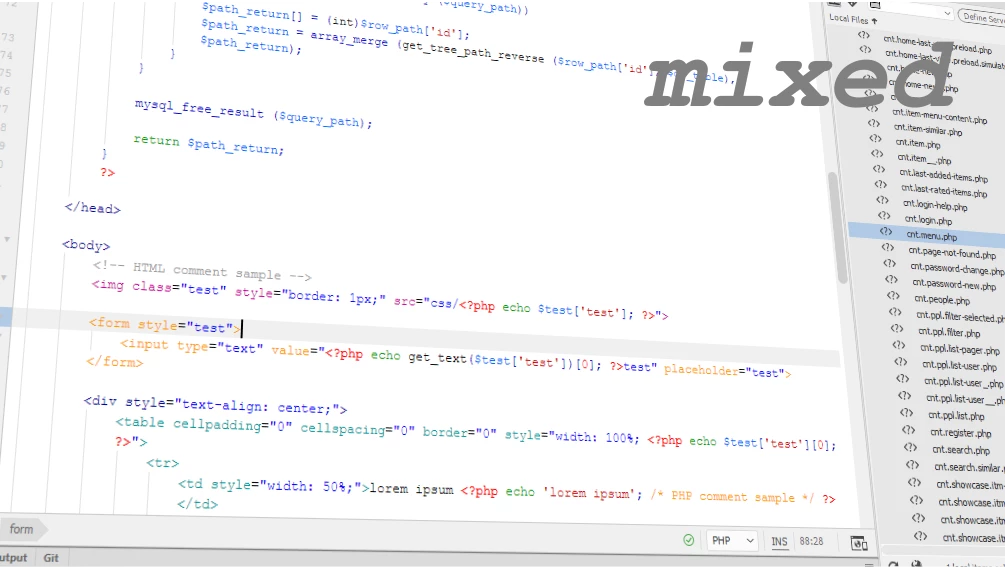
Earthtone (dark theme), font: Courier New
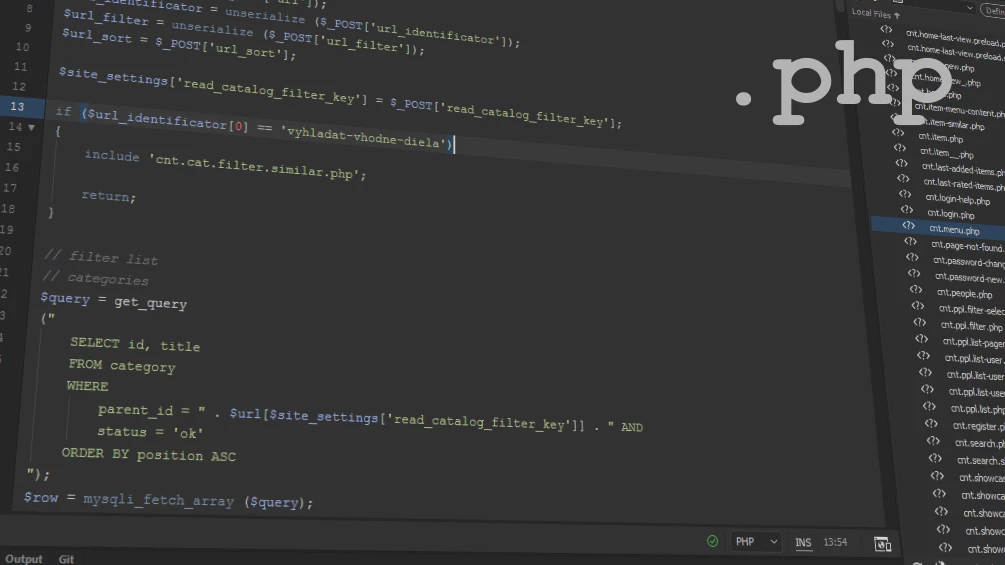
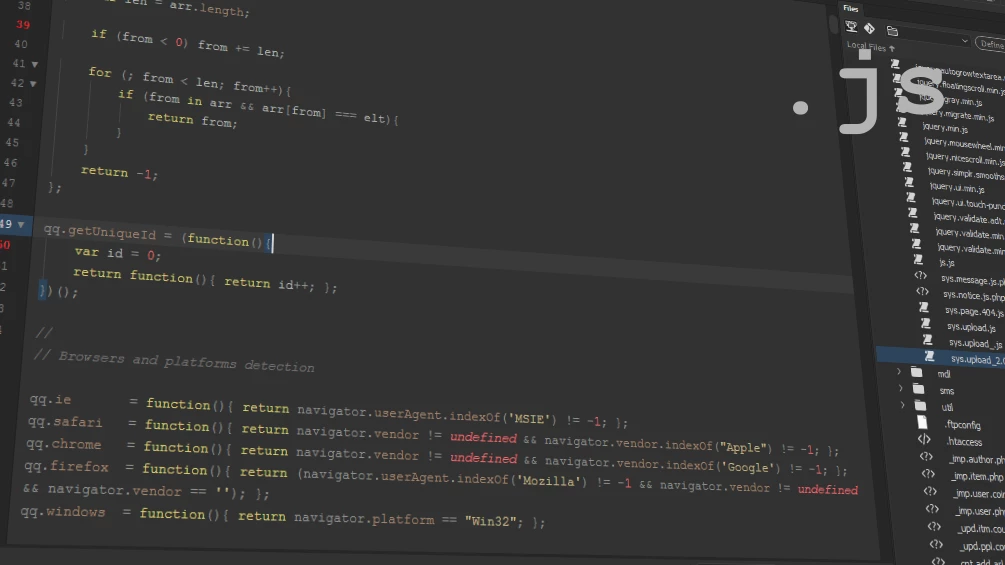
how to use?
close Dreamweaver.
DOWNLOAD this file, unpack and move the contained folders to:
C:\Users\~~user~~\AppData\Roaming\Adobe\Dreamweaver CC 2018\en_US\Configuration\Brackets\extensions\user (if you use DW CC 2017 then folder is ..CC 2017/en_..)
start Dreamweaver and select the preffered theme in EDIT > PREFERENCES > Interface
done!
you use it at your own risk!
I hope you like it ; )
some question? ask!
thank!


 AdChoices