


Dreamweaver CC 2018 -- Search Images has stopped working -- What to do??
To add images to web pages, I generally click on "browse for file," navigate to my image folder, and use the "search images" window in the upper right hand corner to narrow it down to relevant images by reviewing the extra large icons. I just updated to Dreamweaver CC 2018, only to discover that this doesn't work any more.
Here is an example: I am working on a web page for the wildflower Pipsissewa (Chimaphila umbellata). Below is a snip of the 17 available images for that wildflower in my images folder
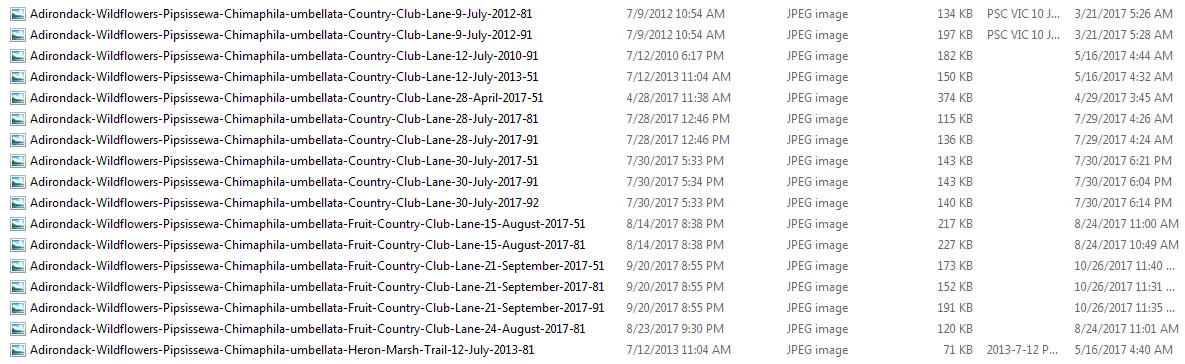
However, when I click on "browse for files." then navigate to my images folder, and do a "search images," only two of those files appear in the search results.

I have been using this feature for years, and now -- all of a sudden -- it is no longer available to me. Instead of searching, I have to manually navigate down the image listing and choose the file using a trial and error approach, because that method does not allow me to see large icons (allowing me to make an informed choice).
So, what is going on? Why does this feature no longer work for me? How can I fix it?

 AdChoices