


Dreamweaver CC :Newest Version : Locked files after copying folders
So I work with web maps and the various doodads and such in that realm. At the moment I am working with something called a GeoForm.
It's basically a form, created in Dojo with ESRI's JS API, that includes a map whereby the enduser can place a dot on a map that is connected to the formfields filled out in the 'FORM' part of the GeoForm.
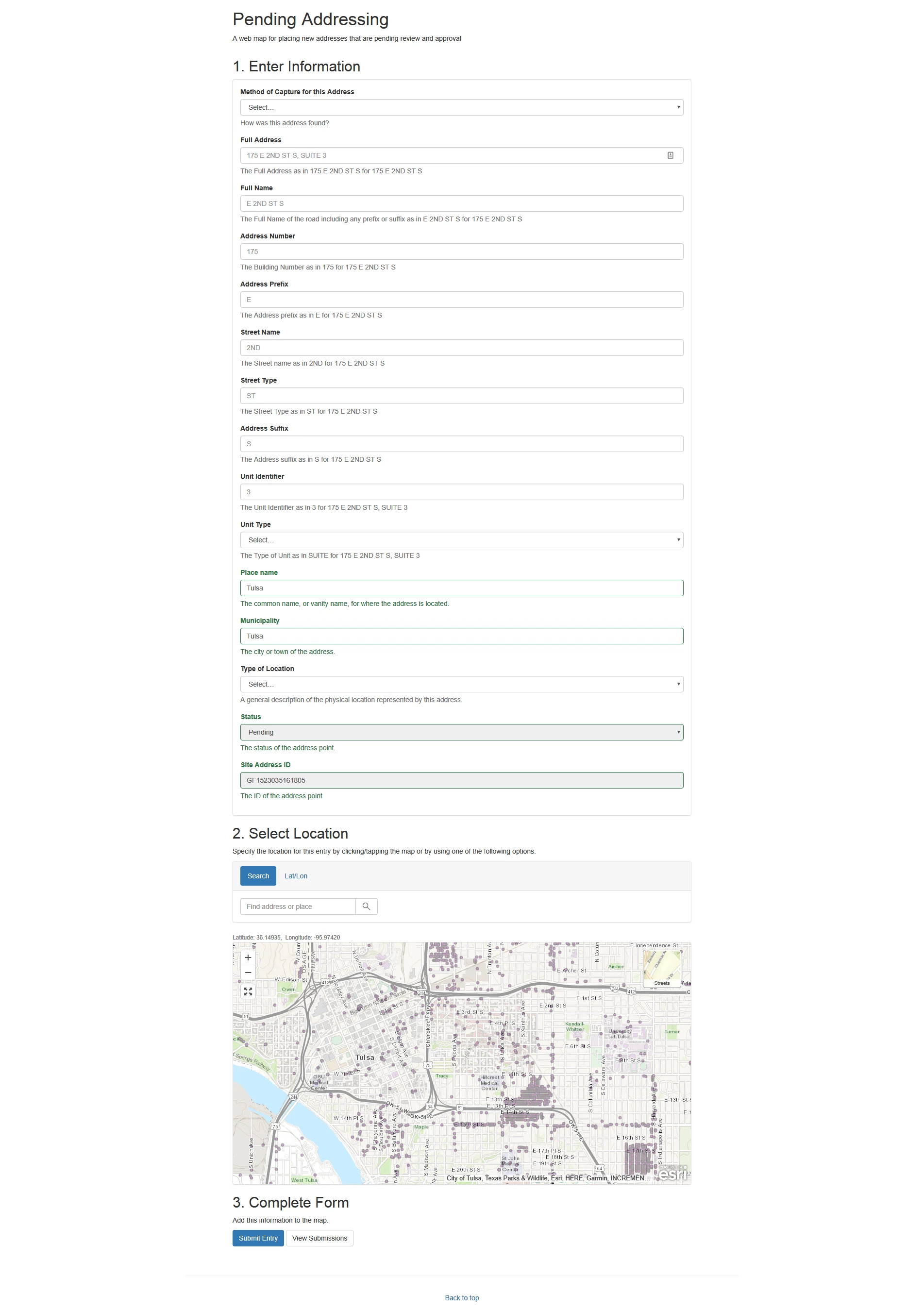
So... I have a folder where this web app goes. It's an internal-only web app so I can't share it, which is why I am prepping my question with so many details.
I just discovered that in order to get some custom functionality I would need to edit some internal, major files. Obviously I don't want to edit the live site, so I copied the folder it is in. I used the Dreamweaver interface. I pasted that folder beside itself. I renamed it. It doesn't work.
Not only does the copied site NOT work, but several of the files are not visible in the Dreamweaver interface. When I visit the site folder directly (using Remote Desktop to connect to the Server these files are physically located on) the files are locked on the server with an X over the file icon.
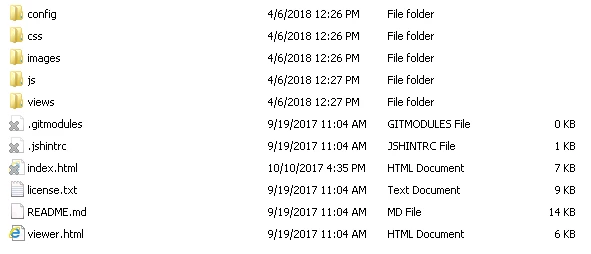
I'm trying to find out why the DUPLICATE or COPY/PASTE option inside of Dreamweaver CC creates these issues. Because if I remote connect and just copy and paste the folder it all works perfectly. VERY confused.
FYI this is in a Microsoft environment, not Mac.
Message was edited by: Brian O'keefe for a spelling error


 AdChoices