
jamieh2os
Known Participant
October 2, 2018
Answered

Dreamweaver crawling to un-responsive

  • October 2, 2018
  • 1 reply
  • 1621 views

Hello Dreaweaver experts, please help.  I have been using Dreamweaver on my Mac for a few weeks now.  A week ago live view quit working.  I use Mamp now instead, works ok.  I have been using design view to pick on spots that are 'tabular data' imports in the view so it can put the cursor below in the code where I need to make and edit.  I could never do it any other way.  Today the 'Design' view has made the program un-responsive.  I have a couple of images for you to see.  One is a pop up from Dreamweaver that says click.  It is a live scrolling popup that give credits and mention 'thanks for Beta'.  I have re-started only to find same problem after loading different files trying to do the same work.  I have been doing this work (clicking on the image to have the cursor go the cooresponding place in Code for 6 months now, in windows and mac, first with Live view and most recently with Design view.  Now it is all 'broke'  What has happenned to My Dreamweaver ?  Is Design view broken too ?  Is there is fix for Dreamweaver do out soon?   Thanks for looking at this
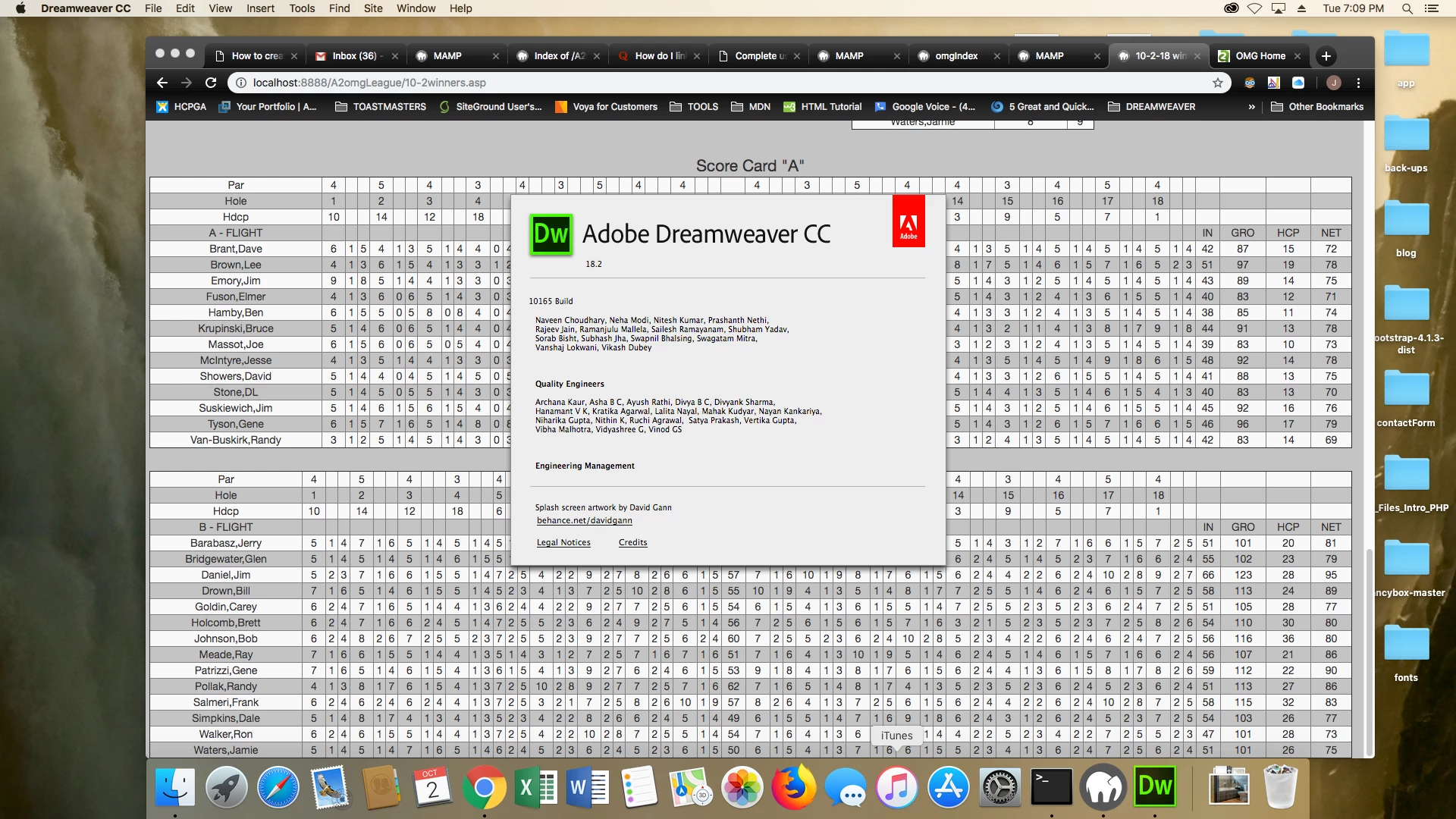
This topic has been closed for replies.
Correct answer Nancy OShea

Ok. thanks for all of this good help.

I just want clarify one last thing before I close this post.  Using .asp files in DW is risky ?

Thanks again for all of your helpful support and expert ideas...jw


I noticed a couple of other problems.  Your Bootstrap CSS file  is actually SCSS.   Change to the Bootstrap nimified CSS on CDN and reverse the order so your custom styles come after Bootstrap.

Change this:

<link href="css/styleLeague.css" rel="stylesheet" type="text/css">

<link href="css/bootstrap-4.0.0.css" rel="stylesheet" type="text/css">

To this:

<link rel="stylesheet" href="https://maxcdn.bootstrapcdn.com/bootstrap/4.0.0/css/bootstrap.min.css" integrity="sha384-Gn5384xqQ1aoWXA+058RXPxPg6fy4IWvTNh0E263XmFcJlSAwiGgFAW/dAiS6JXm" crossorigin="anonymous">

<link href="css/styleLeague.css" rel="stylesheet" type="text/css">

1 reply

ALsp
Legend
October 3, 2018

Are you seriously hoping to display that table in a browser? Or is it (hopefully) for an intranet?

If you create a clean page with just a paragraph or two, does that exhibit problems?

Are you using an outdated version of Bootstrap because you rely on Dreamweaver to make sure you are using the latest code, or is it that you think Bootstrap is the only way to create a modern page because it's what comes with Dreamweaver.

Do you have a live page online to analyze?

jamieh2os
jamieh2osAuthor
Known Participant
October 3, 2018

thanks for your reply,  here is a link to the browser view and a screen shot of my problem.

i'm using the split window option in DW in either design or live view.  This option has allowed me to click on a table data entry in the live or design view for the cursor in code below to move to the coresponding code location.  Instead of scrolling through thousands of lines of code to add the orange background color.  the table code is put into DW by using FILE, IMPORT, TABULAR DATA from an Excel file.  i think the problem was using .asp files; eventhough, this process has worked fine in the past with .asp.  I used an HTML version of my site and it seems to work.  the tables in question are at the bottom the browser view.  all Bootstrap files are up to date and non-conflicting.  thanks for your input

Untitled Document

ALsp
Legend
October 3, 2018

I think what we have here is a failure to communicate :-) To even attempt to reproduce your problem, I need to see your actual code. The easiest way to do that would be for you to upload the file to your web server and post a link. Importing "tabular data" is not to be used for massive tables such as I see in your screen shot. In fact, tables of that scope are not appropriate for the web.

Also realize that Dreamweaver can be sensitive to bad code, to the point of becoming unstable or crashing, so seeing your actual code in a browser could help you get an answer.
