The latest versions of DW have what is called "Real Time Preview" in place of the older Preview in Browser (F12 keyboard shortcut). That is supposed to show you an updated version of your page in the browser, as you modify it in DW, automatically, using a frameset on Adobe's servers that force refreshes the page.
It hasn't worked right for me over the last few versions (haven't tried it lately), so I don't use it. I prefer to use Open in Browser (what the old Preview in Browser is called now) and hitting Refresh to see my updated page (which is how Real Time Preview also worked for me in recent versions) without the need to connect to Adobe's servers.
Most of the time I just split the screen with Code and Live View in DW. Live View is a mostly-there Chrome browser that, unless you're using some of the latest methods like Grid and Flex, will show you a decent enough rendering of your page. Obviously, the only way to see exactly how your page will act in different browsers is to preview in each of them, but Live View is usually close enough to see where any major issues will occur.


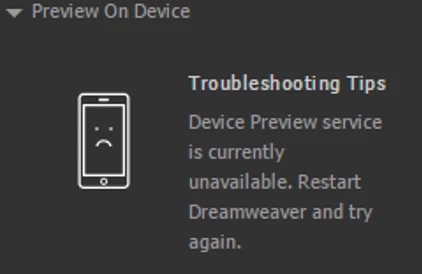 Every time that i open up Dreamweaver and try to click preview on device this is what comes up, i have tried restarting, i have tried going and looking at the other forum posts but there aren't many and none of them fix my issue


 AdChoices