Participant
April 16, 2017
Answered

Dreamweaver formatting issue

  • April 16, 2017
  • 5 replies
  • 472 views

Hey everyone

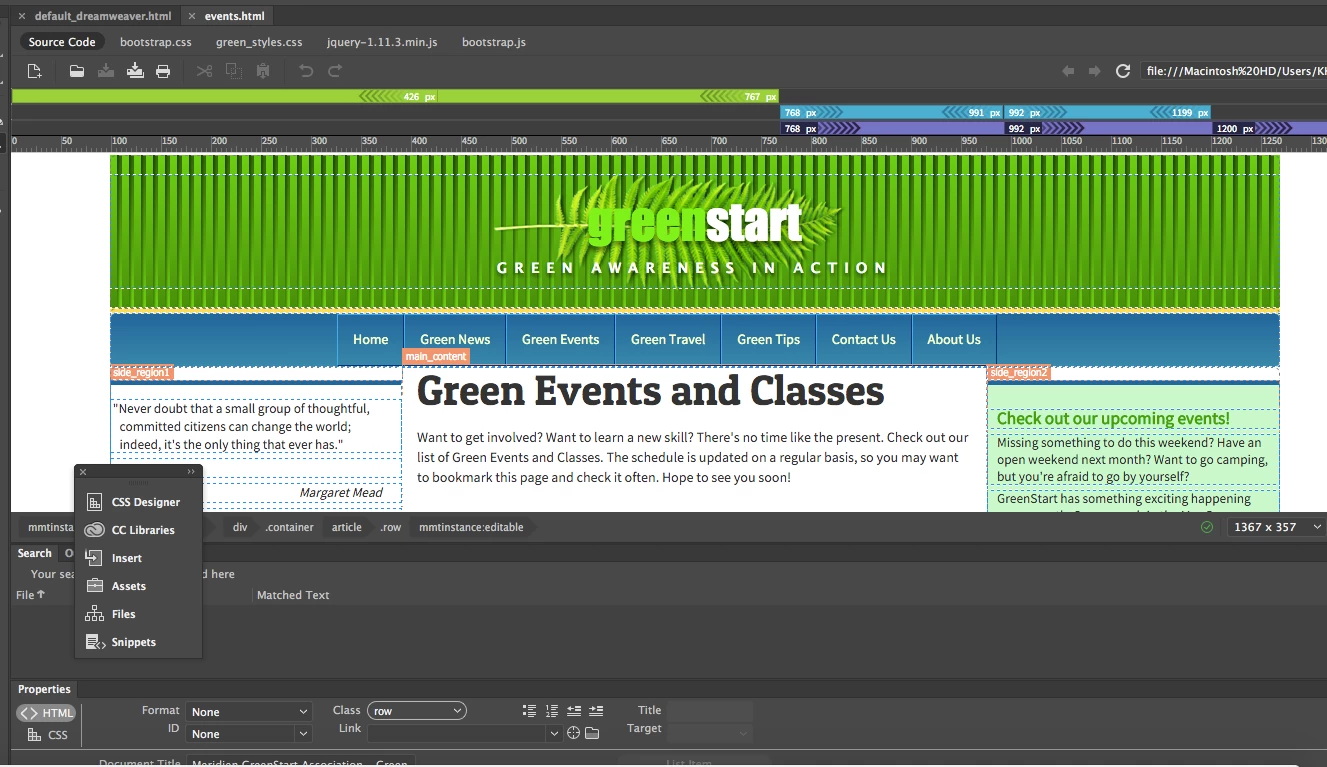
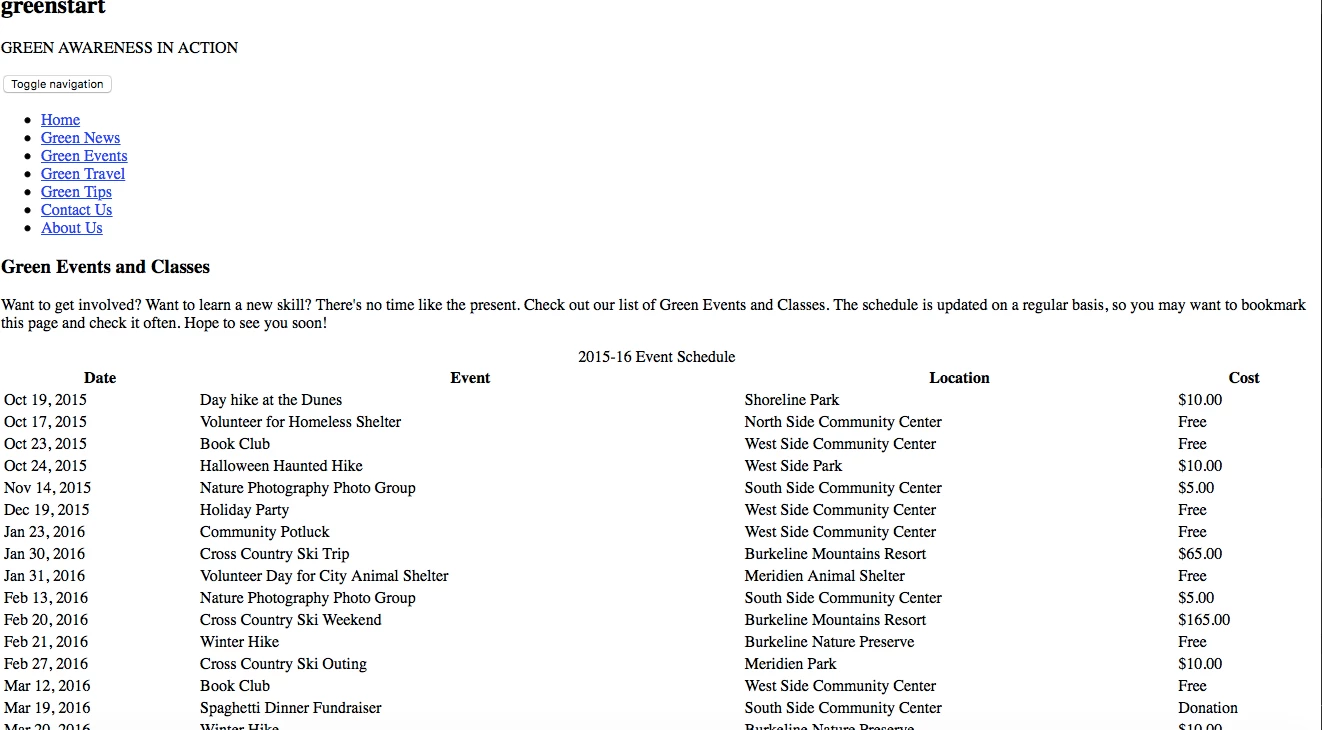
Im in a web design class that utilizes Dreamweaver. I have finished my assignment and it opens up correctly when opened in Dreamweaver, but when I transfer the file to my website via FileZilla, all of the formatting disappears. Can anyone give me advice as to how to fix this?
thank you
This topic has been closed for replies.
Correct answer Nancy OShea

Site structure is simple.  You put all your assets and files into your local site folder.  If your site is defined correctly, DW will manage the file paths for you when you insert elements.

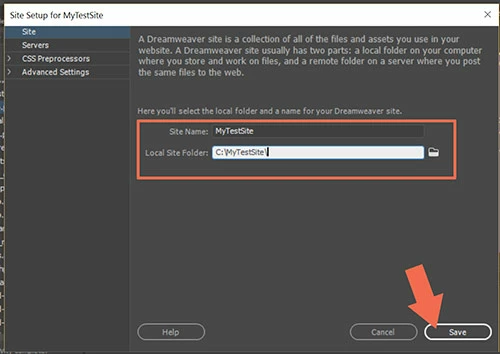
Go to Site > Manage Sites and select a folder on your hard drive.  Example:  C:\MyTestSite\

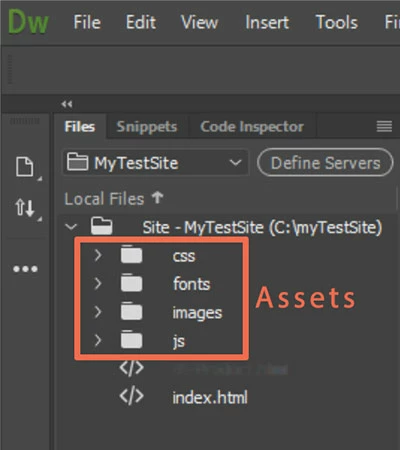
Your local site should look approximately like this in your Files Panel.

Links to external CSS files should point to your assets folders not files:/// on your hard drive.

Assuming the above file/folder structure, a correct path to CSS would look like this.

     <link rel="stylesheet" href="css/your_stylesheet.css">

5 replies

Legend
April 16, 2017

Have you uploaded your css file?

Participant
April 16, 2017

I'm not quite sure how to do that?

After googling for a little over an hour I think I've determined that I defined my site incorrectly. How would I go about defining the site and saving the files to it after the fact?

Sorry I really don't understand Dreamweaver/ site structure yet

Nancy OShea
Community Expert
Nancy OSheaCommunity ExpertCorrect answer
Community Expert
April 16, 2017

Site structure is simple.  You put all your assets and files into your local site folder.  If your site is defined correctly, DW will manage the file paths for you when you insert elements.

Go to Site > Manage Sites and select a folder on your hard drive.  Example:  C:\MyTestSite\

Your local site should look approximately like this in your Files Panel.

Links to external CSS files should point to your assets folders not files:/// on your hard drive.

Assuming the above file/folder structure, a correct path to CSS would look like this.

     <link rel="stylesheet" href="css/your_stylesheet.css">

Nancy O'Shea— Product User & Community Expert