


Inspiring
July 18, 2017
Answered

Dreamweaver Hangs, then loses all menus and toolbars

  • July 18, 2017
  • 1 reply
  • 1244 views

This happens to me several times a day when I am working in Dreamweaver. If I move the window when something else is going on, or if it takes too long to finish a search, or if for any reason, Dreamweaver turns grey and says "Not Responding", then if/when it comes back up, it strips off the menubar and toolbars and I have to close and reopen it to get them back.

This is obviously a bug making it change states like this, but is it changing to a state that is a "feature" that can be turned on or off with a keyboard command so that I can get back to my workspace without having to restart several times a day?

I currently have 2017.5 build 9878, but this has been happening through several builds for several months. Not completely discounting my older Windows 7 computer being the cause of this.

Running OK
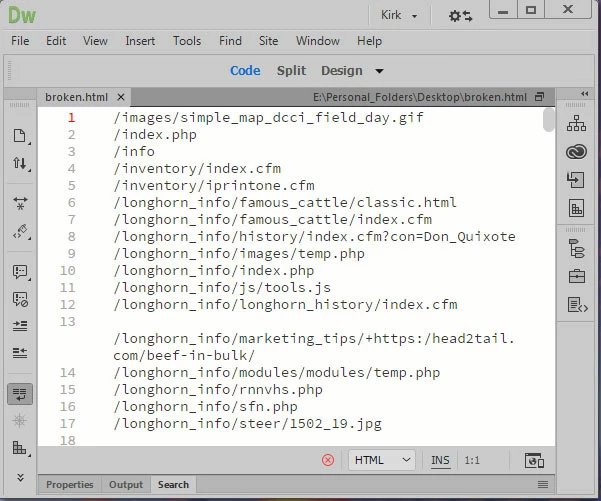
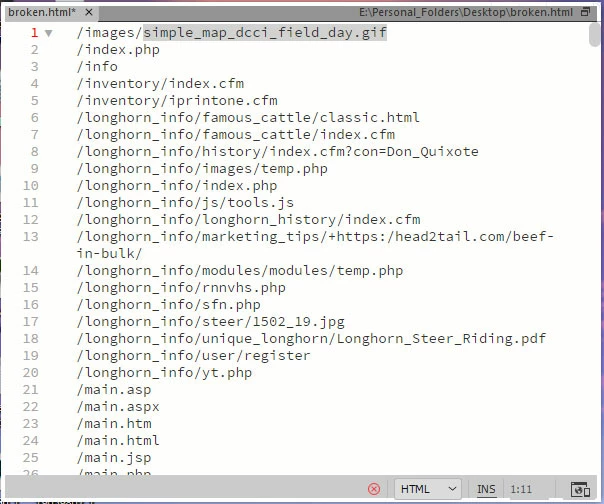
After "Not Responding"
    This topic has been closed for replies.
    Correct answer pziecina

    The files are on the same computer. Not the same drive. I have a Data drive that has all my photos and websites on it.

    I am actually pretty old school and like to split up my drives by purpose. I have a 240GB SSD drive for OS, I have a 500 GB drive for programs, a 4TB drive for Photos/Documents/Websites and another 4TB drive for videos.


    Dw 2017 has problems when files are on different drives, freezing and hanging are typical symptoms of such a workflow.

    1 reply

    Nancy OShea
    Community Expert
    Community Expert
    July 18, 2017

    Looks like your HTML code contains errors as denoted by the Red X in both screenshots.  You might want to address that as a possible source of your problems.  The latest versions of DW are very fussy about code errors and if the errors are critical, DW will stop responding.

    Nancy

    Nancy O'Shea— Product User & Community Expert
    Inspiring
    July 18, 2017

    This has nothing to do with the code. That is merely a list of 404's that I am tracking down. I get this error many times with many different documents.

    BenPleysier
    Community Expert
    Community Expert
    July 18, 2017

    As we cannot see what the other different offending documents look like, I can only base my ideas on what I see. Could you please try to rename the document that you have shown by giving it a .txt extension and try to replicate the problem?

    I think that Nancy is correct, Dreamweaver goes into a frenzy when there are coding errors and your document is far from being an HTML document.

    Wappler is the DMXzone-made Dreamweaver replacement and includes the best of their powerful extensions, as well as much more!