Known Participant
Dec 3, 2018 5:56 AM UTC
Answered

Dreamweaver highlighting when I insert cursor

When I'm editing in code view and I want to add something, I click my mouse where I want to add something. At this point nothing should be highlighted since I haven't dragged over anything but Dreamweaver highlights the whole line or more. It's really distracting.  I only want things highlighted when I drag my curson over something, not when I insert the cursor into an empty spot to add something.  Is there some easy way to stop this? I'm using CC 2019 but I've had the same problem with earlier versions.

Thanks,

Liz

    This topic is closed to new replies. Start a new post to keep the conversation going.
    BenPleysier
    BenPleysierCorrect answer
    Community Expert
    Dec 4, 2018 1:08 AM UTC

    Changing the color of the highlight is nice but it's not what I asked for help with. I do not want it to highlight entire tags when I inset my cursor to change text within a tag.  I do want a highlight color when I'm dragging within a tag or outside of a tag but I only want exactly what I've dragged over to be highlighted.  That was and still is my original question.


    I did not realise that each theme had a different document and line numbering. The important thing is to change the colouring of the '.CodeMirror-matchingbracket, .CodeMirror-matchingtag' identifyer. For the Light theme, this is line #334.

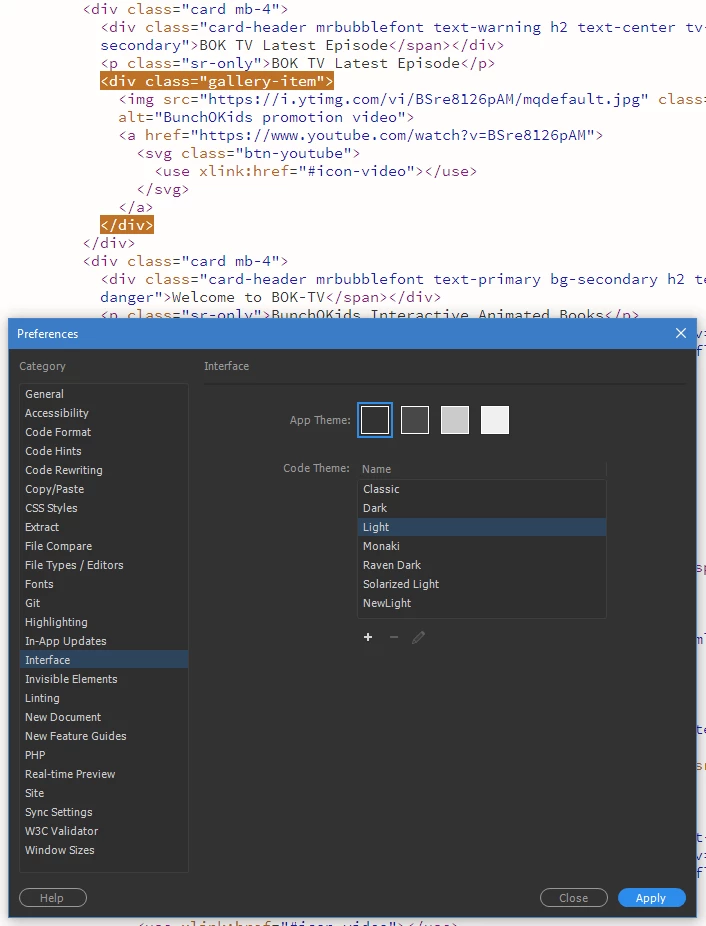
    The result before:

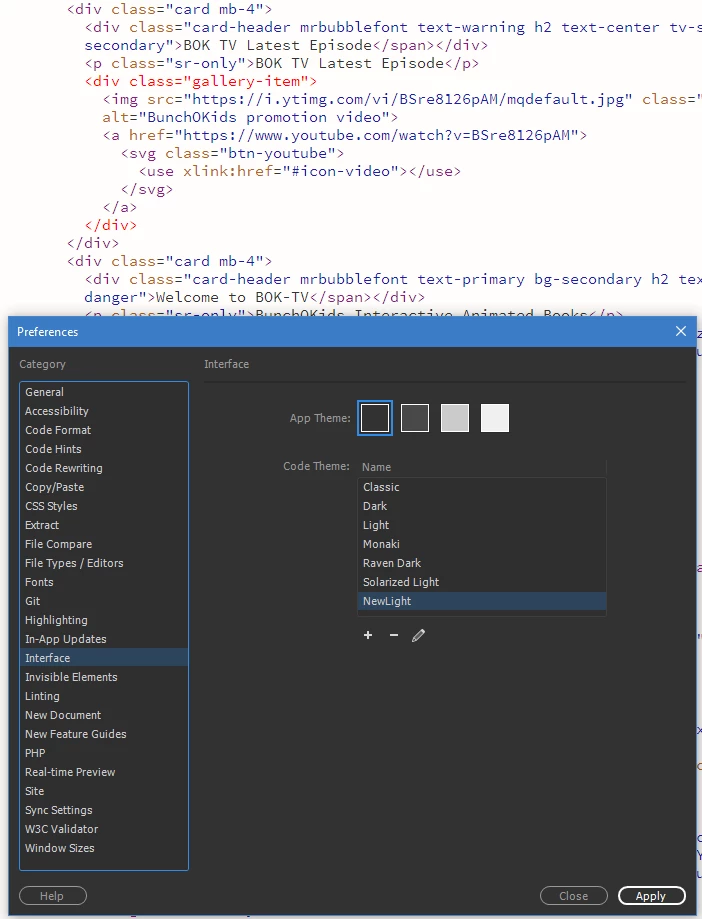
    The result after:

    The code:

    Wappler is the DMXzone-made Dreamweaver replacement and includes the best of their powerful extensions, as well as much more!

    13 replies

    BenPleysier
    Community Expert
    Community Expert
    Dec 3, 2018 7:01 AM UTC

    Follow the this procedure, calling the newly created Theme, Custom or similar.

    main.less will open in Dreamweaver. Goto line #249 and change that accordingly as per

    Translate
    Wappler is the DMXzone-made Dreamweaver replacement and includes the best of their powerful extensions, as well as much more!
    elhzAuthor
    Known Participant
    Dec 3, 2018 8:50 AM UTC

    I made a new theme and changed 249 to background-color: transparent;

    It didn't help. I get the exact same results.

    Translate
    BenPleysier
    Community Expert
    Community Expert
    Dec 3, 2018 9:20 AM UTC

    Did you save the new document and apply the new Theme?

    Translate
    Wappler is the DMXzone-made Dreamweaver replacement and includes the best of their powerful extensions, as well as much more!