Participant
November 16, 2016
Answered

Dreamweaver screen resolution interface

  • November 16, 2016
  • 2 replies
  • 692 views

If the Laptop Display Settings are set to anything other than 100% the Dreamweaver interface has a problem. I am running Windows 7 and Dreamweaver CC 2017

Laptop Display Settings

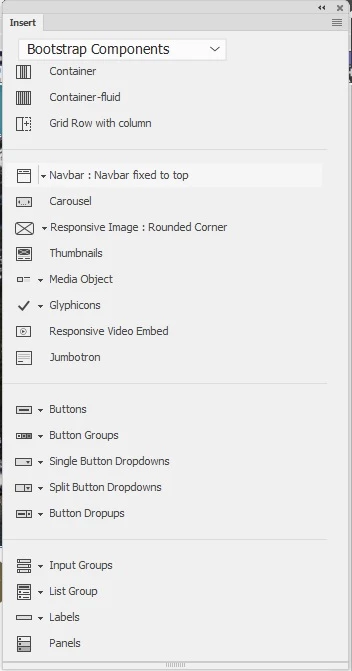
Dreamweaver Insert Menu: With the mouse hovering over “Carousel”, it is the Navbar Menu that highlights and the Navbar dropdown menu is not accessible
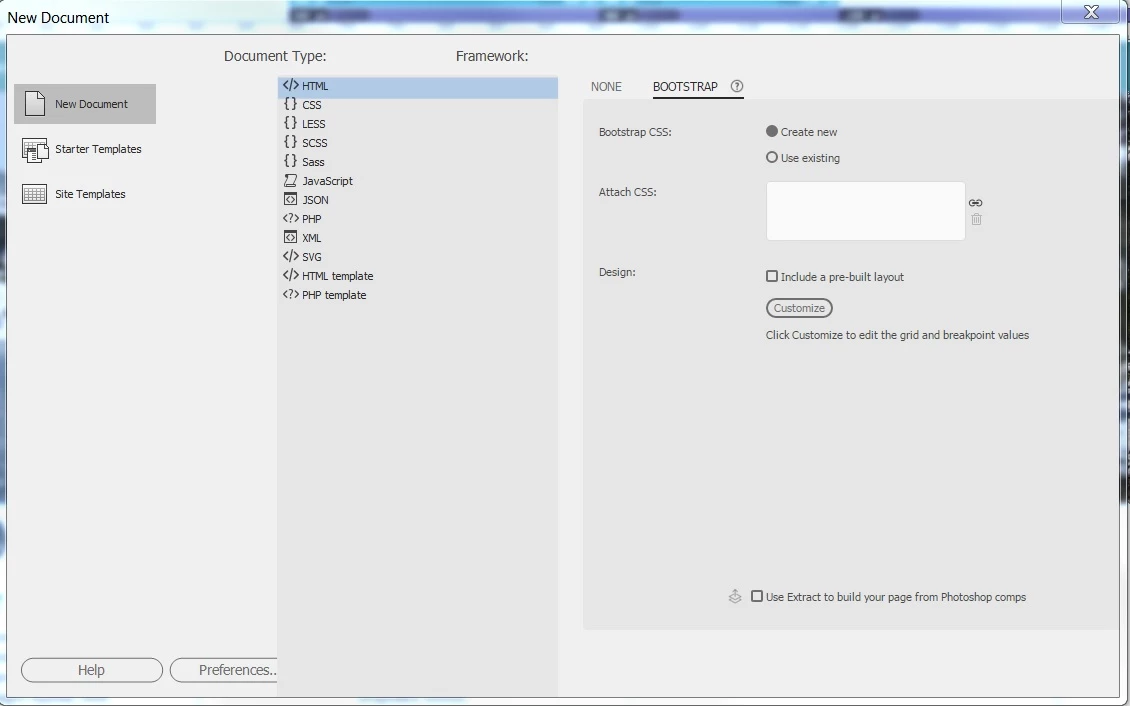
At any screen resolution other than 100% the OK and Cancel buttons in dialog boxes do not appear

    This topic is closed to new replies. Start a new post to keep the conversation going.
    Correct answer BenPleysier

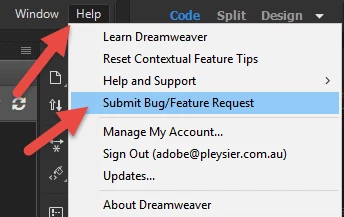
    This is well known and often discussed. I am sure that the Dreamweaver team are working to have this solved in one of the future releases. In the meantime, add your voice by going to

    2 replies

    Participating Frequently
    November 17, 2016

    Hi Robert,

    We are aware of these issues. DW is not yet High DPI aware and hence behaves unusual with High DPI settings.

    Please check below link, this hsould help

    https://helpx.adobe.com/dreamweaver/kb/dreamweaver-cc-2017-does-not-display-correctly-on-win7-h-dpi-machine.html

    Also, be assured that team is onto it and trying to addresses all such issues.

    Thanks,

    Lalita

    BenPleysier
    Community Expert
    BenPleysierCommunity ExpertCorrect answer
    Community Expert
    November 16, 2016

    This is well known and often discussed. I am sure that the Dreamweaver team are working to have this solved in one of the future releases. In the meantime, add your voice by going to

    Wappler is the DMXzone-made Dreamweaver replacement and includes the best of their powerful extensions, as well as much more!