
Participant
May 5, 2019
Answered

Dreamweaver stalls at a white splash screen

  • May 5, 2019
  • 1 reply
  • 414 views

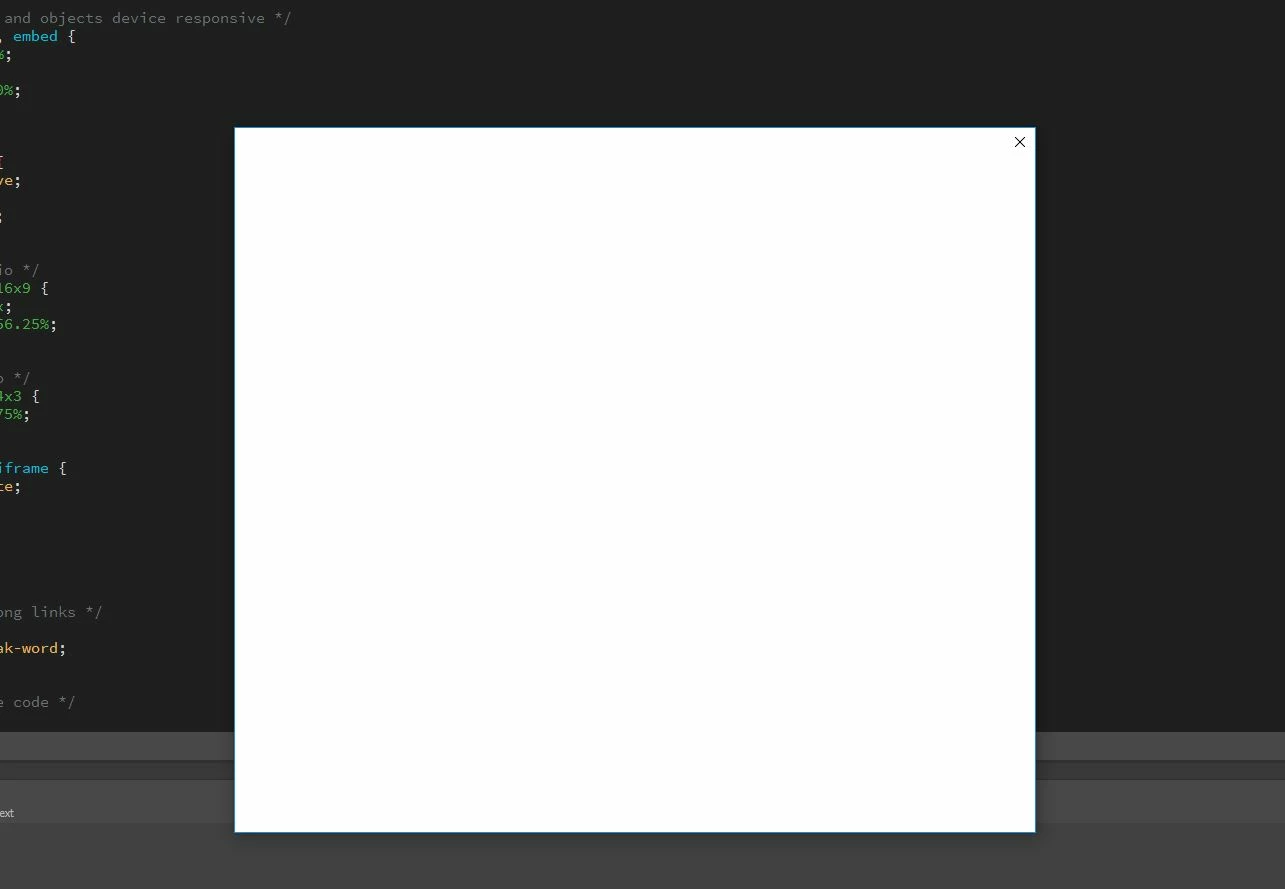
Today my Dreamweaver program stopped working. The product's workspace window opens and shows the recently opened files as usual. The Adobe product splash screen opens, briefly shows only the Adobe logo, then closes to open a larger white window with no content other than an X in the top right corner (see the image below). If I click on the workspace area, I get a windows beep telling me I need to close the window on top first. But when I close this white window on top, it shuts down Dreamweaver. So, I am unable to use Dreamweaver at all. I tried contacting Adobe support via the chat option but after telling me they were transferring me to a support specialist the chat is over ... no help arrives no matter how long I wait and there is no further conversation from Adobe. Can anyone tell me how to resolve this Dreamweaver BUG? HELP!!!
This topic has been closed for replies.
Correct answer Just BL

Can you open an older version of DW CC?

You could try the CC Cleaner tool to remove DW.  Then re-install.

Use the Creative Cloud Cleaner Tool to solve installation problems


I can't open anything, any version or any creative cloud product.

I finally got through to Adobe support. It seems their billing department screwed up and were unable to process my valid credit card. They responded by suspending my account and all access to my creative cloud products but not notifying me about these steps they took. Unfortunately, their products have a bug so instead of them telling me what happened, I only see a white window in front of the product window.

They were finally able to process the subscription payment 12 hours after the failed attempt but apparently I still have to wait another 24 hours for them to reactivate my account. I can see the payment on my credit card account but they insist I still have to wait 24 hours before they will accept that it was actually successfully processed. So, they seriously messed up and I have to suffer without access to my products for more than a day. What a terrible system they have in place! They have given me a number so I can call to complain about this whole mess and the problems they have caused for me.

So, if you open an Adobe product and only see a white window on top of your product window ... it means Adobe couldn't process your credit card for your subscription. It would be nice if they put that note into the white window or sent you an email telling you about the issue.

1 reply

Nancy OShea
Community Expert
Community Expert
May 5, 2019

Which version of DW?

Which operating system do you have?

Which anti-virus software do you have?

Nancy O'Shea— Product User & Community Expert
Just BLAuthor
Participant
May 5, 2019

Latest version of Dreamweaver (I have a Creative Cloud subscription).

Windows 10 (latest version).

Zone Alarm anti-virus and firewall.

Nancy OShea
Community Expert
Community Expert
May 5, 2019
Nancy O'Shea— Product User & Community Expert