


Participant
October 18, 2022
Question

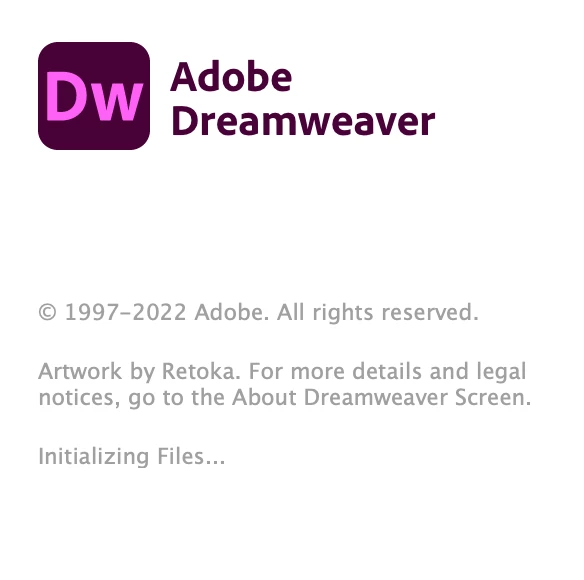
Dreamweaver stuck on initializing files and won't open

  • October 18, 2022
  • 2 replies
  • 629 views

I've tried both Apple Silicon and Intel app installations, uninstalled, reinstalled, and restarted my laptop. All other Adobe apps are working fine. It shows the cover art and "Initializing Files"

M1 Macbook Air, MacOS Monterey
 

This topic has been closed for replies.

2 replies

Nancy OShea
Community Expert
Community Expert
October 18, 2022

Restore Preferences.

https://helpx.adobe.com/dreamweaver/kb/restore-preferences-dreamweaver.html


Also ensure that your local site folder resides on your primary local hard drive and that you have full read/write/edit access to that volume.  Don't use External or Cloud drives for the local site folder.


Nancy O'Shea— Product User & Community Expert
Community Expert
October 18, 2022

Did you try removing the configuration folder from the user library?  Also, can you try logging in as another user to see whether the issue persists or is tied to this particular user account?