Participant
December 31, 2022
Question

Dreamweaver text becomes unusually blurry when magnified on Mac

  • December 31, 2022
  • 2 replies
  • 454 views

In Dreamweaver 2021 (21.3, 15593 Build) under macOS 13.1, if I magnify the Dreamweaver window contents (using View/Design View Options/Magnification), the text becomes extremely blurry. If I then click on the Desktop, the text in that Dreamweaver window displays normally and is crisp. If I then click back on the Dreamweaver window and then click on the text, it becomes blurry again. This occurs at all magnification values except 100%. This issue didn't used to occur.


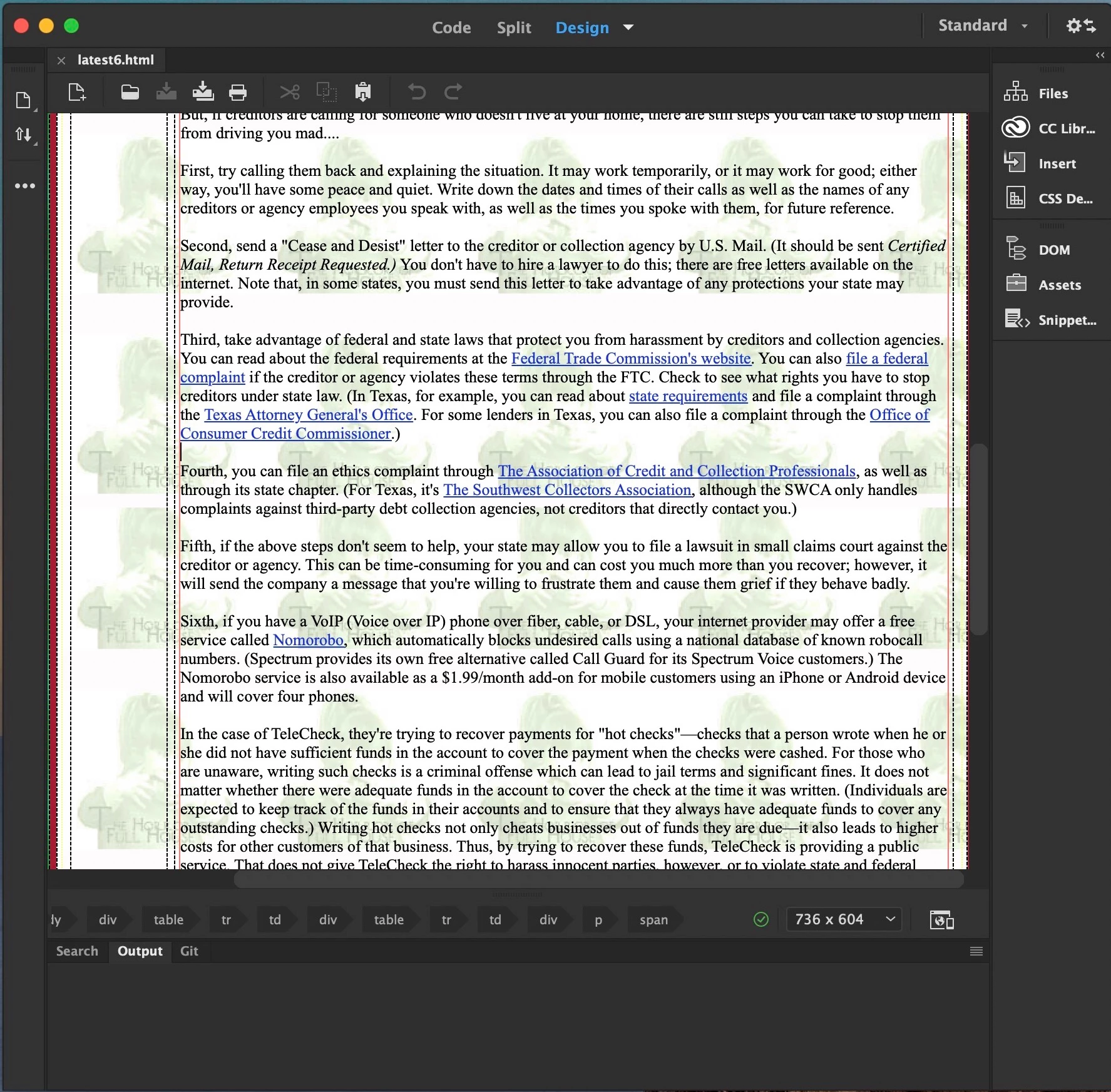
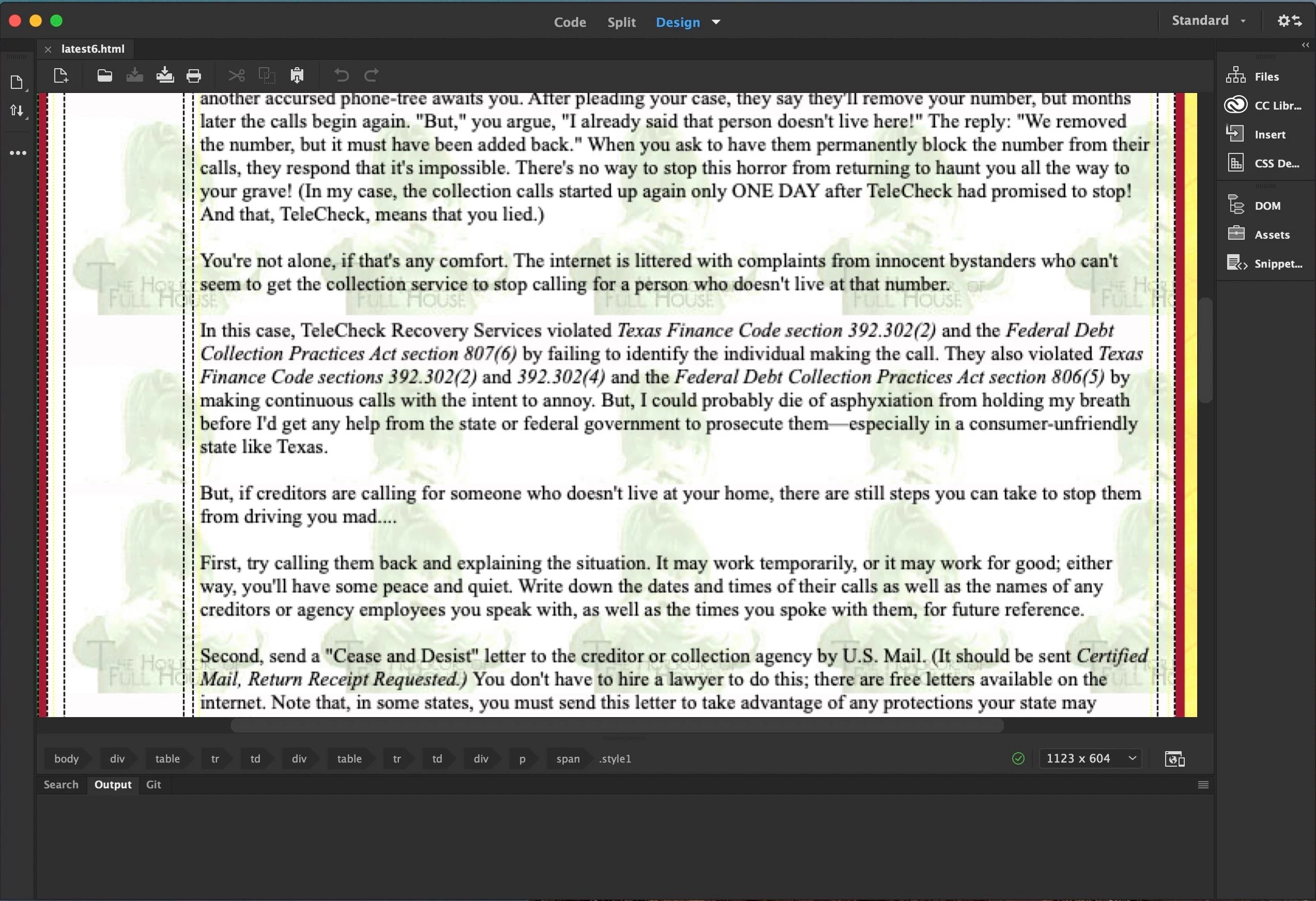
I've included three screenshots. The first shows the window at 100% with the Dreamweaver window having the focus, and the text looks normal. The second shows the window at 150% with the Dreamweaver window having the focus; the text is blurry. The third shows the Dreamweaver window at 150% with the Finder having the focus; the Dreamweaver window text looks normal again.


This topic has been closed for replies.

2 replies

Nancy OShea
Community Expert
Community Expert
December 31, 2022

Aside from the distracting repeating background image, magnification above 100% distorts pixels, that's a given.  Is it any better in LIVE view (Ctrl/Cmd + Shift + F11)?  LIVE view is more like an actual browser than DESIGN.


Best advice, use 100% magnification and increase your CSS font-sizes to something more easily viewed on Retina displays.  See example document below. 


<!doctype html>
<html lang="en">
<head>
<meta charset="utf-8">
<title>My Unique Page Title</title>
<meta name="viewport" content="width=device-width, initial-scale=1">

<style>
body {font-size: 1.16rem}
h1 {font-size: 2rem}
h2 {font-size: 1.75rem}
h3 {font-size: 1.50rem}
li {font-size: 0.85rem}

</style>
</head>

<body>
<!--Javascript document title in header-->
<header>
<h1>
<script>document.write(document.title);</script></h1>
</header>

<main>
<h2>Heading 2</h2>
<p>Lorem ipsum dolor sit amet, consectetur adipisicing elit. Voluptatum rerum beatae minus laborum quam maiores culpa provident, ipsam vel? Esse voluptates omnis ipsum adipisci voluptatem aliquam nesciunt, sint iure. Dignissimos.</p>

<ul>Unordered List:
<li>List Item</li>
<li>List Item</li>
<li>List Item</li>
<li>List Item</li>
</ul>
<ol>Ordered List:
<li>Item</li>
<li>Item</li>
<li>Item</li>
<li>Item</li>
</ol>

<h3>Heading 3</h3>
<p>Lorem ipsum dolor sit amet, consectetur adipisicing elit. Enim nulla vitae et dolore, pariatur molestias eligendi veniam architecto beatae aut adipisci quo, facilis ratione hic neque. Labore animi incidunt, molestiae!</p>
</main>
</body>
</html>


Nancy O'Shea— Product User & Community Expert
Community Expert
December 31, 2022

Is this only happening in Design View? Design View should only be used for estimation and not for a close representation of your layout. For that you should be using Live View.

dlawhonAuthor
Participant
January 12, 2023

It only happens in Design View. I agree that Live View is preferable to use; however, the blurriness in Design View is still an issue that Adobe should address so long as Design View is a part of Dreamweaver. It may have been caused by changes Adobe made in the current version of Dreamweaver, or it may have been caused by changes Apple made in macOS Ventura, or a combination thereof.

Nancy OShea
Community Expert
Community Expert
January 12, 2023

@dlawhon,

Since 2021, Dreamweaver is in minimal maintenance status. No new features are planned except for occasional security & library updates.  So whatever happened to your display, it's nothing that Dreamweaver did.


Suggest you update graphics drivers, adjust display resolution & Font Smoothing settings at the OS level.  See Apple support links below.

https://support.apple.com/en-us/HT201177

https://help.apple.com/pages/mac/4.3/help/English.lproj/pgs/sl15187853.html


Hope that helps.


Nancy O'Shea— Product User & Community Expert