


Participant
March 9, 2020
Question

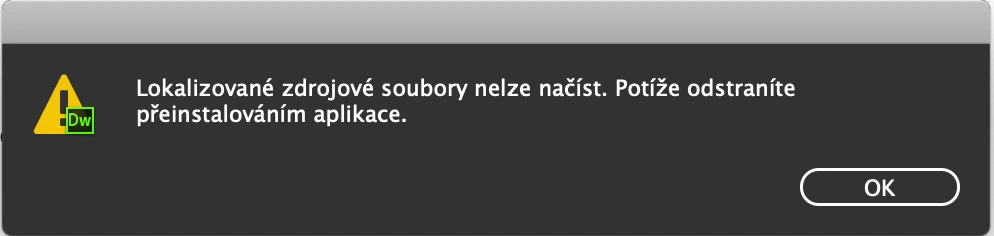
Dreamweaver the localized resource files for this application could not be loaded

  • March 9, 2020
  • 1 reply
  • 1298 views

Hi all,

I can't launch the latest Dreamweaver. I always get a popup:
"the localized resource files for this application could not be loaded"
I've reinstalled the app 3x but without luck :-(. Any idea?

Thanks!
    This topic has been closed for replies.

    1 reply

    hans-g.
    Legend
    March 9, 2020

    Hello Tomas,

    in my library I found this remark:

    "It sounds like you have now moved the application to your desktop or some other directory and then added it to your dock.  Please run the uninstallaer from Applications/Utilities/Adobe Installers and run the uninstaller.  If you have any other Dreamweaver files which you have moved to other locations you will want delete those after running the uninstaller as well. Finally please download and reinstall.  You can find the trial of Dreamweaver at http://www.adobe.com/cfusion/tdrc/index.cfm?product=dreamweaver."


    Hans-Günter

    Participant
    March 17, 2020

    Hi Hans,

    first thanks for your help.

    Well, I've tried to reinstall the app many times. It was caused by regular update from Adobe Creative Clooud :-(.

    It happend on my second Macbook as well. Just complete reinstallation solved the issue :-(.


    Tomas