

Answered
Dreamweaver uploading online
To whom it may concern,
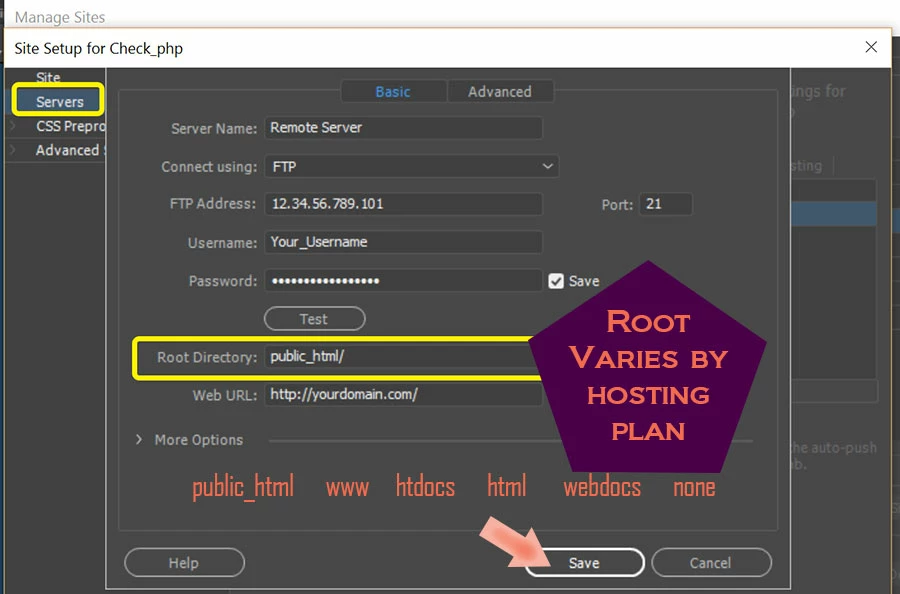
After completing my website how am I able to launch the site on my server?

To whom it may concern,
After completing my website how am I able to launch the site on my server?
Already have an account? Login
Enter your E-mail address. We'll send you an e-mail with instructions to reset your password.

 AdChoices