

MGC-UK
Known Participant
June 30, 2021
Question

Dreamwever 2021 Load failure

  • June 30, 2021
  • 1 reply
  • 1627 views

I have accessed Creative Cloud Desktop and attempted to Open Dreamwever 2021

 

Click on the Open tab,  Dreamwever 2021 starts to Initialise files and then just hangs
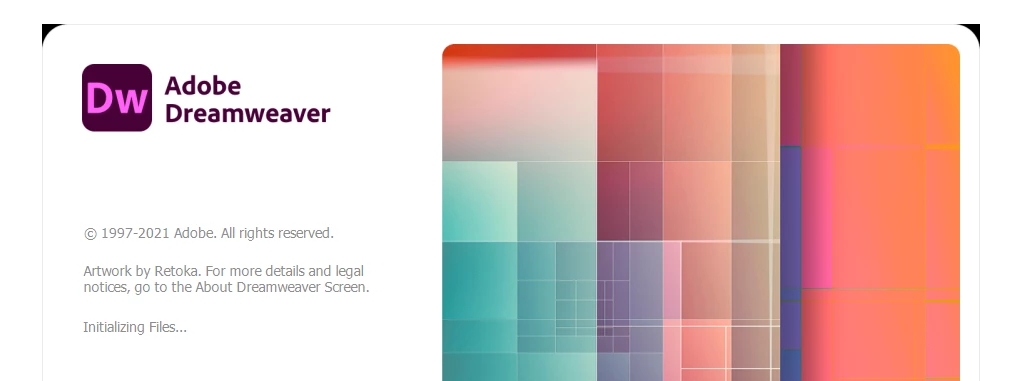
The next stage is for Dreamwever to flag "Not Responding"

This issue has been a problem for the past few days and I need an urgent solution -- particularly as we are paying for the service.

We have  a Windows 10 Pro machine less that 2 week old !!!!

Please advise ASAP how to resolve.

Thank you

Murray

[Email address removed by Moderator]

    This topic has been closed for replies.

    1 reply

    Jon Fritz
    Community Expert
    Community Expert
    June 30, 2021

    Try Restoring Preferences: https://helpx.adobe.com/dreamweaver/kb/restore-preferences-dreamweaver.html


    If that doesn't work, uninstalling/reinstalling from the CC Desktop App will usually solve the issue.

    MGC-UK
    MGC-UKAuthor
    Known Participant
    June 30, 2021

    Hi Jon.  1st comment -- how on earth could I restore preferences when the app doesn't load in the first place -- that aside 🙂


    I have uninstalled Dreamweaver and reinstalled via the Creative Cloud app but still getting the same error.  Just hangs and then throws an error. 


    So what next ??   This appears to be so flakey ??   Help - I need to get on and complete som design changes.


    Thanks

    Murray

    Jon Fritz
    Community Expert
    Community Expert
    June 30, 2021
    quote

    Hi Jon.  1st comment -- how on earth could I restore preferences when the app doesn't load in the first place -- that aside 🙂


    Thanks

    Murray


    By @MGC-UK


    Did you actually attempt to follow the steps provided, to hold down a key combination while starting the program, or did you assume you have to open the program first to modify something in the Preferences menu? 

    If following the instructions doesn't work, you'll probably need to run the CC Cleaner tool to completely remove the program from your machine and start over: https://helpx.adobe.com/creative-cloud/kb/cc-cleaner-tool-installation-problems.html