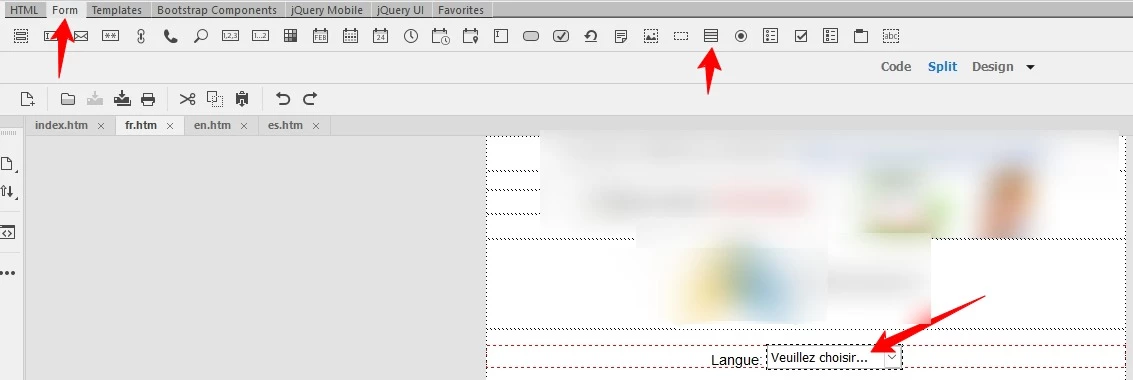
The option under Form > Select Menu is not the same as the Jump Menu from previous versions of Dreamweaver. The actual "Jump Menu" option has been removed from the Insert Window entirely. However, you can still create a Jump Menu with it...
1. Open the Behaviors Window under Window > Behaviors (or Shift + F4)
2. Insert the Form > Select Menu item
3. Click the Select Menu in Design View
4. Click the + in the Behaviors window and select Jump Menu from the options there
5. Click the + icon, and fill in the "Text" and "When selected, go to URL" fields for as many links as you want
6. Hit "OK"
The Jump Menu Behavior will automatically choose to be "OnChange" so it will push your viewer to the link without the need of a <form> tag or Form > Submit button being added. All necessary scripting will be written by DW into a <script> tag the <head> of the page. Though archaic, it should still function correctly in all browsers.




 AdChoices