

[DUPLICATE, LOCKED] How to add a mouse-over in a table?
On our website we use a mouse over under an 'i' like in the picture below.

Now I also want to add an 'i' under which this text will be visible:
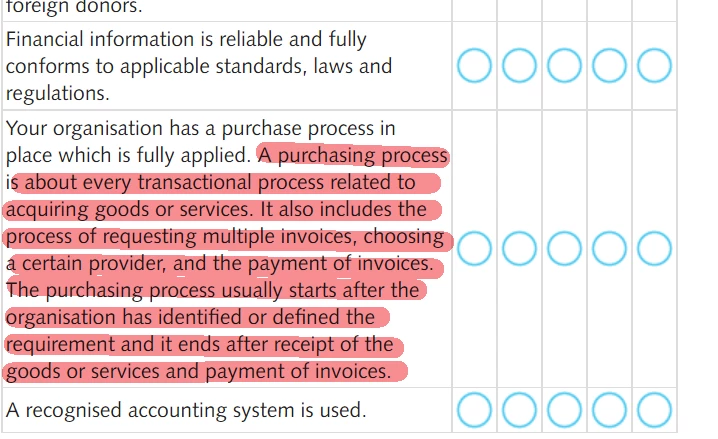
This is what it is like now, I'm using Dreamweaver:

I tried adding it the usual way with <span></span> and also tried <a href=" ">TEXT</a>
When using the <span> option the entire table disappears from my website and when I use the <a> option it just adds the coding to the plain text visible on the site (so on the website you actually see <a>TEXT</a>.
Since that didn't work I tried to mark the text italic with <i></i> so at least it looked different from the rest, that didn't work either and got the same result as with the <a>.
Can anybody help me out? Usually I contact our webbuilder (I am only a beginner, my job is maintaining the website and add/remove stuff and do some basic coding.) but today is his first day of a 3 week holiday. My GUESS is that is has to doo with an overload of """""", but no idea how to solve it!
Thanks in advance!


 AdChoices