Aidy_Sun
Known Participant
June 1, 2018
Answered

DW 18.1 shows transparent gif background as black on Windows

  • June 1, 2018
  • 2 replies
  • 2452 views

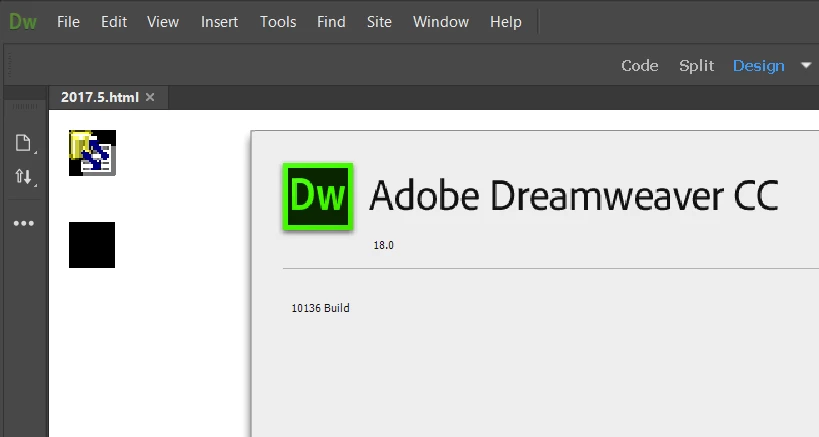
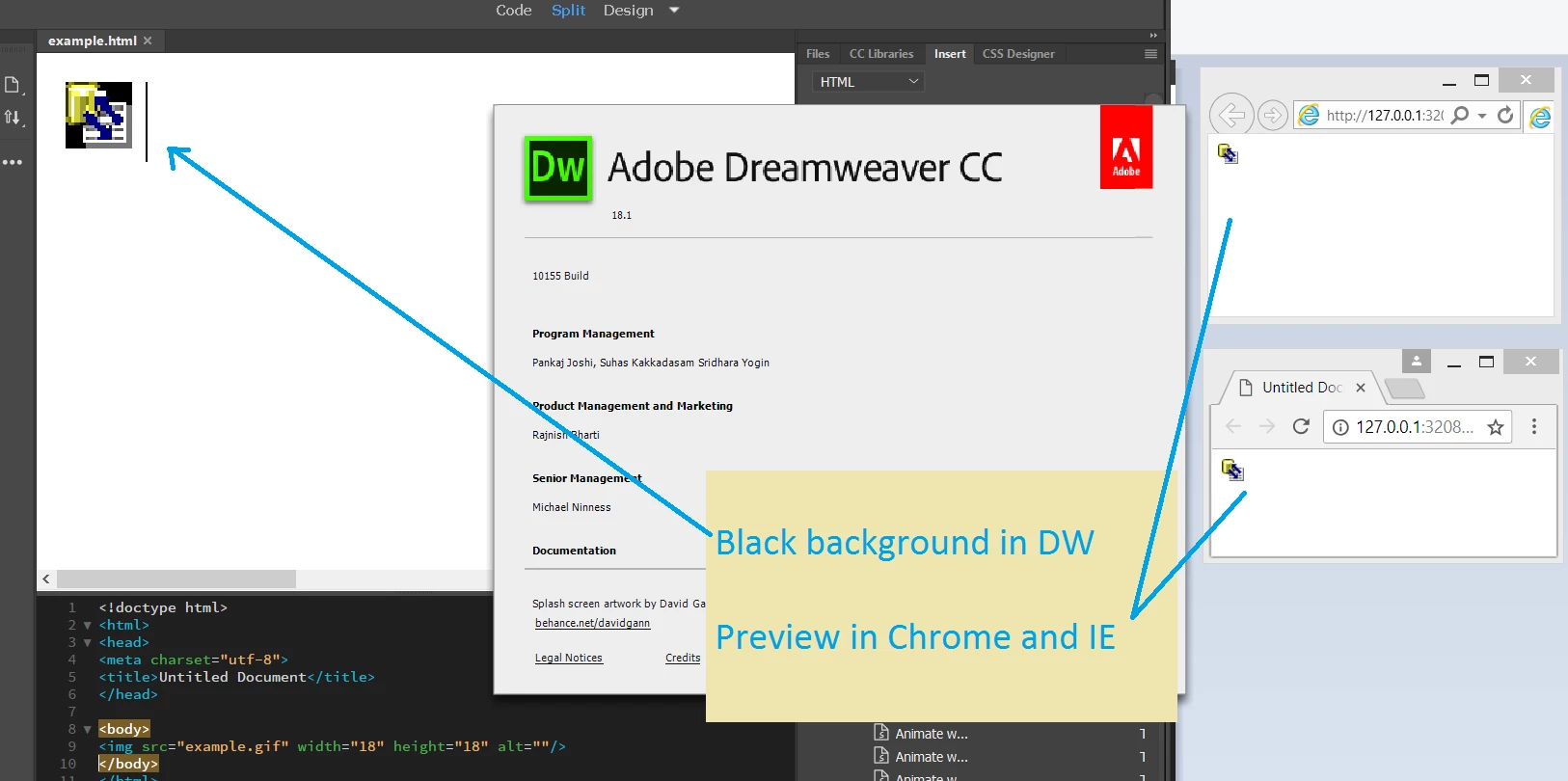
Inserting a GIF image with transparent background, DW renders its background as black.

It shows correctly when previewing in Chrome and IE. And on macOS, DW 18.1 renders it correctly as well.

Please refer to the attachments for the screen-shot.

Is this a bug of DW on Windows?
Thanks,

Aidy
    This topic has been closed for replies.
    Correct answer Kratika Agarwal

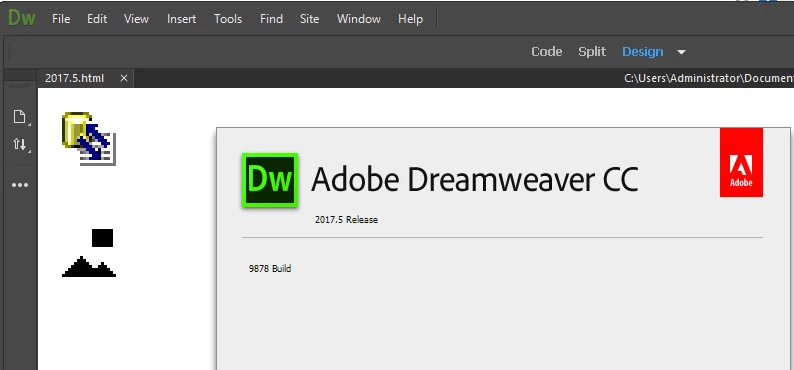
    I tried both 2017.5 and 2018.0 in another machine, still got black background in 2018. But it is correct in 2017.5.

    By the way, I'm running DW in VMware VM, Windows 8.1 x64 Enterprise.

    2017.5 :

    2018.0 :


    Hi,

    Thanks for reporting the issue. We have logged an internal bug on this issue.

    Will keep you posted with update on this issue.

    Thanks

    2 replies

    ALsp
    Legend
    June 1, 2018

    There must be something wrong with the image file. I normally use CS6, but your assertion piqued my interest. Adobe has neither improved nor degraded design view for many, many years. It still sucks, but it does seem to display transparent GIFs just fine... at least when I create them. If you notice in the screen capture, the large image on the page is transparent, allowing the page background to show through. You will also notice my Insert Bar. The icons are ours and each is transparent.

    Am I not understanding your issue?

    Screen Capture form DW 18:

    Aidy_Sun
    Aidy_SunAuthor
    Known Participant
    June 1, 2018

    Hi ALsp,

    I set the background color, the image background still be black. Actually we found the issue because that is an icon we used in our extension on panel. We have been using for many years in DW.

    Yes, it is possible the issue is cause by the image file itself. I am not quite sure about it as well. You may have a try with it (small icon attached below), because I'm not sure whether we are using the same version of DW. I met the issue in version 18.1 and 18.2, on Windows only, haven't try 18.0 yet.

    ALsp
    Legend
    June 1, 2018

    I'm using the latest version of 18 from the cloud. While I would never use Dreamweaver 18 (or any of the CC versions) for production, I do have it installed for testing.

    We've been making Dreamweaver extensions for 20 years. The icons on the Insert Bar (you can turn the CC insert panel into a bar like previous versions, in case you were wondering) are for our extensions. They are Alpha Transparent GIFs and they work and display just fine. No black backgrounds.

    We use Fireworks to creative and optimize our extension icons. I've included one here:

    BenPleysier
    Community Expert
    Community Expert
    June 1, 2018

    You could see it as a bug. In fact, Design view is not based on a modern rendering engine and should never be regarded as a true reflection of the document.

    If you have a look at the design in Live view, which is based on a (superseded) rending engine, you will probably find that all is OK.

    Wappler is the DMXzone-made Dreamweaver replacement and includes the best of their powerful extensions, as well as much more!
    Aidy_Sun
    Aidy_SunAuthor
    Known Participant
    June 1, 2018

    Thank you for your reply, BenPleysier.

    I have already reported it as a bug in Windows DW 18.1 shows transparency gif background as black – Adobe Dreamweaver CC: Feature Ideas. This is a regression bug.

    This issue doesn't only happen on canvas, but also on UI. Our extension is using some gif on panel as well. Hope Adobe DW team could fix it in next update, soon.