

Grampz
Participating Frequently
August 23, 2020
Question

DW 20.2 15263 Build Crashing while adding an Image from file

  • August 23, 2020
  • 1 reply
  • 229 views

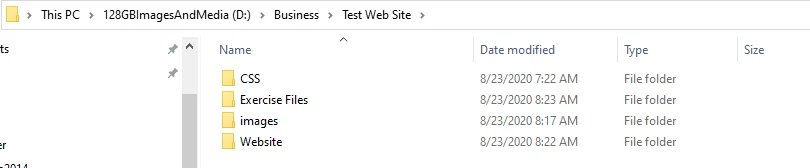
I have my Website file location on a USB 3.0 128GB Thumb Drive, could this be why Dreamweaver is crashing when trying to add an image to the webpage? 


Windows 10 Pro 1909 18363.1016  i7-8700 16GB Ram C drive on m.2 1TB

    This topic has been closed for replies.

    1 reply

    Nancy OShea
    Community Expert
    Community Expert
    August 23, 2020

    Yes.  For best results, move your local site folder onto your primary hard drive, not a cloud drive.


    Nancy O'Shea— Product User & Community Expert
    Grampz
    GrampzAuthor
    Participating Frequently
    August 24, 2020

    Thank you so much for your reply!

    I  started from scratch on the C drive and the same problem. Dreamweaver crashes when I try to add the background image. I am fowling a LinkedIn learning tutorial for Dreamweaver.  Need to understand what the problem is here so I may move forward. going to Skip using images for now, until I can get this sorted out.   😞

    The Image file I was trying to use is 


    Grampz
    GrampzAuthor
    Participating Frequently
    August 24, 2020

    UPDATE: if I directly code the images into the CSS 

     background-image: url(../images/bkgd.jpg);

    it worked fine. I am assuming there is a cache corruption or some other internal error with Dreamweaver that is happening.  My DW version is up to date. Are there other dependencies that I need to check fo updates?  Is there a cache that needs to be cleared?