Participating Frequently
September 24, 2020
Question

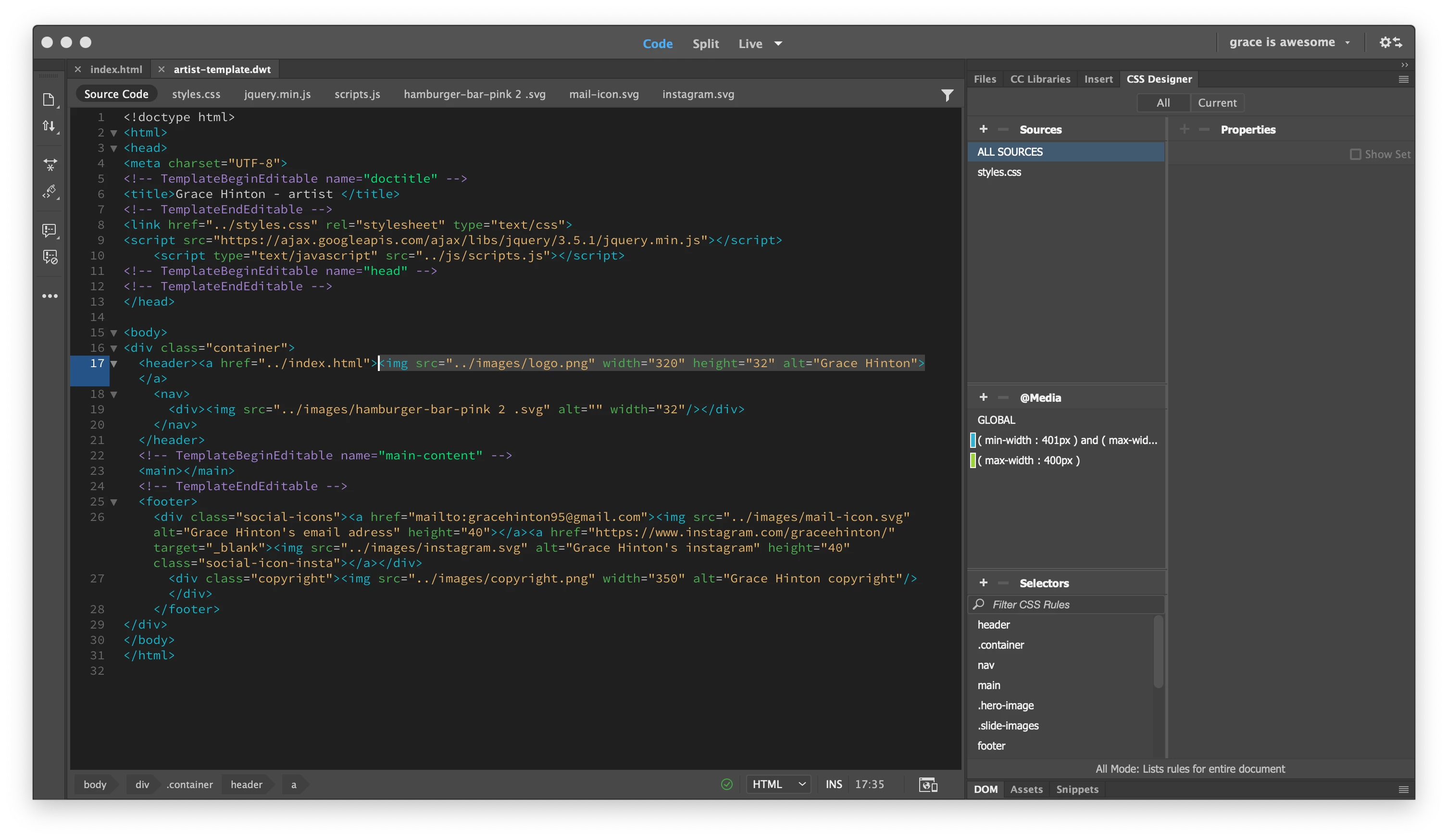
editable region of template will not stay activated

  • September 24, 2020
  • 1 reply
  • 396 views

Hi All, 

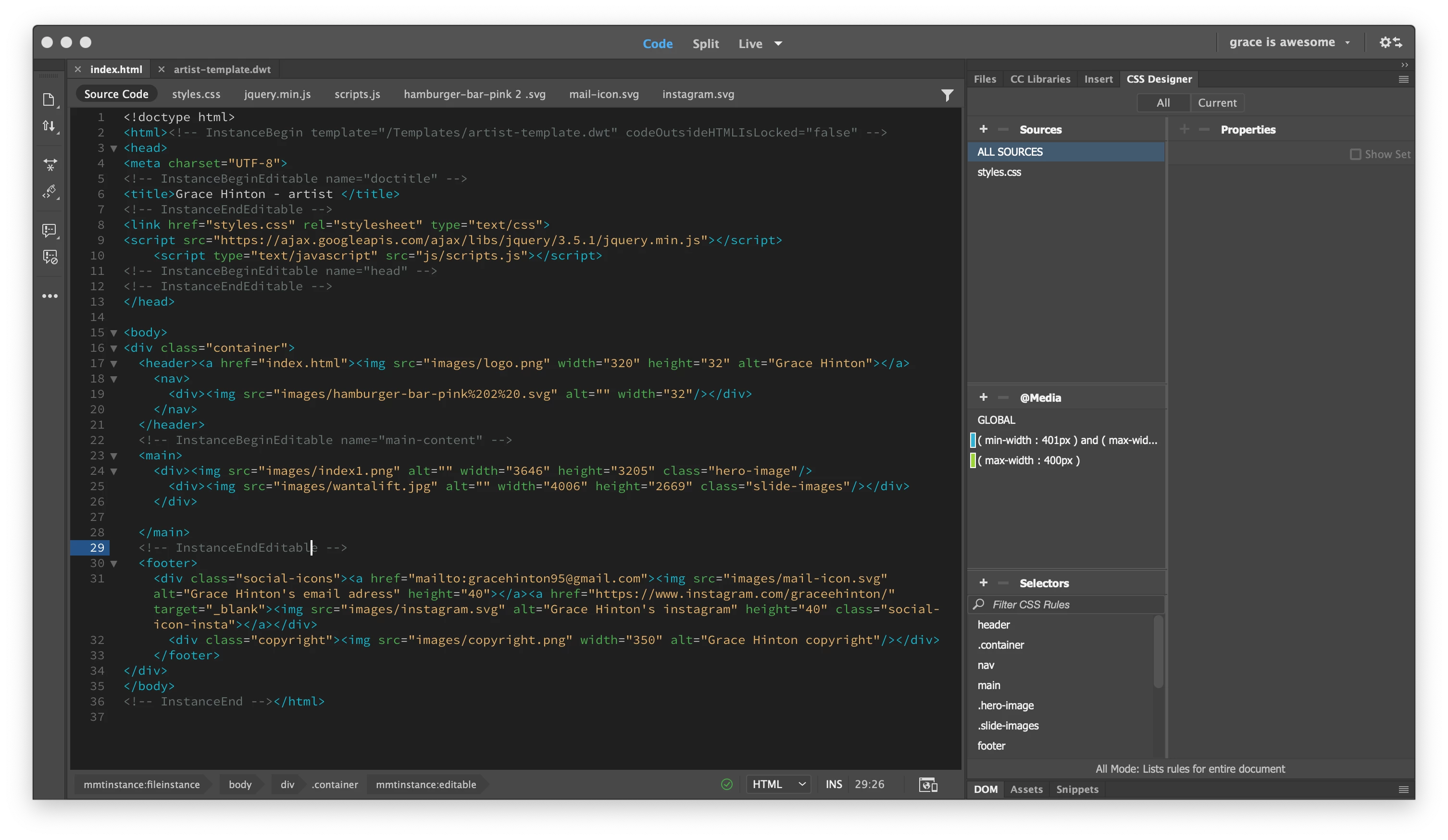
I am a beginner to Dreamweaver but have been following a tutorial. I have created a template created an editable region which is "main."  I have created a new index.html which is linked to my template. Initially when I saved the document the editable region wasn't activated so did it by going to - tools -> template ->apply the template to the page. After saving it a few times it doesn't activate an editable region and I can't "apply the template to the page." Does anyone know how I can keep the editable the only region activated? 


    This topic has been closed for replies.

    1 reply

    Nancy OShea
    Community Expert
    Community Expert
    September 24, 2020

    To work with Templates, switch to Design from the document toolbar.


    To spawn a child page from a DWT Template:

    1. Go to File > New > Site Templates > choose a site and Template. 

    2. Check the box for Update page when Template changes.  

    3. Hit Create button.

    4. File > SaveAs index.html (your site's home page) or filename.html.

    5. Repeat for other child pages.


    Below is a screenshot of my child page in Split view.  Everything outside the Template's Editable Region is locked (grayed out).


    Nancy O'Shea— Product User & Community Expert
    Grace0D4DAuthor
    Participating Frequently
    September 24, 2020

    Hi Nancy, 


    Thank you for your comment and help.


    This is what I have been doing to create a new page with the template, initially everything is greyed out until I save it and the editable region becomes everything rather than what I have chosen. So when I create new pages it deleted what I have created on previous pages.  I  apply the template manually by going to tools -> template ->apply the template to the page. This seems to somewhat work until a few hours later and it reverts back to when I initially save it where nothing is greyed out and everything is editable 😞

    Nancy OShea
    Community Expert
    Community Expert
    September 24, 2020

    Which version of DW?

    Are you working in a defined local site folder that resides on your primary hard drive and not a cloud or networked drive? 

    That's a critical first step.  Without a local site folder, DW cannot manage assets for you.


    Nancy O'Shea— Product User & Community Expert