
Participating Frequently
April 28, 2021
Question

Email Template Text not viewing correctly

  • April 28, 2021
  • 3 replies
  • 173 views

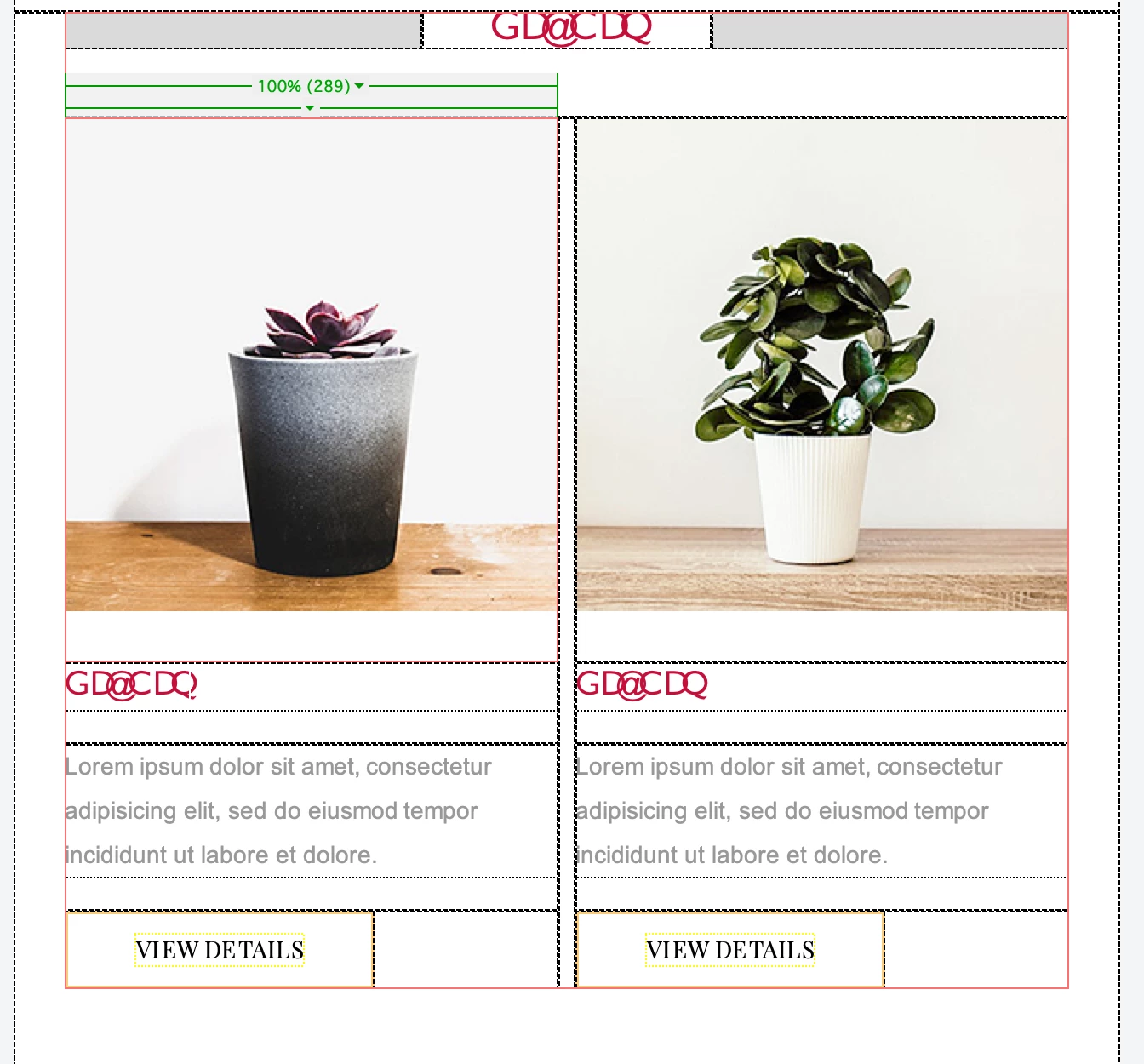
Hi Guys, Im working on an email template for mailchimp, but in the VIEW> Split > Code-Design view the Headlines are not viewing correctly. The headline text is red and has appeared as GD(at)CDQ as the snapshot enclosed. (It actually just says HEADER in the live view which is correct) Anyone know why this is happening? Appreciate the help.
 

    This topic has been closed for replies.

    3 replies

    Nancy OShea
    Community Expert
    Community Expert
    April 28, 2021

    @AnthB,

    I suspect your MailChimp Template many contain some special code they use on their end which doesn't render correctly in Design view.  On the other hand, Live view is more accurate because it emulates a Chrome browser. But as already stated, we need to see the code to help you.  Copy & paste it into a web forum reply with the </> icon.  Do not use email to reply, your code won't come through.


    Nancy O'Shea— Product User & Community Expert
    BenPleysier
    Community Expert
    Community Expert
    April 28, 2021

    Please copy and paste the code here.

    Wappler is the DMXzone-made Dreamweaver replacement and includes the best of their powerful extensions, as well as much more!
    Jon Fritz
    Community Expert
    Community Expert
    April 28, 2021

    Without seeing the code of the page, it's all guesswork.

    Please copy and paste the code of your page into a forum reply so we can take a look.