
Inspiring
May 23, 2019
Answered

Error Message: "Failure to Start the Upload"

  • May 23, 2019
  • 2 replies
  • 2391 views

Hi:

All of a sudden this morning, Dreamweaver fails at uploading files that had been uploaded during the last three days. Here's a screenshot of the error message I got that I've never seen before. It shows that one file that had previously been uploaded, wouldn't upload today . . .
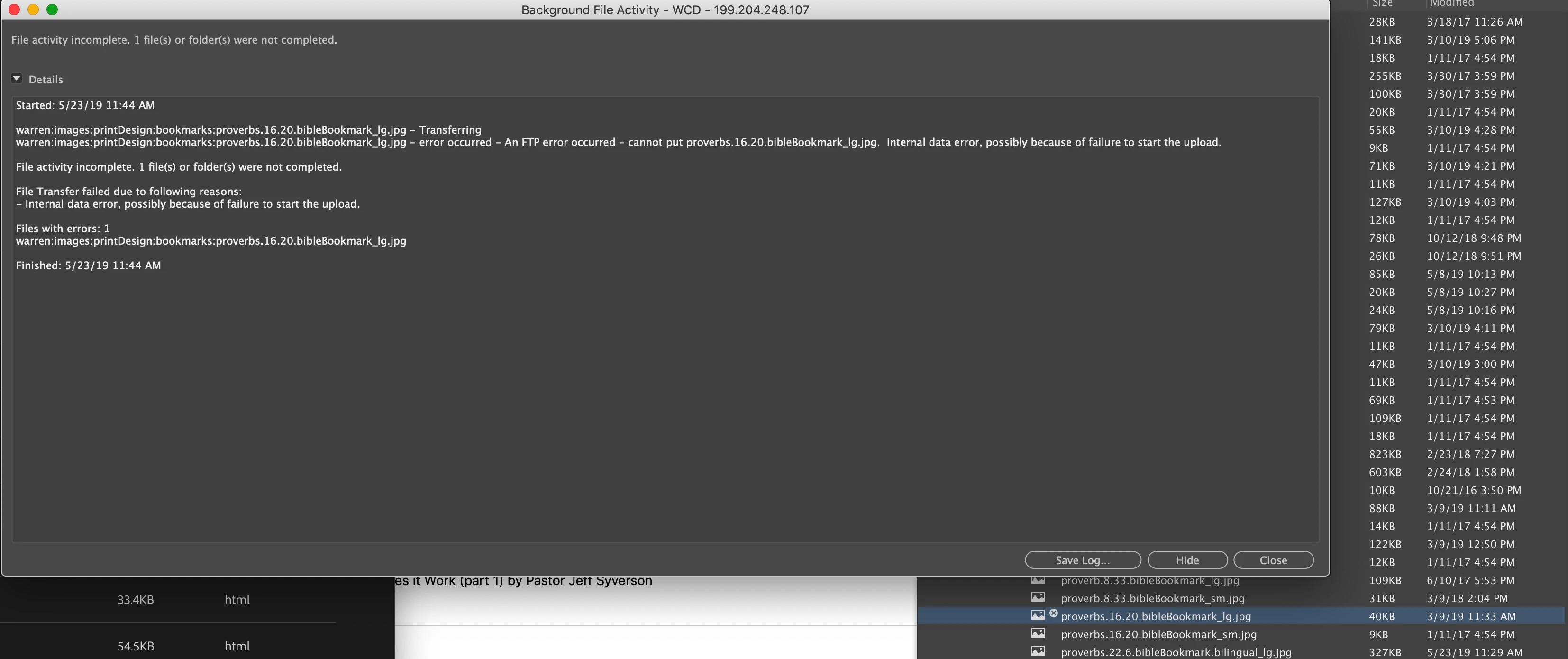
So, I quit DW and my other open apps and restarted my iMac (running Mojave) hoping that would reactivate DW appropriately. It didn't.

Then I selected a random group of files and attempted to put/upload them. For no apparent reason, the majority of files failed to upload. None are particularly large. Each error message suggests that there was "a failure to start the upload."
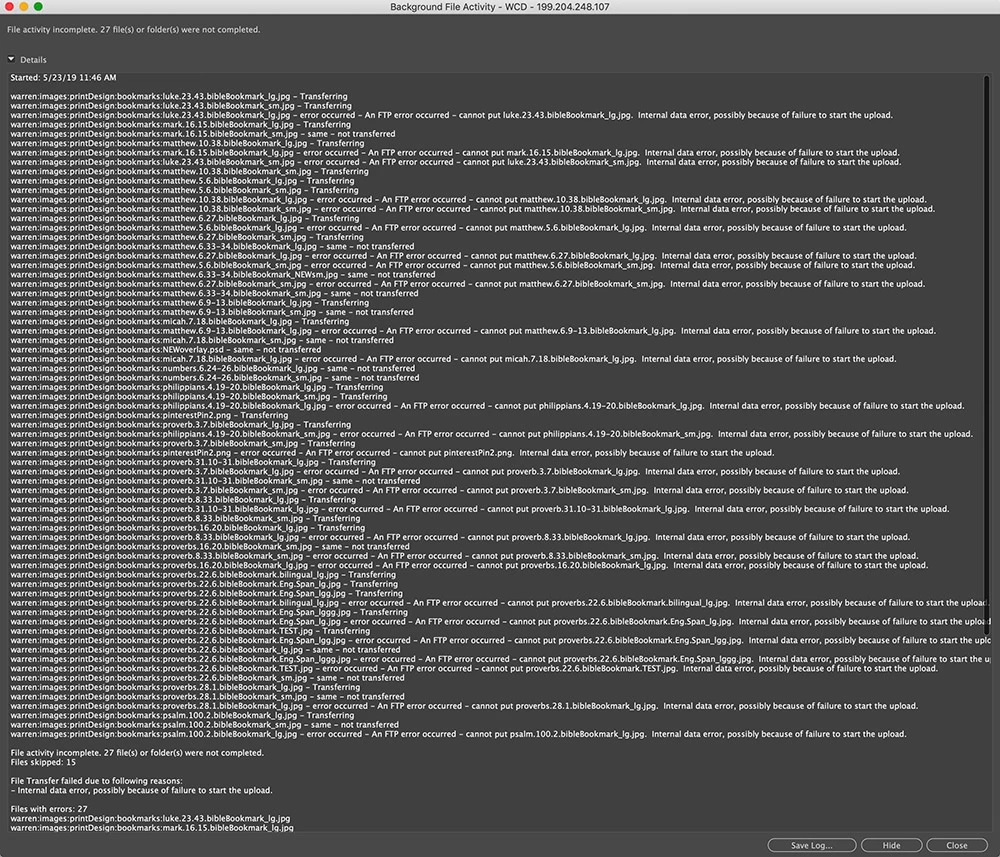
Is this a DW problem or a remote server problem? If it's a DW problem, what must I do to get DW to cooperate with a simple directive to put files (new and existing) to the remote server?

Please help me regain DW's functionality so I can update my client's page. Thank you very much.

Warren

_______

This topic has been closed for replies.
Correct answer Paul-M

Hi Warren,

Similiar discussion here might be useful Internal data error possibly because of failure to start the upload  .... Have you checkd with your host that they haven't had any issues at their end?

2 replies

Nancy OShea
Community Expert
Community Expert
May 23, 2019

Can you upload files with an FTP client like Filezilla or Cyberduck?

If the server is full, it won't accept new uploads until you remove some files.

Nancy O'Shea— Product User & Community Expert
wcampAuthor
Inspiring
May 23, 2019

Thank you very much, Paul and Nancy!

After sending my forum inquiry, I took a lunch break. Now that I'm back, I tried to put/upload the same selection of files, and they uploaded quickly and completely; no error message.

Obviously, my host/server must have had a surprise break in its FTP functionality. I trust that I'll remember to check with the host/server regarding future FTP uploading failures before going to the DW forum.

I'm sorry to have inconvenienced you two. I'm pleased to have access to this informative and helpful forum.

Sincerely,

Warren

_______

Participant
June 18, 2020

I'm having the same issue, and this is the only post I've found on it. Possibly related: when I try to add new files by dragging them into DW, the pdfs appear as folders instead of files and cannot upload at all--DW sees no content, just the name.


When I put them in the root folder, DW does see them as pdfs (see the second one called "Saunt Rus" above), but when I try to upload I get the same message as the previous user:

If a file is already in DW, I can edit it and put it, and pdfs already in DW upload fine. But anything new does not work. Our IT says nothing has changed on their end. Would love some help. Thanks!

Paul-MCorrect answer
Legend
May 23, 2019

Hi Warren,

Similiar discussion here might be useful Internal data error possibly because of failure to start the upload  .... Have you checkd with your host that they haven't had any issues at their end?

Paul-M - Community Expert