Participating Frequently
March 28, 2024
Question

ESLint javascript dreamweaver error

  • March 28, 2024
  • 3 replies
  • 476 views

no me muestran los errores de javascript, como se activa el ESLint o configura?
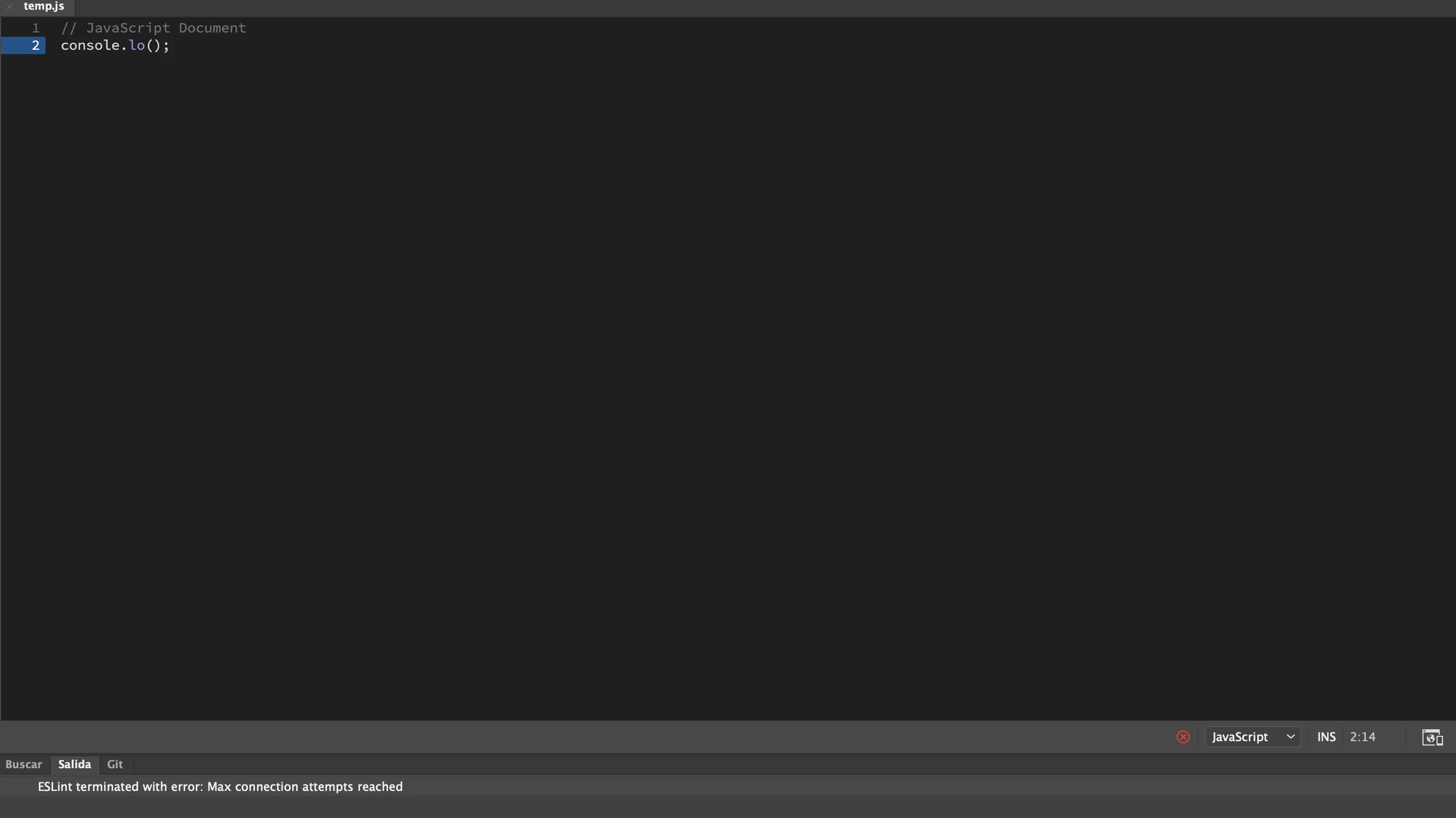
 siempre aparece ESLint terminated with error: Max connection attempts reached

This topic has been closed for replies.

3 replies

Participating Frequently
March 31, 2024

El detalle es que yo sí lo quiero y lo necesito y aunque lo activo no funciona siempre marca el error de tiempo maximo cuando tengo un archivo de JavaScript abierto y nunca muestra los errore ni tampoco advertencias y no me da opciones de completar código no funciona nada en archivos JavaScript en HTML y css si funciona 

Nancy OShea
Community Expert
Community Expert
March 31, 2024

Save the file.

Close Dreamweaver.

Restore Preferences as described below.
https://helpx.adobe.com/dreamweaver/kb/restore-preferences-dreamweaver.html


Nancy O'Shea— Product User & Community Expert
Participating Frequently
March 31, 2024

I already did that option, I even uninstalled DW and reinstalled it, I have updated it, and only with javascript does that happen,  I don't know if it's my computer, they told me in other forums that it could be the permissions of the folders where the ESlint file is, another forum says that it is the firewall permission of my computer, I chose to format my computer and only install DW and nothing happened it keeps giving that error,  And the same thing happened to me with the activation of GIT, I couldn't activate it either, although that is from another forum but I have not been able to solve it either

Nancy OShea
Community Expert
Community Expert
March 30, 2024

Code Linting is an option in your Preferences panel (Ctrl + U).  You may opt to use it or not. It's your choice.


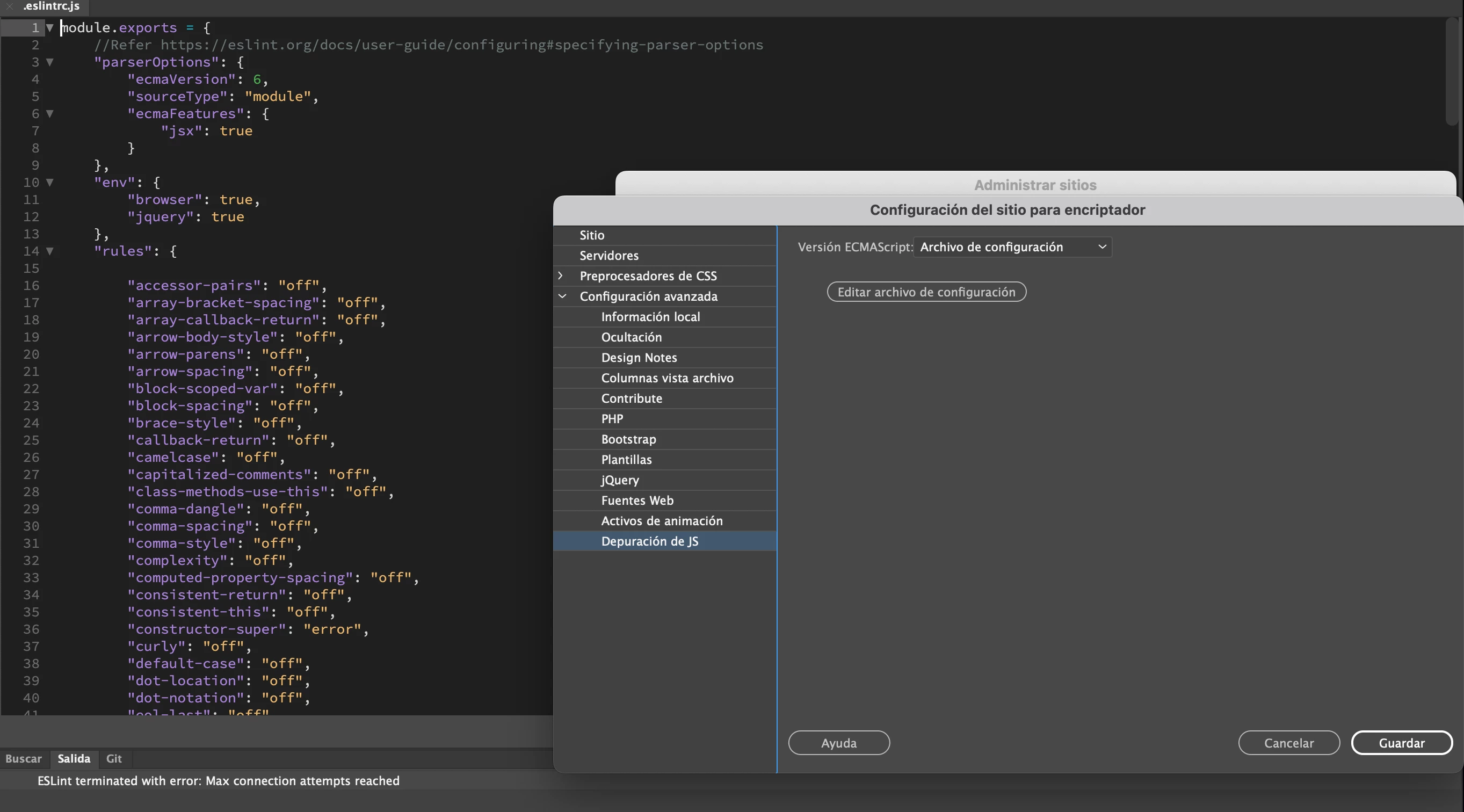
Site Setup:

Nancy O'Shea— Product User & Community Expert
Community Expert
March 29, 2024

The only details I can find on this are related to Brackets which Dreamweaver was based on. I don't know if you can disable extensions from within DW like they mention with brackets from this thread ( https://github.com/brackets-userland/brackets-git/issues/410 ), but if you can't, you could try going to preferences --> linting and disable linting to get rid of the error. But as Dreamweaver is in minimal maintenance mode the odds of getting fixes are slim so you may want to consider looking into a more modern code development tool that meets the needs of your workflow.