Participant
April 1, 2018
Answered

External HTML Page Error

  • April 1, 2018
  • 1 reply
  • 333 views

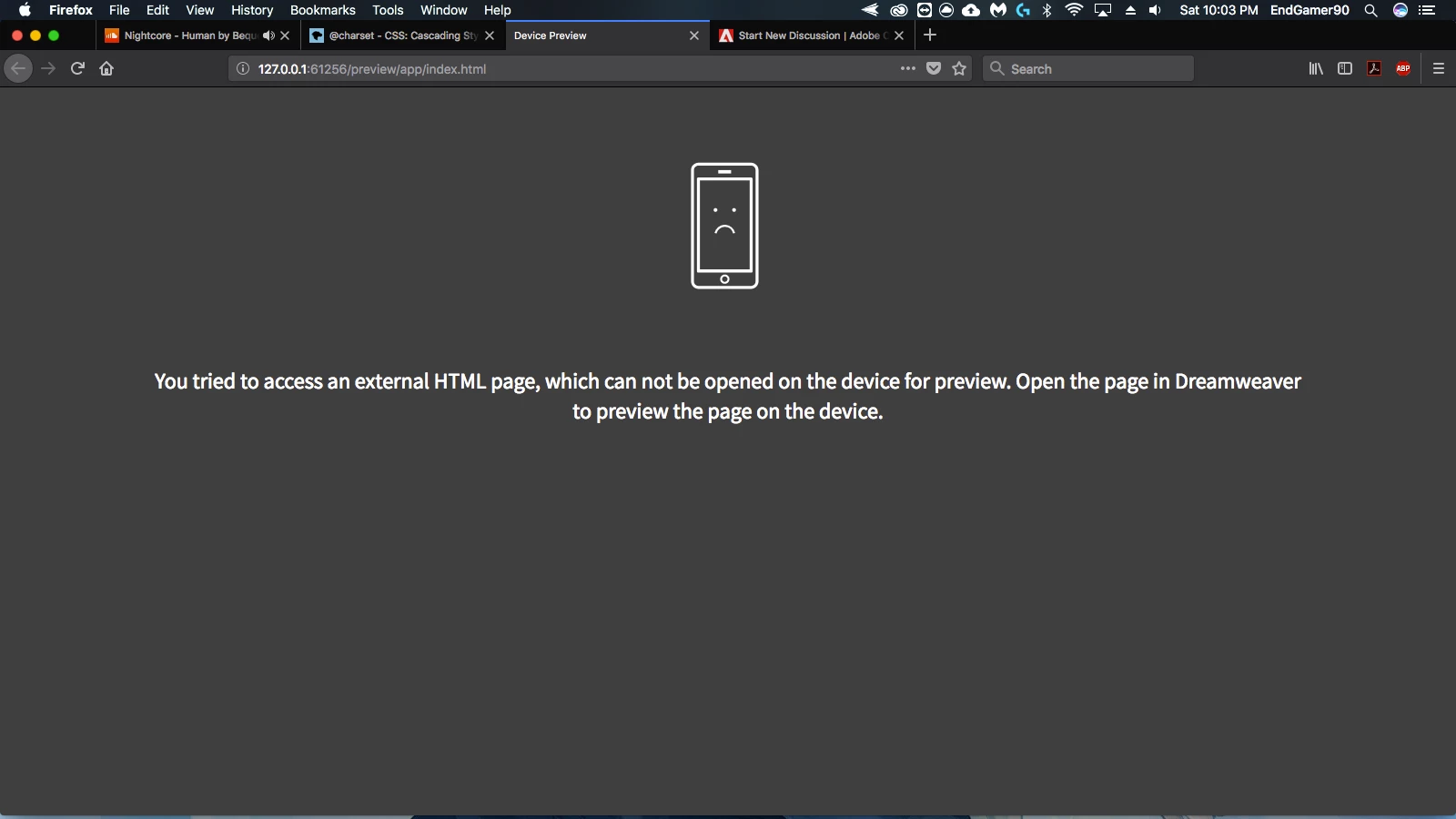
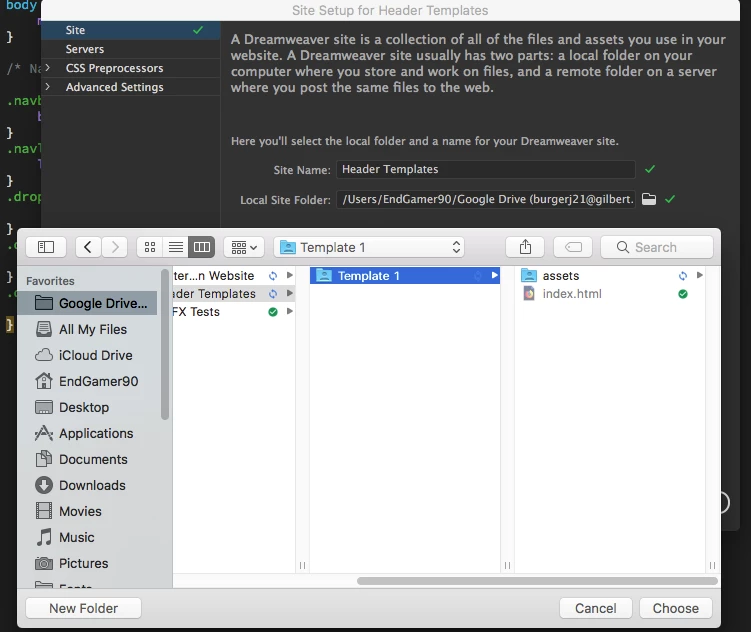
I am trying to live Preview a site in Mozilla Firefox through Dreamweaver but it says I am running it through a external source. I have a site Defined in the root folder of the website but it says it is external. My root folder is stored in Google Drive if that helps, here are some Screenshots

If you could Help me with this that would be awesome, thank you

This topic has been closed for replies.
Correct answer BenPleysier

I may be wrong, but I do not think that you can do a Real-Time Preview (RTP) when the files are not located on the local machine. I say this because RTP creates a port on the local machine as in

http://127.0.0.1:49270/preview/app/index.html

The actual HTML page resides in an iframe within the preview document. (very strange construction)

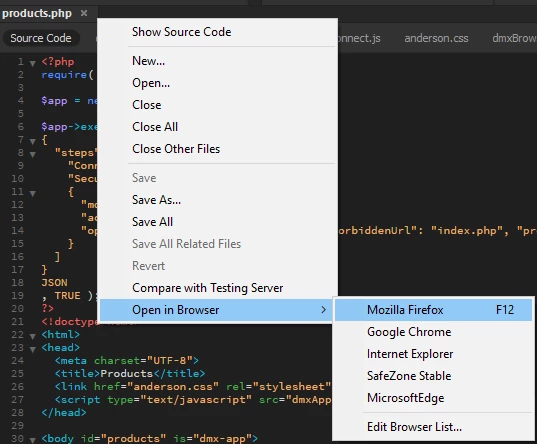
You will be able to view the page by clicking the document name tab and choosing the browser as in

1 reply

BenPleysier
Community Expert
BenPleysierCommunity ExpertCorrect answer
Community Expert
April 1, 2018

I may be wrong, but I do not think that you can do a Real-Time Preview (RTP) when the files are not located on the local machine. I say this because RTP creates a port on the local machine as in

http://127.0.0.1:49270/preview/app/index.html

The actual HTML page resides in an iframe within the preview document. (very strange construction)

You will be able to view the page by clicking the document name tab and choosing the browser as in

Wappler is the DMXzone-made Dreamweaver replacement and includes the best of their powerful extensions, as well as much more!
Participant
April 1, 2018

It has worked in the past when I did it I don't know why it isn't working now