
Known Participant
September 10, 2018
Answered

External links not working Dreamweaver CC 2018

  • September 10, 2018
  • 3 replies
  • 4899 views

Hi!

I am currently coding a website on dreamweaver CC 2018 and I have a problem with my external links, sometimes they work, sometimes they don't, I don't really understand how it works, I read somewhere that it's because it's supposed to have a " proper server path " and not a "local path"

But i don't really understand what it means, and how to fix it.

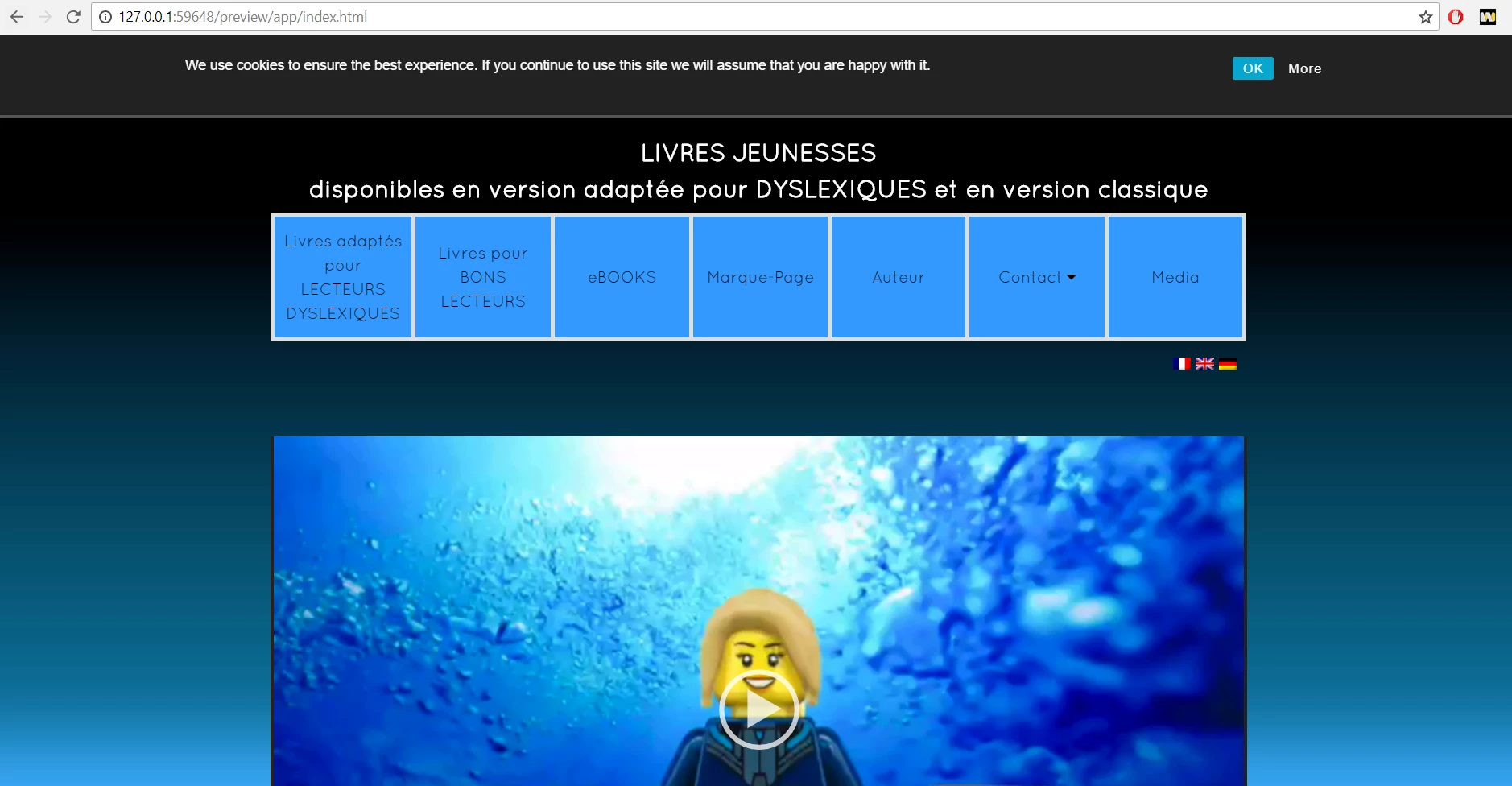
Here's an example of a link that works, and the result on the preview
And a link that DOESNT work  and the result on the preview
I really hope i can sort this out with your help !

This topic has been closed for replies.
Correct answer Jon Fritz

Looks like you're using Adobe's Real Time Preview.

Try using Open in Browser instead...

1. Right click on the file name in the Files panel to access a context menu
1a. If your documents are set as tabs in your application frame, you can alternatively right click the document's named tab
2. Within the menu that comes up will be the option "Open in Browser", choose that

This works like the old Preview in Browser by opening your local file within one of your browser windows directly. Real Time Preview on the other hand, shows you your page within a frame on Adobe's servers.

3 replies

Participant
January 9, 2020

@Jon_Fritz_II 

Is there an issue with adobe Dreamweaver real-time previewer? I had a similar issues with some local links working, others just not going anywhere - I spent hours troubleshooting, but when I checked the site using Atom, everything worked fine, all the links were perfect. I'd still like to understand what the issue is.  

Jon Fritz
Community Expert
Community Expert
January 9, 2020

Real Time Preview has always been, at best, hit or miss for me. I don't know what the issue is, but I also don't like the feeling of having my site on Adobe's servers in order to preview what I'm doing with it. It just seems... "off" to me.


Personally, I don't even try to use it anymore, once I found a way to disable it in the program files. Now Adobe has given us control over it through the Preferences though...

1. Go to Edit > Preferences > Real-time Preview
2. Check the box for Default to Static Browser Preview at the top of the window
3. Hit Apply


Participant
January 9, 2020

Thanks for the reply, I used static viewer as you suggested and seems to be working well.  I appreciate the response! 

Jon Fritz
Community Expert
Jon FritzCommunity ExpertCorrect answer
Community Expert
September 10, 2018

Looks like you're using Adobe's Real Time Preview.

Try using Open in Browser instead...

1. Right click on the file name in the Files panel to access a context menu
1a. If your documents are set as tabs in your application frame, you can alternatively right click the document's named tab
2. Within the menu that comes up will be the option "Open in Browser", choose that

This works like the old Preview in Browser by opening your local file within one of your browser windows directly. Real Time Preview on the other hand, shows you your page within a frame on Adobe's servers.

Known Participant
September 10, 2018

Thanks ! This is it! everything works now

BenPleysier
Community Expert
Community Expert
September 10, 2018

Could it be that port 59648 is in use when you try the second instance?

Is there a reason for using a port?

Wappler is the DMXzone-made Dreamweaver replacement and includes the best of their powerful extensions, as well as much more!
Known Participant
September 10, 2018

BenPleysier

Excuse me, where do you see that port? honestly i did the two links the exact same way ;w;