
Participant
July 10, 2020
Question

F12 stoped working

  • July 10, 2020
  • 2 replies
  • 409 views

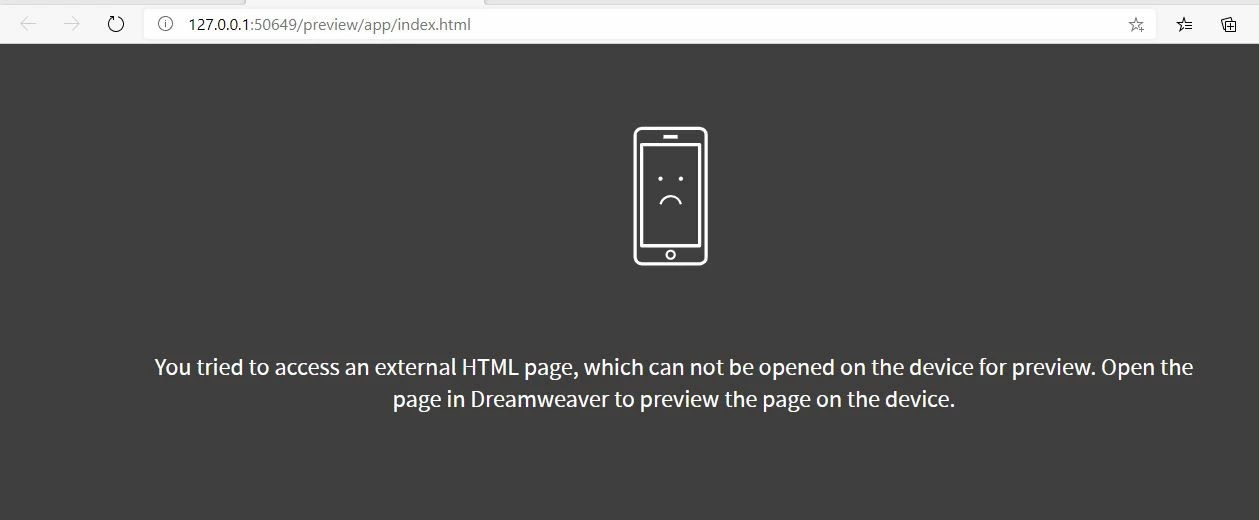
it was working fine then just stopped, I just get a page that says


"You tried to access an external HTML page, which can not be opened on the device for preview. Open the page in Dreamweaver to preview the page on the device." 


I looked through the help files in this forum and most suggest that I use the "open in browser" command and that does work but it is not the same function as the live preview.


any ideas I am using 20.1 on win 10
 
This topic has been closed for replies.

2 replies

Jon Fritz
Community Expert
Community Expert
July 13, 2020

Are you working from within a Defined Site and is that site definition selected in the Files window?


Nancy OShea
Community Expert
Community Expert
July 10, 2020

Real-Time Preview is hit & miss.  Sometimes it works, sometimes it doesn't.  I've found it won't play nice with my local testing server so I turned it off in Preferences.  Old fashioned Preview in Browser works every time. 


That said, a few things you can try:

1. Restart your computer. Open a valid HTML document.  Hit F12.

2. Restore Preferences.
https://helpx.adobe.com/dreamweaver/kb/restore-preferences-dreamweaver.html

3. Contact technical support via online chat.

https://helpx.adobe.com/contact.html


Nancy O'Shea— Product User & Community Expert
Scott449Author
Participant
July 12, 2020

ya finding that too  Real-Time Preview is a really useful feature.