wendyl29721449
Participant
May 3, 2018
Answered

file shows only strange code with ? when opening

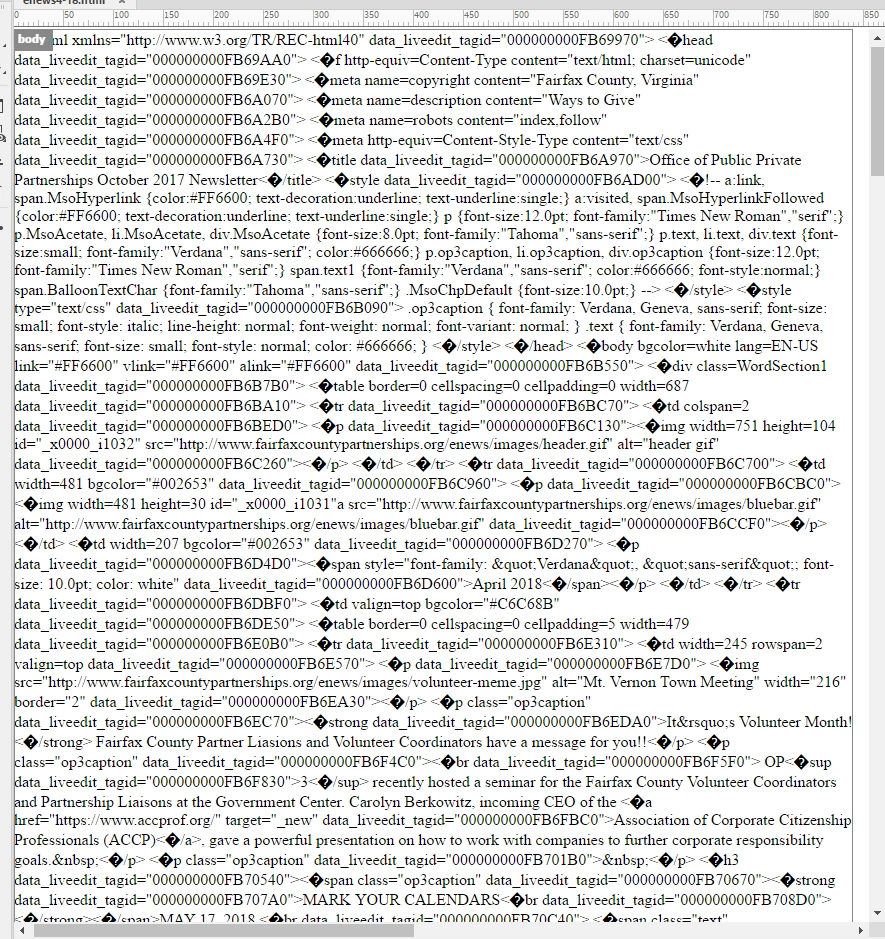
We just switched from Dreamweaver5 to  DreamweaverCC 2018. All the files appear to be working fine in the new Dreamweaver, except our collection of newsletter files.  When we open any of these files this is what shows on the screen. I tried cleaning up the code, but no luck.  What might make the file open and look like this?
This topic is closed to new replies. Start a new post to keep the conversation going.
anissa_thompson
anissa_thompsonCorrect answer
Community Expert
May 7, 2018

Hi Wendy -

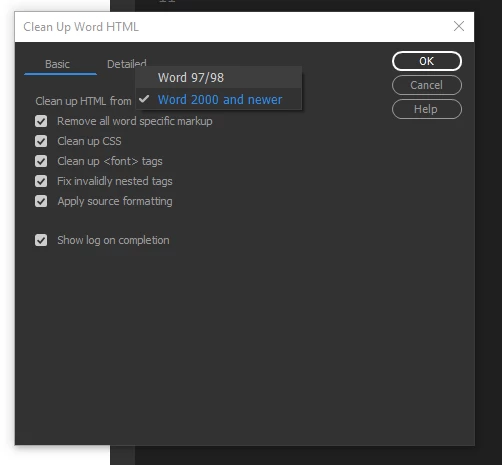
Did you attempt to run Tools > Clean Up Word HTML?

Hope this helps! Make sure to press "✔ Correct Answer" on this post if this answers your question. Happy Creating!Anissa • @anissat

8 replies

Nancy OShea
Community Expert
Community Expert
May 4, 2018

Which software was used to create the Newsletters please? 

Translate
Nancy O'Shea— Product User & Community Expert
Nancy OShea
Community Expert
Community Expert
May 6, 2018

This suspiciously looks like junk code generated in Microsoft Office. 

Translate
Nancy O'Shea— Product User & Community Expert
pziecina
Legend
May 6, 2018

https://forums.adobe.com/people/Nancy+OShea  wrote

This suspiciously looks like junk code generated in Microsoft Office. 

Mso = Microsoft office.

Which indicates Ms Word or Publisher was used to create the newsletter. That along with the data_liveedit being used means that Word or a Word clone is most likely the source.

Translate
BenPleysier
Community Expert
Community Expert
May 4, 2018

This is usually caused by a coding error. The best way is to compare the file to one that does show properly. One of the questions that I would raise is "why is the body tag right at the top of the document?".

Translate
Wappler is the DMXzone-made Dreamweaver replacement and includes the best of their powerful extensions, as well as much more!