
Answered
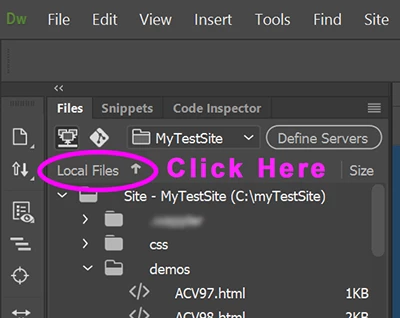
Files listed in reverse alphabetical order
I've already found this topic in older posts. But the advice doesn't work.
I'm using DW CS6. All of a sudden, the files listed in the files panel go fro z to a. I did nothing that should have caused this. And, I can't find any way to change it back to where the files go from a to z.
I have tried clicking the icon to show local and remote files like was suggested. All the files were in correct order, but as soo as I closed that view, the files in the file panel were still reversed. Any other ideas?



 AdChoices