
lorenzt80339844
Participant
May 24, 2018
Question

Files won't open from my NAS

  • May 24, 2018
  • 1 reply
  • 901 views

Hi

I got a new NAS for my files and now I wanted to create a new Dreamweaver Site for my several websites. But I'm not able to open files, which are located on my NAS. Every other Adobe program is able to open those files, but Dreamweaver sends me error messages like this:
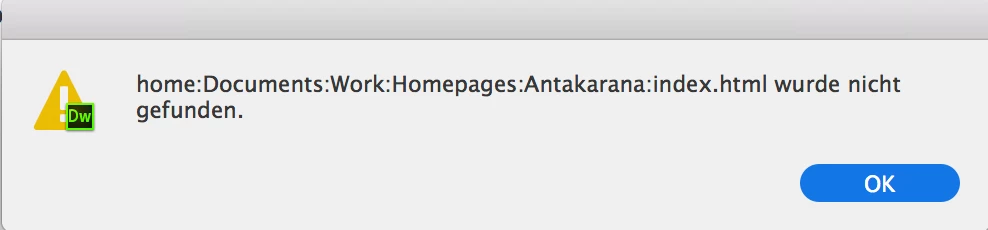
The files are 100% available, but they won't open.

The NAS is connected by SMB to my iMac. Does anyone has an idea what I can do?

Thx in advance.

This topic has been closed for replies.

1 reply

pziecina
Legend
May 24, 2018

I know Dw 2017 would not work with NAS drives, but I did not check Dw 2018, except to see how a few new features worked, but I do know that it also will not work with remote network drives, (except git).

B i r n o u
Legend
May 25, 2018

Hello Paula,

what do you mean by not "..work with NAS ?...", could you please elaborate ?

pziecina
Legend
May 25, 2018

https://forums.adobe.com/people/B+i+r+n+o+u  wrote

Hello Paula,

what do you mean by not "..work with NAS ?...", could you please elaborate ?

Have not tried with Dw 2018, as once I could not connect to a secure remote drive, did not test further for file/site managment.

With Dw 2017, Dw recognises NAS drive but trying to get files from it was a very, very slow process, and even when it did eventually open the file, if there were any references to files on the NAS drive Dw would 'hang'. At one point I could literally make a coffee, drink the coffee and read a couple of pages from a novel, between every character I tried to write in code view.