
johnb52243184
Participating Frequently
April 20, 2018
Answered

Force image link to download instead of opening in new tab

  • April 20, 2018
  • 2 replies
  • 30291 views

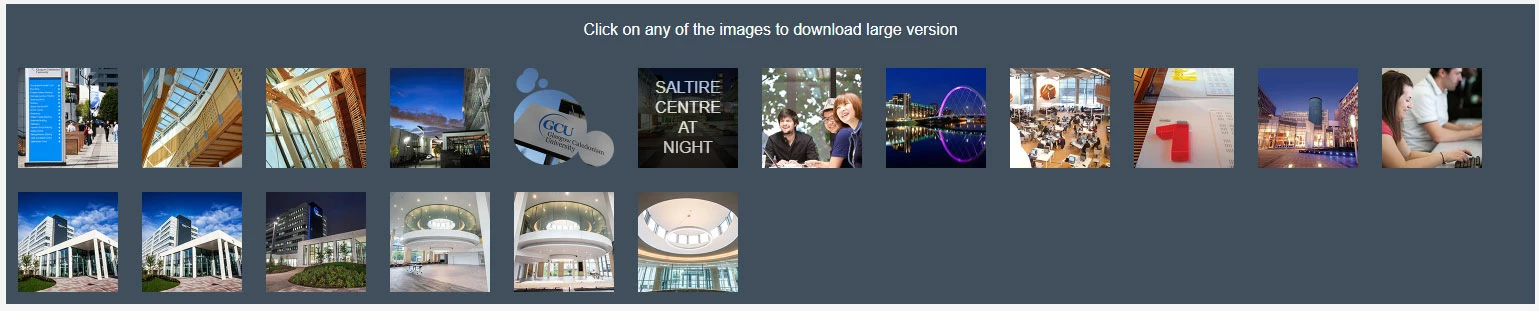
I've created a bunch of basic PNG icons for staff to download and use in their presentations at the institution I work for. Using custom HTML & CSS I set it up so that the staff can browse the icons and click to download the icon that they want. or at least that was the intention. It did work for a while, but recently when a staff member clicks on an icon it opens in a new tab instead of downloading.

this is the code that I'm curently using:

<div id="image_download" ><a href="myimage.jpg" download target="_blank">

<div class="darken"><p class="darken_text">image title</p></div>

<img src="image_thumb.jpg" alt="Campus" class="image_thumbs"/></a></div>

Any ideas how I would force this to download upon click instead of opening in a new tab?

Preferably using HTML and CSS. I can’t use anything too fancy such as PHP as I’m unable to access the root folder for the institution VLE.

Any help would be much appreciated.
This topic has been closed for replies.
Correct answer Nancy OShea

Put your downloadable icons and the HTML page in a folder called DOWNLOADS along with this code inside an .htaccess file.   This should force a download dialog to appear in all browsers.


.htaccess code:

<FilesMatch "\.(jpg|png)$" >
    ForceType application/octet-stream
    Header add Content-Disposition "attachment"
</FilesMatch>


2 replies

Nancy OShea
Community Expert
Nancy OSheaCommunity ExpertCorrect answer
Community Expert
April 20, 2018

Put your downloadable icons and the HTML page in a folder called DOWNLOADS along with this code inside an .htaccess file.   This should force a download dialog to appear in all browsers.


.htaccess code:

<FilesMatch "\.(jpg|png)$" >
    ForceType application/octet-stream
    Header add Content-Disposition "attachment"
</FilesMatch>


Nancy O'Shea— Product User & Community Expert
Nancy OShea
Community Expert
Community Expert
April 21, 2018

The .htaccess method works for me in FF, Chrome, IE 11 and MS Edge.

Downloader test


Nancy O'Shea— Product User & Community Expert
Jon Fritz
Community Expert
Community Expert
April 20, 2018

The target="_blank" in your link is what's forcing open the new tab/window. The download attribute doesn't work in any IE browser, just Edge 13+, so no matter what, it will open the image itself in IE and early Edge browsers.

You could .zip the images and then link to the .zip archive(s). It's an extra step for the end user to extract them, but they'll always download into the user's downloads folder vs opening a new window (if you remove that target attribute).

johnb52243184
Participating Frequently
April 20, 2018

Thanks Jon,

It doesn't seem to work in Chrome either. I tried removing the target="_blank" but this doesn't work.

I did consider putting them in a zipped folder, but this additional steps that I don't want staff to go through each time they want to download an icon (plus believe it or not some people wouldn't know what to do with a zipped folder).

I also considered just telling the staff to right click and save as. I didn't really want to do this but it looks as though I may have to of I can’t find a work around.

WolfShade
Legend
April 20, 2018

Just out of curiosity, would there ever be a time/situation whereby more than one image would be needed?

Taking Jon's zip suggestion, you could set it up so that every image clicked would 'select' it and then a button provided to gather them all and put them into a zip file for download.

Just my two cents.

V/r,

^ _ ^