Participating Frequently
March 28, 2024
Question

git dreamweaver

  • March 28, 2024
  • 2 replies
  • 417 views

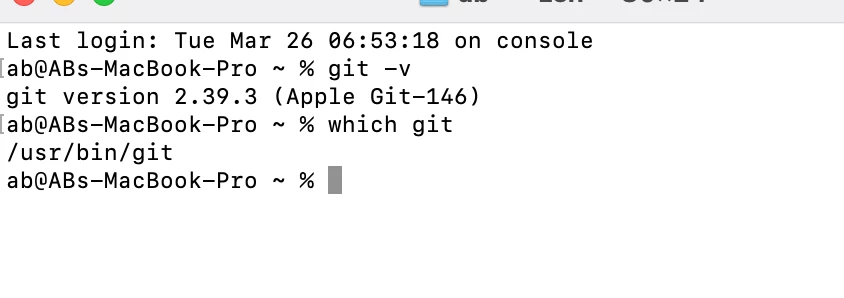
nunca he podido activar el git con dreamweaver, como se hace?, tengo instalado el git que viene por default en mac sonoma 


This topic has been closed for replies.

2 replies

Ranjitha HR
Community Manager
Community Manager
May 8, 2024

Hi @Carlos36394103xl6v 

Hope you are doing good!

Can you please try the steps mentioned below:
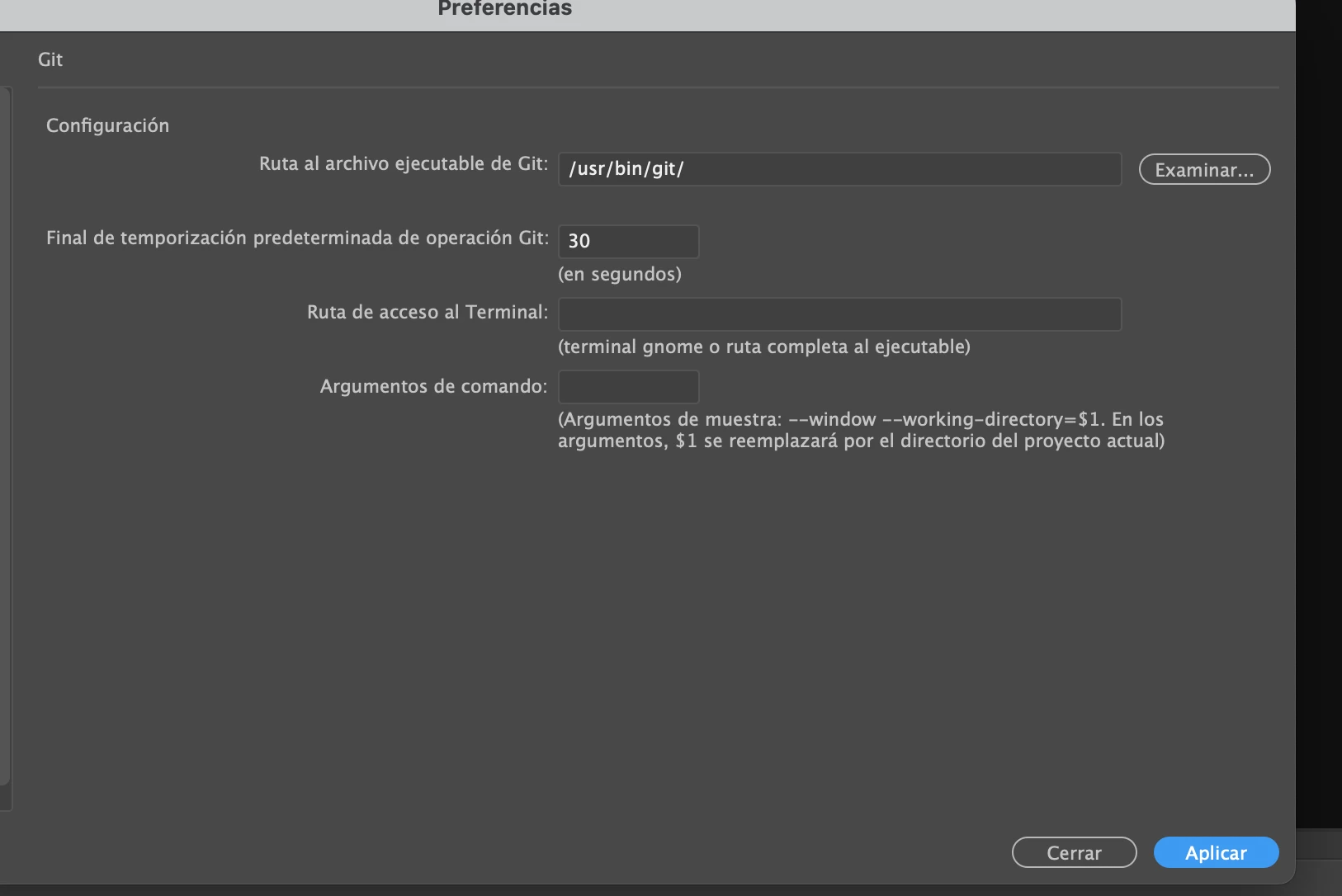
1.  Set the path as usr/bin/git and apply the settings from the preferences and restart Dreamweaver.

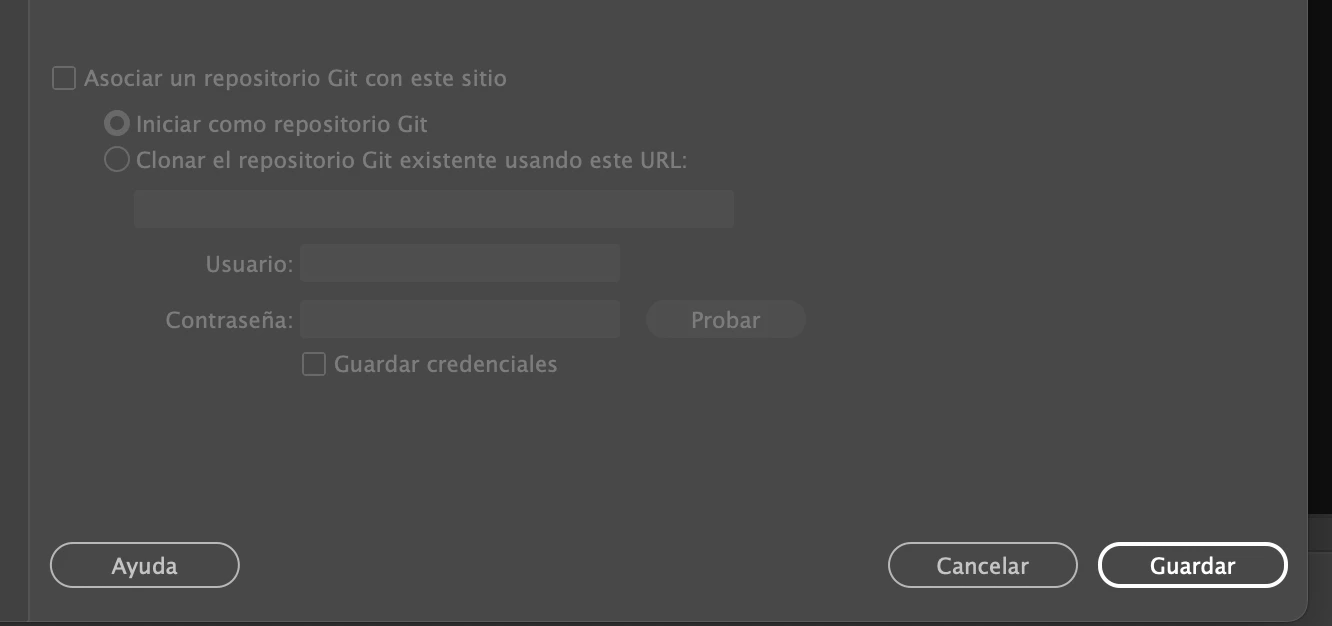
2. Create a new site and map the site location and click on multiple times on Associate a Git Repository with this site .

Please try these steps and let us know if it works!

Thanks & Regards,
Ranjitha

Participating Frequently
May 9, 2024

thanks, in the images that I sent at the beginning I have already done that and many things more and it does not work, I found the problem and is that when installing for the first time dreamweaver in its latest version has many problems then that is the main error, adobe has not solved that because apparently no longer cares much to continue with this IDE or give support that to me personally seems very good and actually I paid my license for it, but they don't give any more support nor update anything in it, but I can't do anything, I found the solution but it is very long to explain because not only the problem is git, but also the support with javascript and some other things, later I will post the solution in case anyone is interested.

Nancy OShea
Community Expert
Community Expert
March 31, 2024
Nancy O'Shea— Product User & Community Expert
Participating Frequently
March 31, 2024

I have already read that article but there is no way of how to activate it I already have it installed and configured and I also know how to use it but how do I activate it in DW?

Nancy OShea
Community Expert
Community Expert
March 31, 2024

Do you have a GIT account?


Nancy O'Shea— Product User & Community Expert