


Participant
April 14, 2017
Answered

Help with image hosting

  • April 14, 2017
  • 1 reply
  • 633 views

Hi,

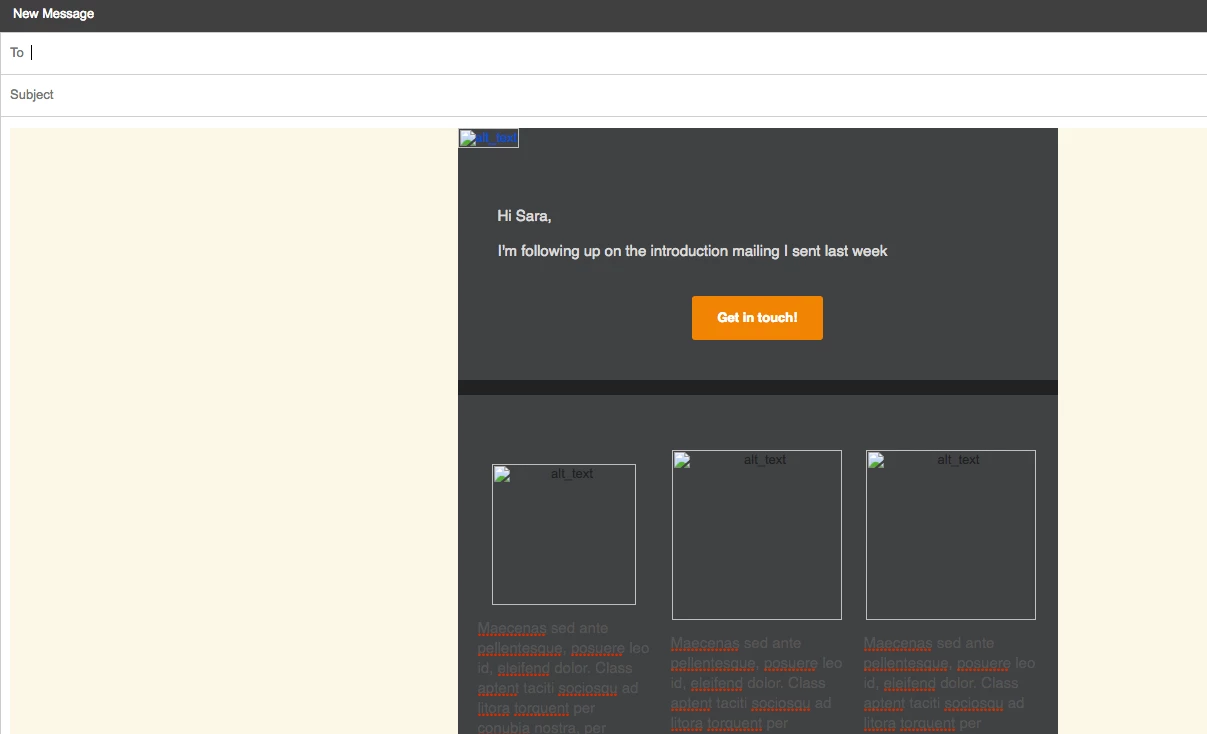
Total newb question; I'm creating an email in Dreamweaver that I'm planning on sending out through my Gmail account.  I have an image in the header which displays fine when I preview it with the images from my computer, but when I copy the code into the email the images aren't displaying. I've tried to upload them to host sites and change the code to reflect it, but I'm not having any luck.  This is the code with the image link:

<img src="https://adobe.ly/2nN6FlS" alt="alt_text" width="600" height="451" style="width:100%;max-width:600px;height:auto" border="0" align="center">

I'm obviously doing something wrong here and haven't a clue as to what to do...I'm also very new to coding so it's probably something simple...help?

This topic has been closed for replies.
Correct answer Nancy OShea

Read this article first.

HTML E-Mail & Newsletter Blasts - http://alt-web.com/

You need a remote server (your web site's hosting server) to store images.  And you must use absolute paths to the images on your server.  http or https: // yourdomain.com/images/email_image1.jpg etc...

Sending email blasts from Gmail could violate Google's Terms of Service.  They have restrictions on how many emails you can send per minute/per hour/per day to stop would-be spammers.   You would probably need a bulk email sending client or a service like MailChimp or Constant Contact to handle your email blasts.

Nancy

1 reply

Nancy OShea
Community Expert
Nancy OSheaCommunity ExpertCorrect answer
Community Expert
April 14, 2017

Read this article first.

HTML E-Mail & Newsletter Blasts - http://alt-web.com/

You need a remote server (your web site's hosting server) to store images.  And you must use absolute paths to the images on your server.  http or https: // yourdomain.com/images/email_image1.jpg etc...

Sending email blasts from Gmail could violate Google's Terms of Service.  They have restrictions on how many emails you can send per minute/per hour/per day to stop would-be spammers.   You would probably need a bulk email sending client or a service like MailChimp or Constant Contact to handle your email blasts.

Nancy

Nancy O'Shea— Product User & Community Expert
Participant
April 14, 2017

That makes sense, thank you!  I was going to use MailChimp but I want to send personalized messages in each email so I don't think that'll work.  As far as Gmail's restrictions, it's only a total of about 20 recipients and I was planning on spreading them out over the course of a week; hopefully it won't be an issue. 

Inspiring
April 15, 2017

If by "personalized" you mean, "Dear Jane" (or John, Suzie, Timmy, et al), you can send personalized messages in MailChimp simply by inserting the code to include the first name--provided you have defined your mailing list to be email address plus first name--when designing your template (basic schemes are supplied and easily customizable). Add as many fields as you need, for example last name, address, city, state, zip code.

If by "personalized" you mean you want to write "Dear Jane" followed by a sentence or short paragraph intended only for that recipient, create  "message" field in the mailing list. Then, insert a text box in your template to display the message field.

Whatever image(s) you want to display in your e-blast can be uploaded to MailChimp, no need for hosting elsewhere.

Chris