


Hot Spots Not Accurate on Website (Wordpress)
Hello Adobe Family,
My client is requesting an image with hotspots.
I am using Dreamweaver CC 2017 for Mac.
My dreamweaver mapping appears to be correct:
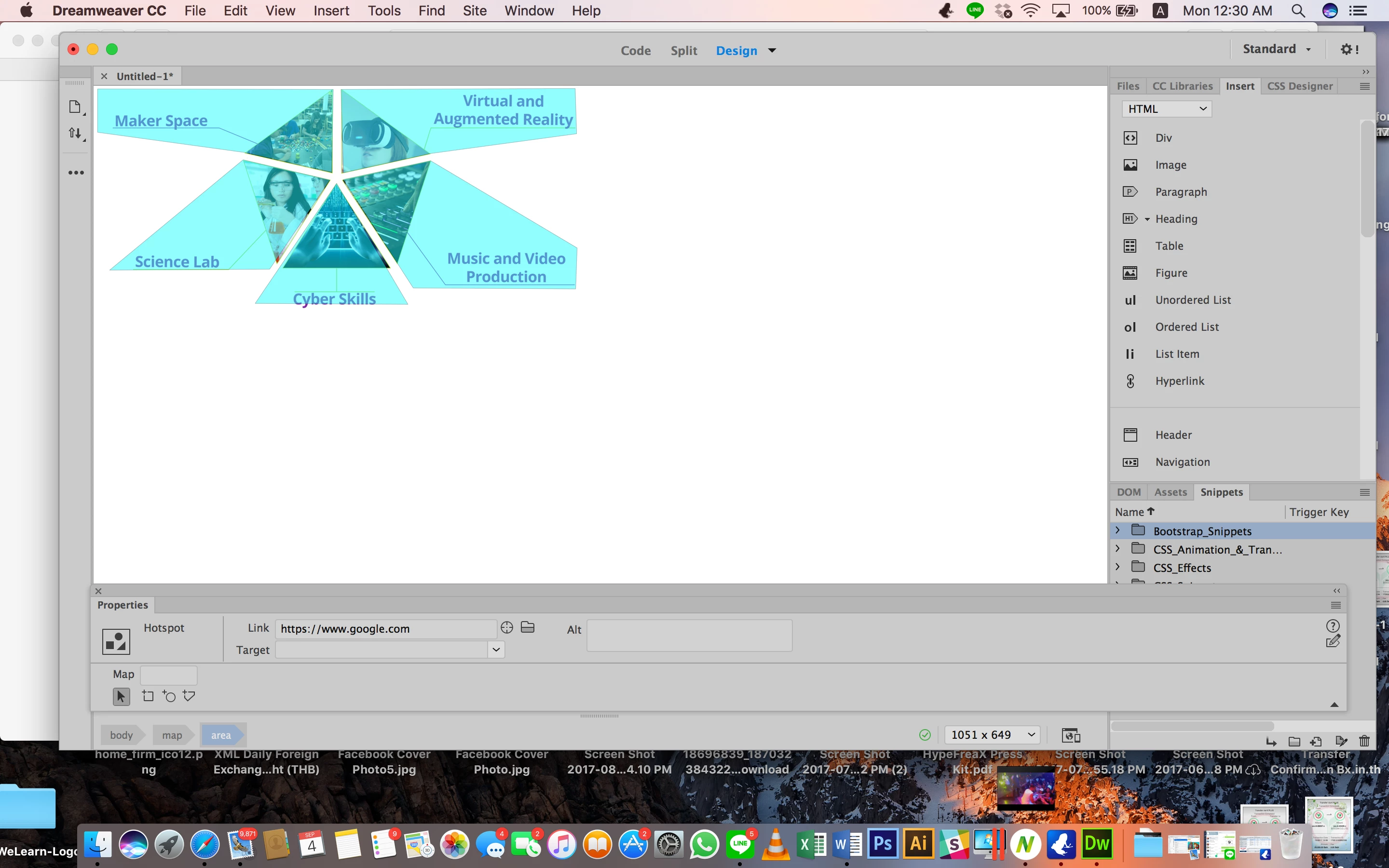
This is the HTML Code I am using:
<img src="http://www.welearn.org/wp-content/uploads/2015/11/Shape7test.png" usemap="#Map">
<map name="Map">
<area shape="poly" coords="1390,302,1028,380,1318,830,1992,834,1998,664" href="https://www.google.com">
<area shape="poly" coords="1028,352,1390,272,1996,190,1990,2,1018,6" href="https://www.facebook.com">
<area shape="poly" coords="1000,396,662,894,1296,898" href="https://www.yahoo.com">
<area shape="poly" coords="972,382,722,752,58,756,612,298" href="https://www.bing.com">
<area shape="poly" coords="980,350,620,268,8,184,8,4,986,6" href="https://www.myspace.com">
</map>
My Wordpress test site hot spot coordinates don't appear correctly.
Please see below screenshots to see the mapping error:



Your assistance is highly appreciated.
Thank you in advanced : )

 AdChoices