


How can I put the Dreamweaver website into a folder for export
My Dreamweaver (2018 version) tutor, is resident on the other side of the world, and has asked me to send a zipped folder of my Dreamweaver website. But I have been racking my brains trying to work out how this can be accomplished.
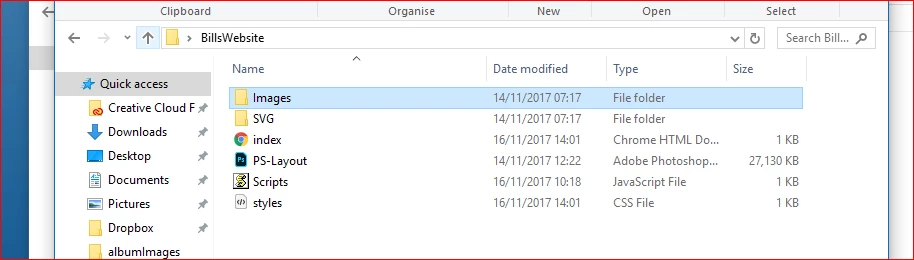
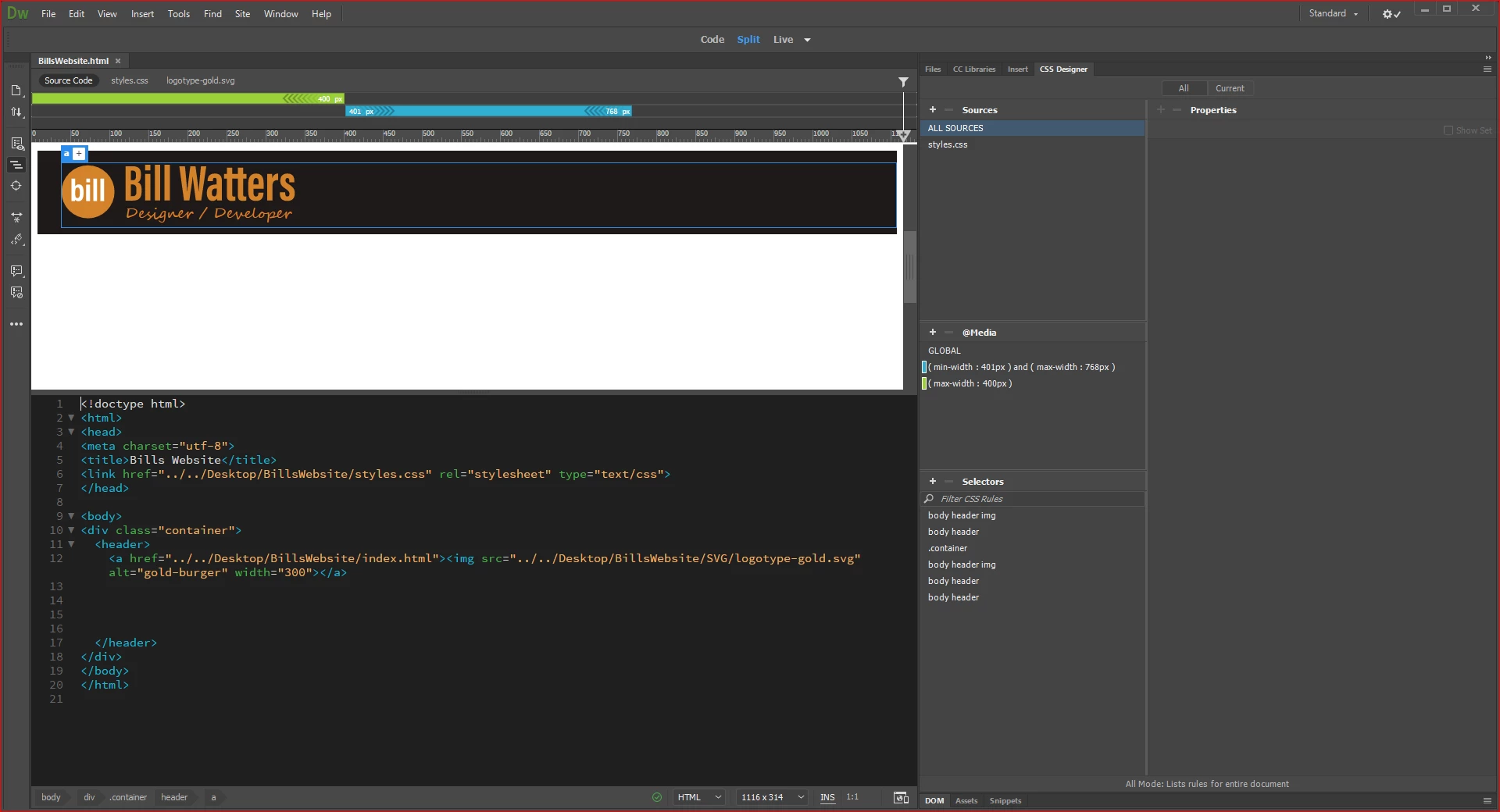
I have found the Windows 10 File Manager (with my thanks to the experts!) but it only contains the images, html, js and style files - see below. There is no actual Dw file that can be used to open the site in the Dreamweaver program.
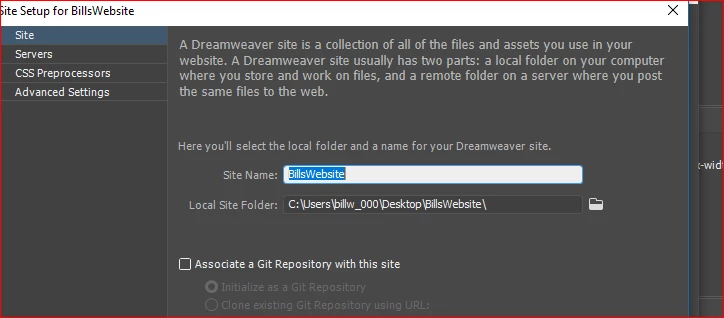
I have a defined site local folder; it's on my desktop and it shows up when I go into 'manage sites' and track back through the set up process.
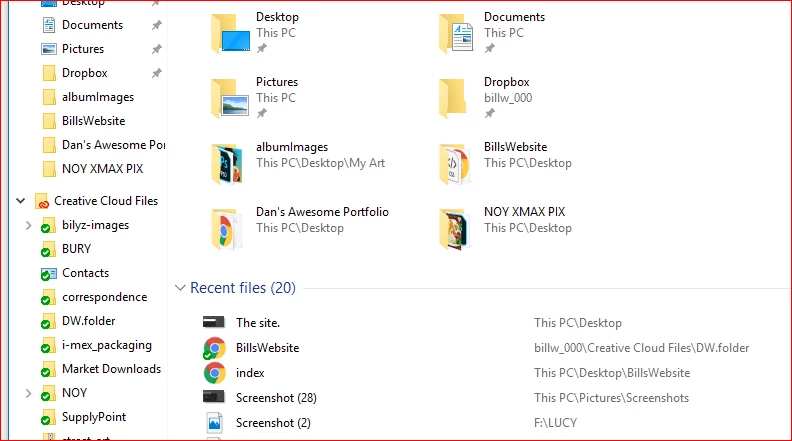
I thought I might be able to 'Save as' into my Creative Cloud files folder but when I open the CC folder there is no Dw folder icon. It works with Muse so why but not with Dreamweaver? The 'Save as' will only allow me to save the index.html file and not the entire site. I attach 4 relevant images:
 AdChoices