Participant
June 21, 2018
Answered

How can I reduce the width of the "Files" window in Adobe Dreamweaver?

  • June 21, 2018
  • 1 reply
  • 431 views

Hello!

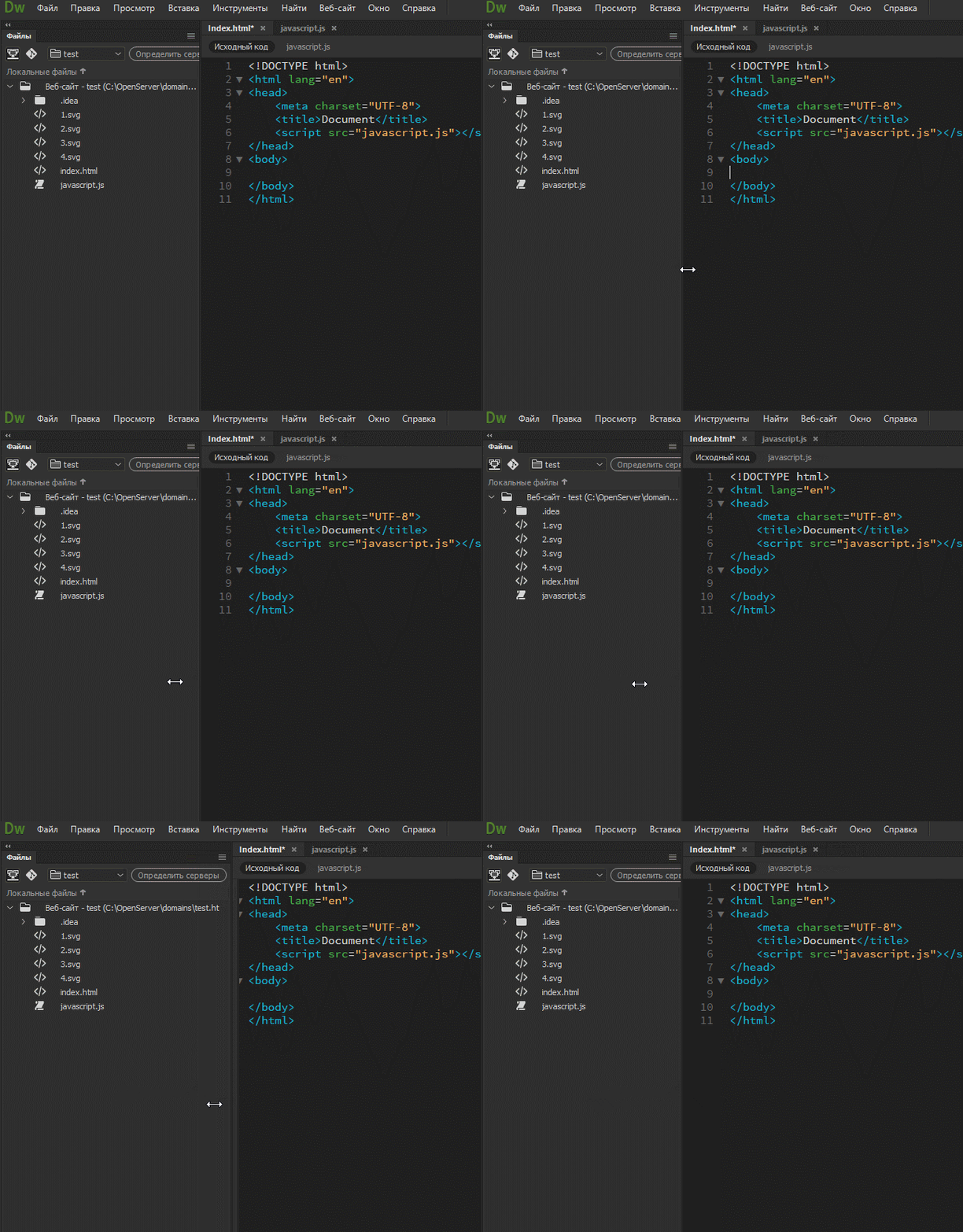
Is it possible to reduce the width of the window in this editor?

It is too big, takes a quarter of the screen.
This topic has been closed for replies.
Correct answer Jon Fritz

Aside from moving the Files window onto another monitor by clicking and dragging the tab away from the application frame, collapsing the window by clicking that double arrow icon is really the only way to reclaim space for your Code View window once you've hit the minimum size your animation shows.

1 reply

Jon Fritz
Community Expert
Community Expert
June 21, 2018

When not actively using the Files window (or any other window in DW), click the small double arrow icon in the upper left, immediately above the named tab of the window to collapse it fully...

Click it again to open it and access your files

Participant
June 21, 2018

Thanks for the answer!

But this solution allows you to hide windows.

In the search for an answer, we are talking about a much larger reduction than allows the usual movement of the cursor

Jon Fritz
Community Expert
Jon FritzCommunity ExpertCorrect answer
Community Expert
June 21, 2018

Aside from moving the Files window onto another monitor by clicking and dragging the tab away from the application frame, collapsing the window by clicking that double arrow icon is really the only way to reclaim space for your Code View window once you've hit the minimum size your animation shows.

