
Participant
September 10, 2018
Question

how do i fix the formatting on my website since it keeps opening without the design changes

  • September 10, 2018
  • 1 reply
  • 560 views

so ive been trying to make a website for an assignment and everything was great until i closed dreamweaver almost all of my pages looked like this:
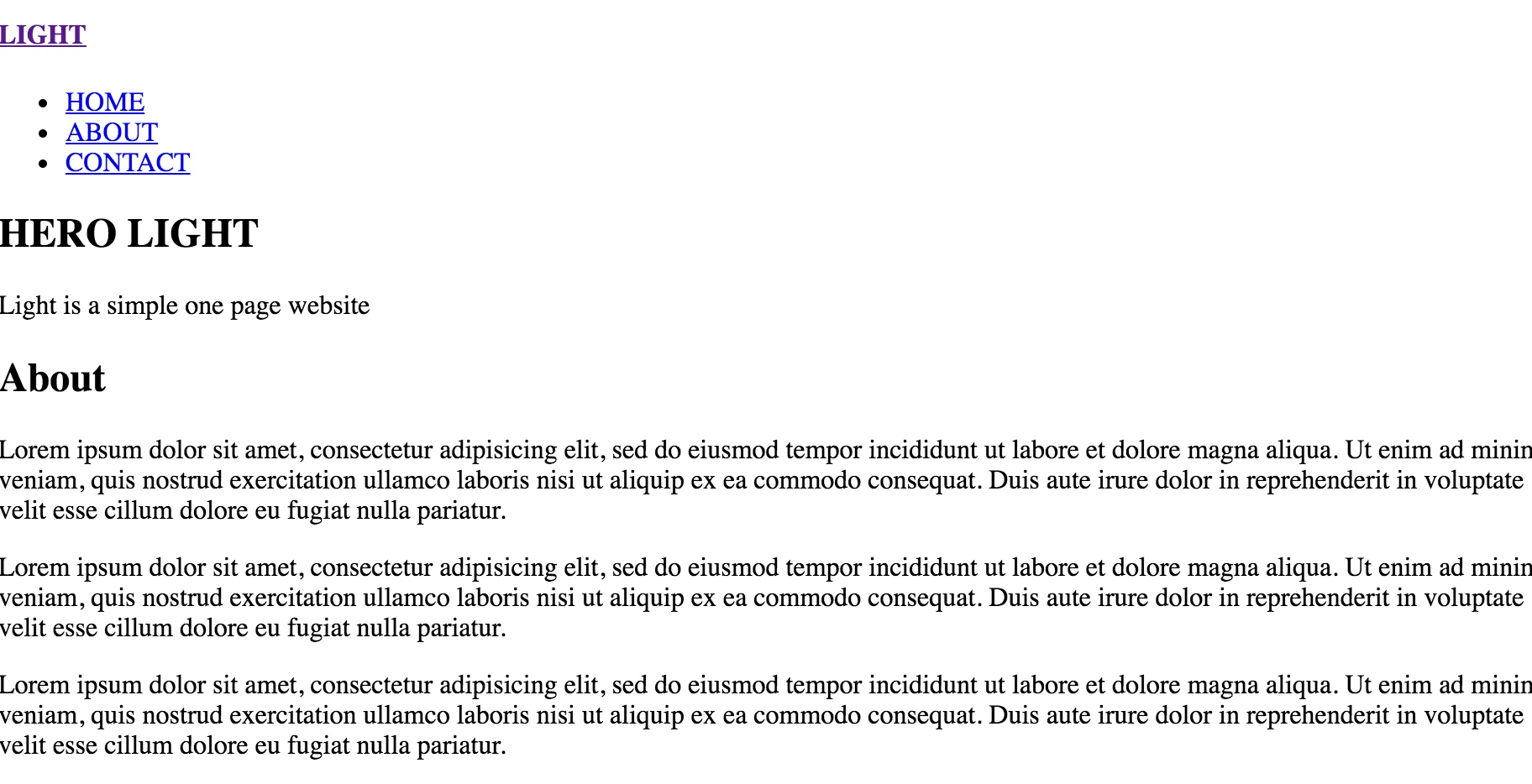
only one page remained how it was but when i try to preview it on the internet the same thing happens its odd because it used to work fine and i dont know what ive stuffed up
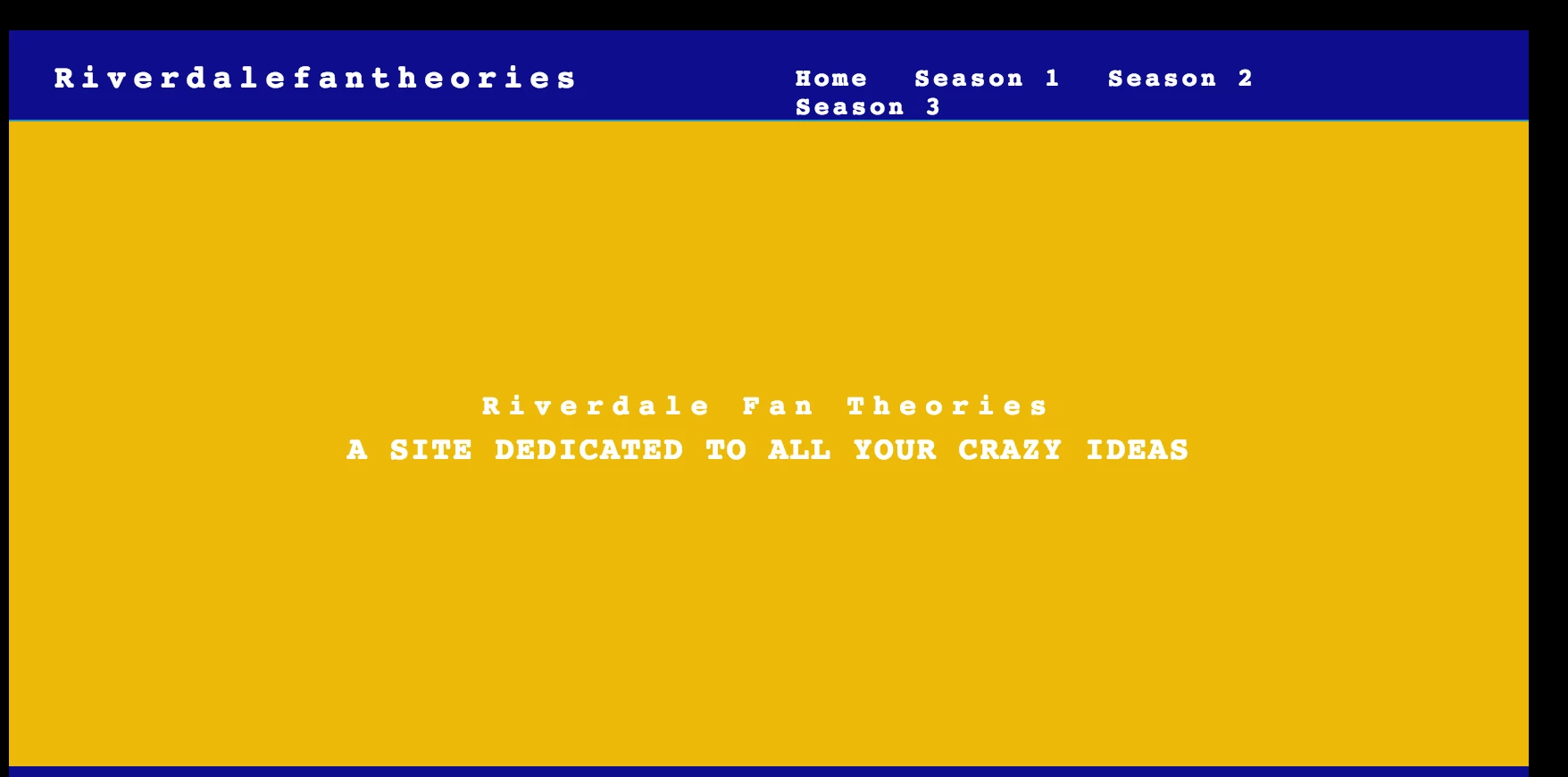
then, i tried to make a new page from a template and again it wouldnt format
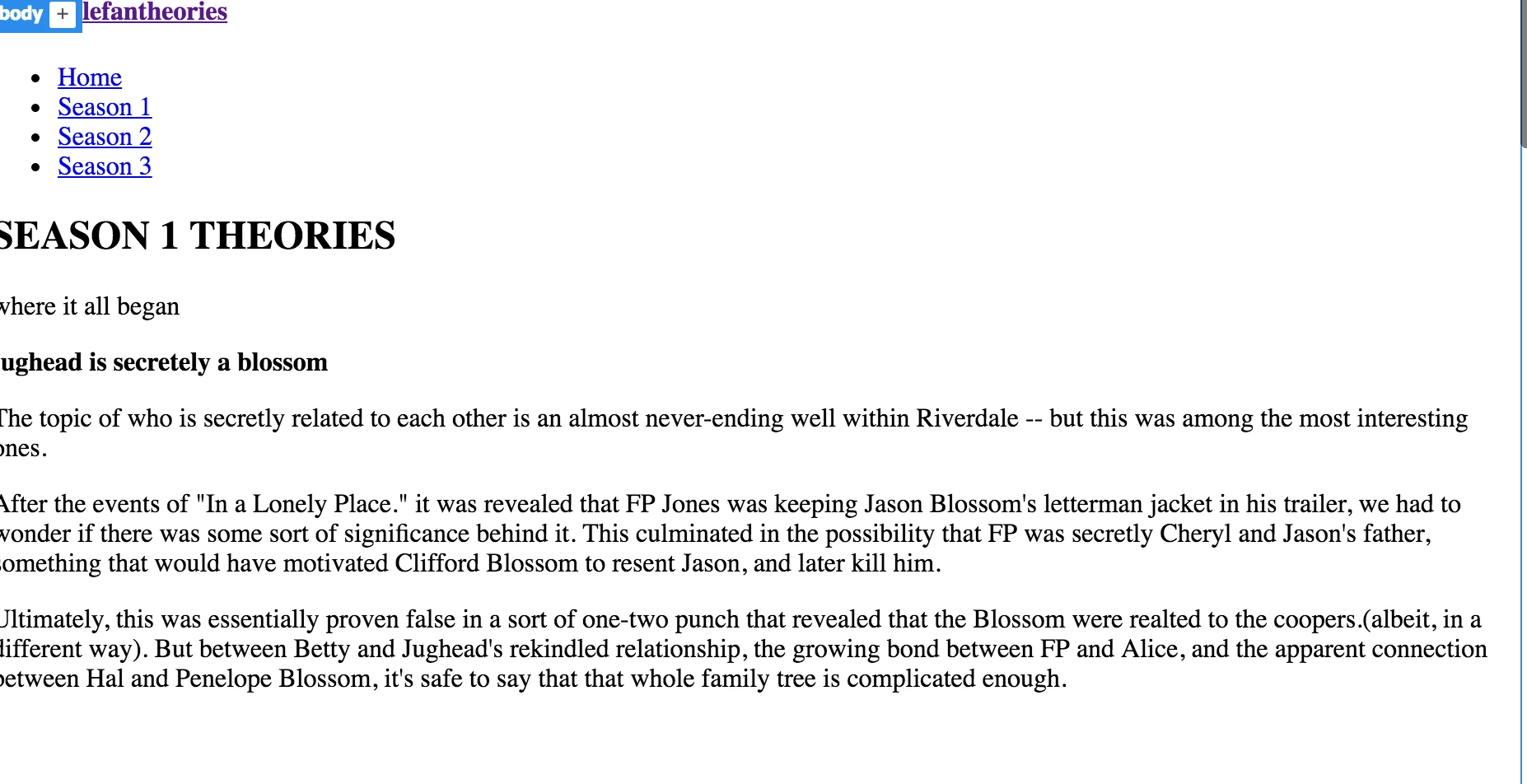
all of my media is located in the root folder and i dont see that there is a problem there

plz helppp

This topic has been closed for replies.

1 reply

Jon Fritz
Community Expert
Community Expert
September 10, 2018

Usually, this happens when you're not working from within a Defined Site in DW. The links to your .css files, and other external references, break.

Verify you have a site defined, and that the site is selected from the drop down menu in the Files window.

The same thing will also happen if you are opening files that are within a .zip archive. If you have your site .zipped for sending to your teachers, all of the files need to be extracted first, before the external link references will work.

Participant
September 10, 2018

i have a root folder and all the media is saved to it so i dont know whats wrong ?

i have the site defined

i also dont use .zip

BenPleysier
Community Expert
Community Expert
September 11, 2018

To me it looks like the CSS files are not attached to the pages that do not work.

So that we can see for ourselves, please copy the code from the first line to the ending HEAD tag (</head> of the working page and of one of the non-working pages and paste that in your answer.

Wappler is the DMXzone-made Dreamweaver replacement and includes the best of their powerful extensions, as well as much more!