vanessah99475283
Known Participant
December 29, 2016
Answered

How do I link? [different parts of an image to different URLs?]

  • December 29, 2016
  • 2 replies
  • 6096 views

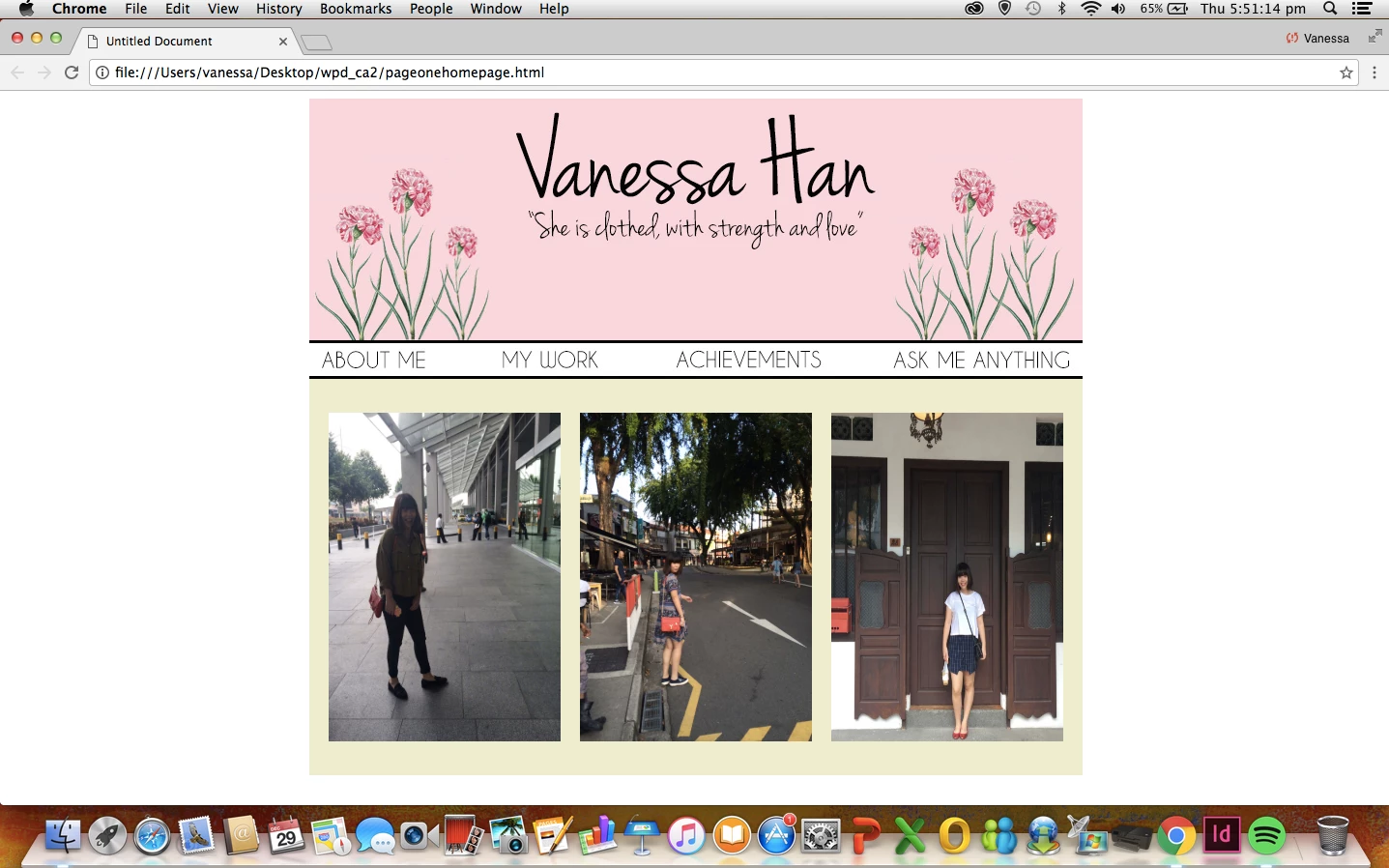
So like, the nav bar I have created "about me etc etc" is an image but is there any possible way to link the "about me" and the other 3 words to another html page? Because it is an image after all, so does that mean that it can't? And if not, how do i create a nav bar with the black lines on top and on the bottom (as seen on the nav bar?) (Ps, made the nav bar image on photoshop)

This topic has been closed for replies.
Correct answer hans-g.

Hi,

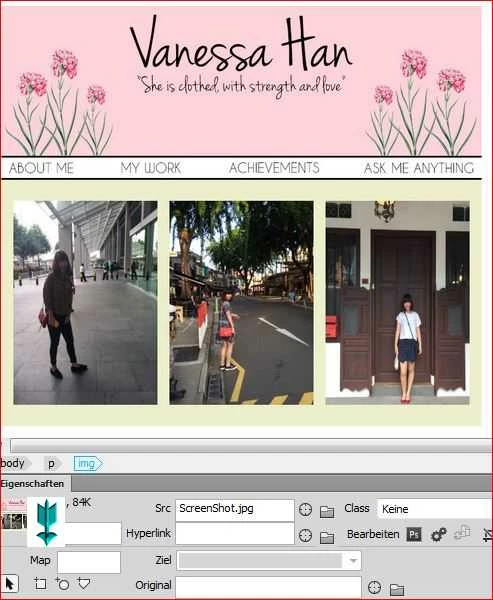
please click into your image, the hotspot menue opens. In your DW I see "Map". After this you can click into these little geometrical forms. Try them out one after the other to learn how they work. (please have a look at my screenshot)

Ok?

Hans-Günter

2 replies

hans-g.
Legend
December 29, 2016

... if you want to use a link over a single image so you can write this:

<p><a href="http://www.yourLink"target="_blank"><img src="YourImage" width="yourChoice" height="yourChoice" alt="yourChoice"/></a>

I prefer to use "target="_blank", it's completely at your discretion.

hans-g.
Legend
December 29, 2016

Hello Vanessa,

if you want to set a link into or over an image so in DW you could place some hotspots over a defined part of your image (use rectangles, circles or freely chosen surfaces). There in you can place your link. See screenshot of my German DW)

Hans-Günter

vanessah99475283
Known Participant
December 29, 2016

Hi thanks for your reply, ok i am a little lost, only just a beginner at adobe dreamweaver sadly How did u get that screenshot of that? Where do you find the rectangles and squares?