


cheny69246070
Participant
February 8, 2017
Question

How do I turn off Minify Code function via ftp in DreamWeaver CC 2017

  • February 8, 2017
  • 3 replies
  • 1084 views

Hi,

I love to use Dreamweaver, However, Adobe has decided to drop off many features that i like (such as Database support and spry validation tools and so on....),

Now i have a very irritating problem, i tried to upload files from local to remote server using dreamweaver ftp tool. all the script files have been minified ( or compressed) after that.

initially this is a great idea, till after my file has involved some server or dynamic script (i.e.: PHP or JS),

the file will corrupted after uploaded to server due to the minify feature.

of coz, you will ask me how do I know is the minify feature issue. becoz i use the same file (without Minify) saved in my local hard disk upload via third party ftp client software, (smart ftp or cyber duck), the file just works fine without any error.

anyone here can guide me how do i turn off minify Code via ftp upload in DreamWeaver CC 2017, that will a big help to me.

Thank you very much in advance.

tim

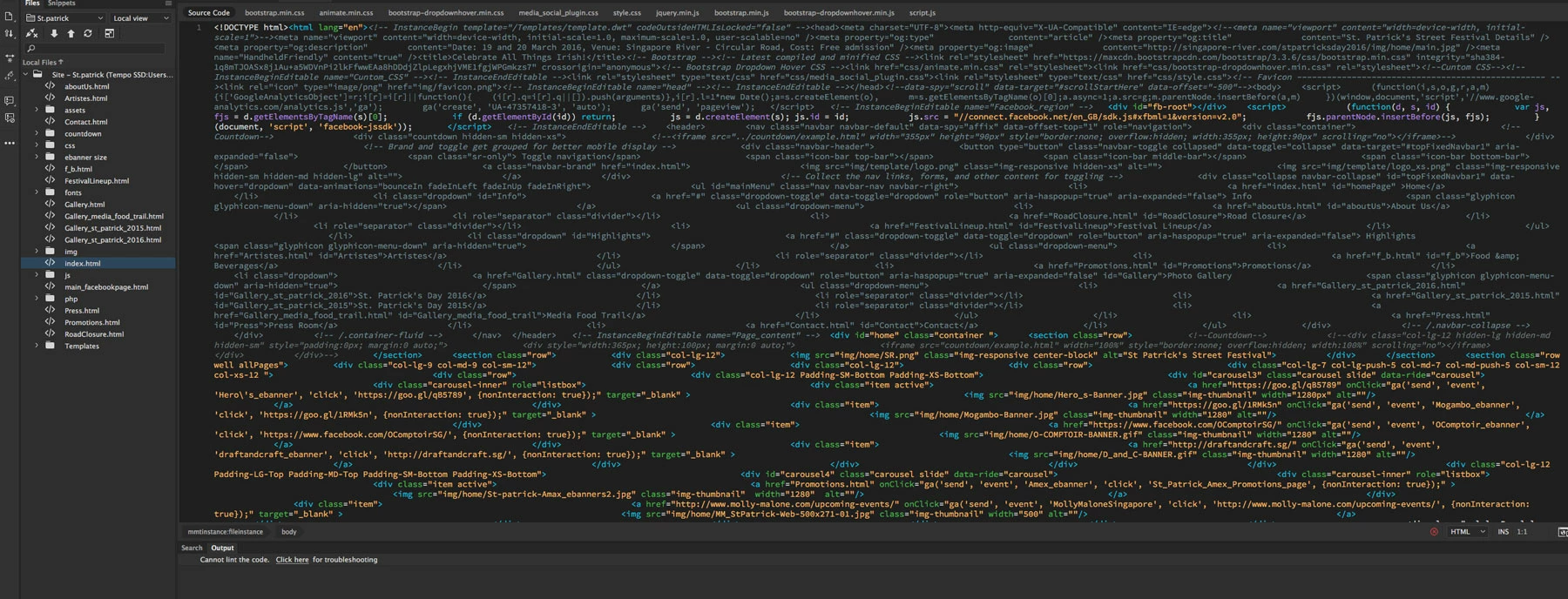
here is  my result.

after uploaded to server via dreamweaver ftp
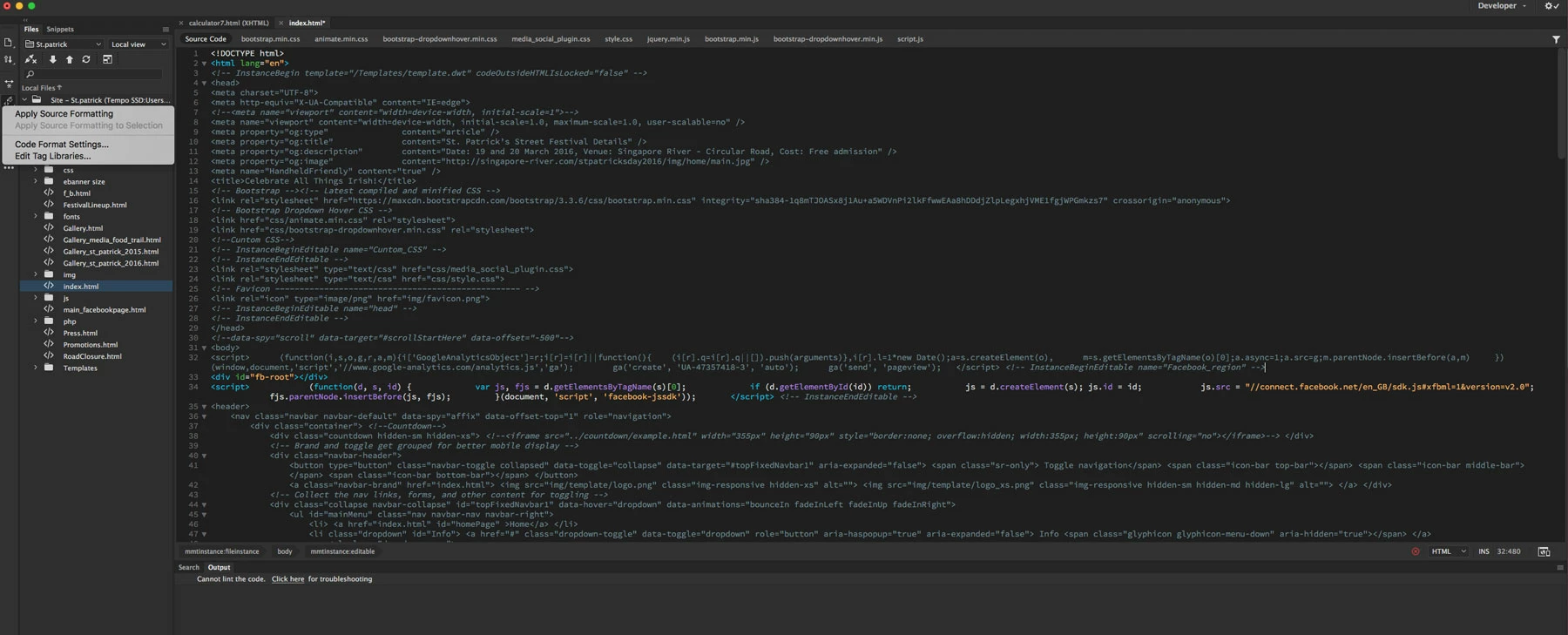
after apply source formatting( all the Javascript still under minified, need manually adjust..........)
    This topic has been closed for replies.

    3 replies

    Nancy OShea
    Community Expert
    Community Expert
    February 8, 2017

    Do you use Mac or Windows?

    And is anybody else working with the site files?  If yes, do they use the same operating system?

    I have seen issues occur with line breaks when files are accessed and edited by both Win/Mac users.

    Nancy O'Shea— Product User & Community Expert
    Participant
    February 17, 2017

    Hi Nancy,

    No, only me doing and 1 mac computer, anyway, my colleague has same problem when she did other project.

    Jon Fritz
    Community Expert
    Community Expert
    February 8, 2017

    This type of thing has happened with DW before, it's uncommon, but I've seen posts in the past with the same issue. One fix for it previously was to modify the line break type being used in page code, then applying source formatting to each...

    1. Go to Edit > Preferences > Code Format
    2. Choose another option in the Line Break Type menu

    3. Go to Edit > Code > Apply Source Formatting for a page that has been having the issue

    4. Upload the page

    5. Check if the code has been corrupted, if it has, go through steps 1-5 again with the next setting

    6. If it does work, you will need to do steps 1-4 for every page of your site

    Participant
    February 17, 2017

    Hi Jon Fritz,

    software not suppose like that right? this is very frustrating step which i am doing now.

    Jon Fritz
    Community Expert
    Community Expert
    February 17, 2017

    I can understand how it would be frustrating, I've never had it happen myself.

    Did changing the Line Break Type work?

    pziecina
    Legend
    February 8, 2017

    Dreamweaver has not introduced file minification on upload.

    Check your server provider, and your own system to ensure this has not been enabled elsewhere

    Participant
    February 17, 2017

    Hi Pziecina,

    Sorry for my late reply, was busy last few weeks,

    i have try to use cyber duck and dreamweaver to put the same file into the server,

    the result is:

    cyber duck upload: Unchange anything

    dreamweaver upload: all coding has been minified.

    May i know is the server setting or the software problem?

    Many thanks

    tim