


Participant
November 12, 2017
Answered

How remove the blue rectangle around the hot spot in Dreamweaver CC?

  • November 12, 2017
  • 2 replies
  • 1395 views

Hi!

My problem is the next:

I have a map with hot spots above an unique image, but if I preview in Safari 11.0.1 show me the blue rectangle around the hot spot, and in Firefox 56.0.2 don't appears, I want to DON´T APPEARS IN SAFARI TOO.

How remove this rectangle? I very tired...help me please. This is my html:
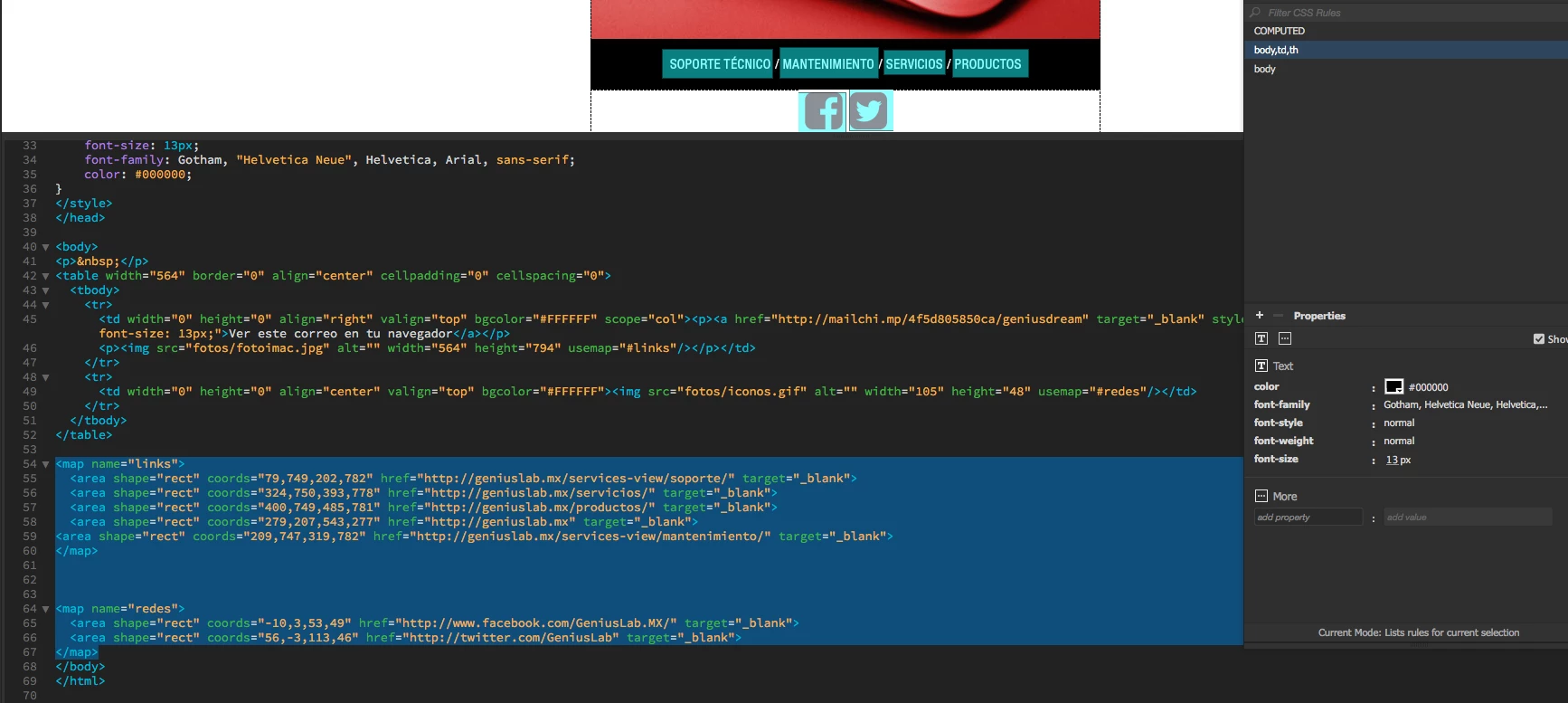
Appears this in Safari, I DON´T WANT SHOW IT THE RECTANGLE.

Appears this in Firefox, LIKE I WANT.

So thanks for the answer!

This topic has been closed for replies.
Correct answer Nancy OShea

Image Maps for navigation are an old school approach that's not used much by modern developers.  The outline  you see in Safari is there for usability reasons to show people which link is active. 

You can try adding this to your CSS and giving your map an ID.

#imagemap area {

outline:none;

}

Nancy

2 replies

Participant
November 14, 2017

So thanks Nancy, you are right, is the old school used the image map.
Is correct your answer!
Thank you so much!!!

Victoria.

Nancy OShea
Community Expert
Nancy OSheaCommunity ExpertCorrect answer
Community Expert
November 12, 2017

Image Maps for navigation are an old school approach that's not used much by modern developers.  The outline  you see in Safari is there for usability reasons to show people which link is active. 

You can try adding this to your CSS and giving your map an ID.

#imagemap area {

outline:none;

}

Nancy

Nancy O'Shea— Product User & Community Expert