Inspiring
December 28, 2018
Answered

How to click links and go to the specified local page on Adobe Dreamweaver?

  • December 28, 2018
  • 1 reply
  • 251 views

Hi there. I am trying to open local .html file on Adobe Dreamveawer by clicking the links on the Live page. But these links do not redirect to the page. They are simply not clickable.

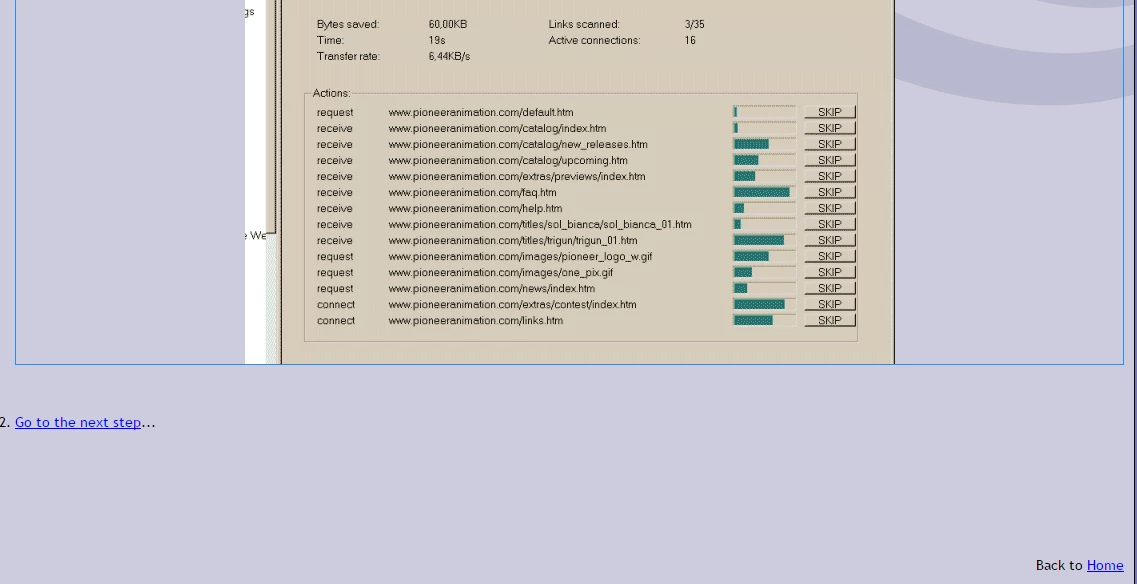
For example when I click to the "Go to the next step..." link on live preview it does not redirect to the file and I am obligated to open the file on the file directory manually.

Any advice appreciated.
This topic has been closed for replies.
Correct answer Nancy OShea

Live View is inside Dreamweaver.  To go to links, use Ctrl+click.

Best practice is to test pages in a real browser.

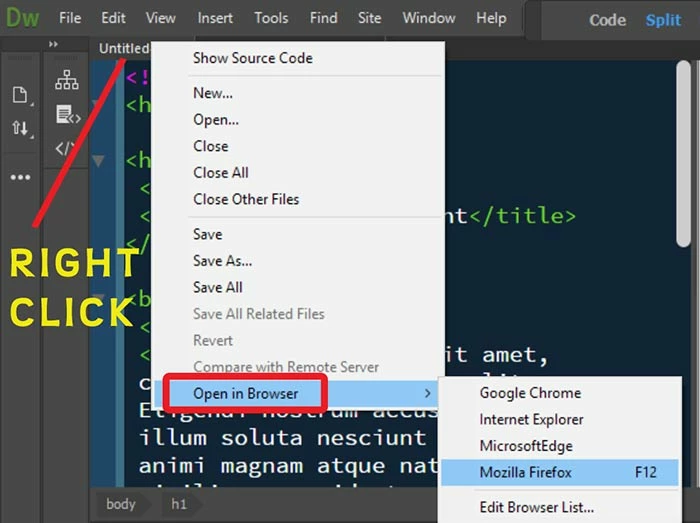
Right-click on the open tab and select Open in Browser.

1 reply

Nancy OShea
Community Expert
Nancy OSheaCommunity ExpertCorrect answer
Community Expert
December 28, 2018

Live View is inside Dreamweaver.  To go to links, use Ctrl+click.

Best practice is to test pages in a real browser.

Right-click on the open tab and select Open in Browser.

Nancy O'Shea— Product User & Community Expert