This topic is closed to new replies. Start a new post to keep the conversation going.
pziecina
pziecinaCorrect answer
Legend
April 9, 2017

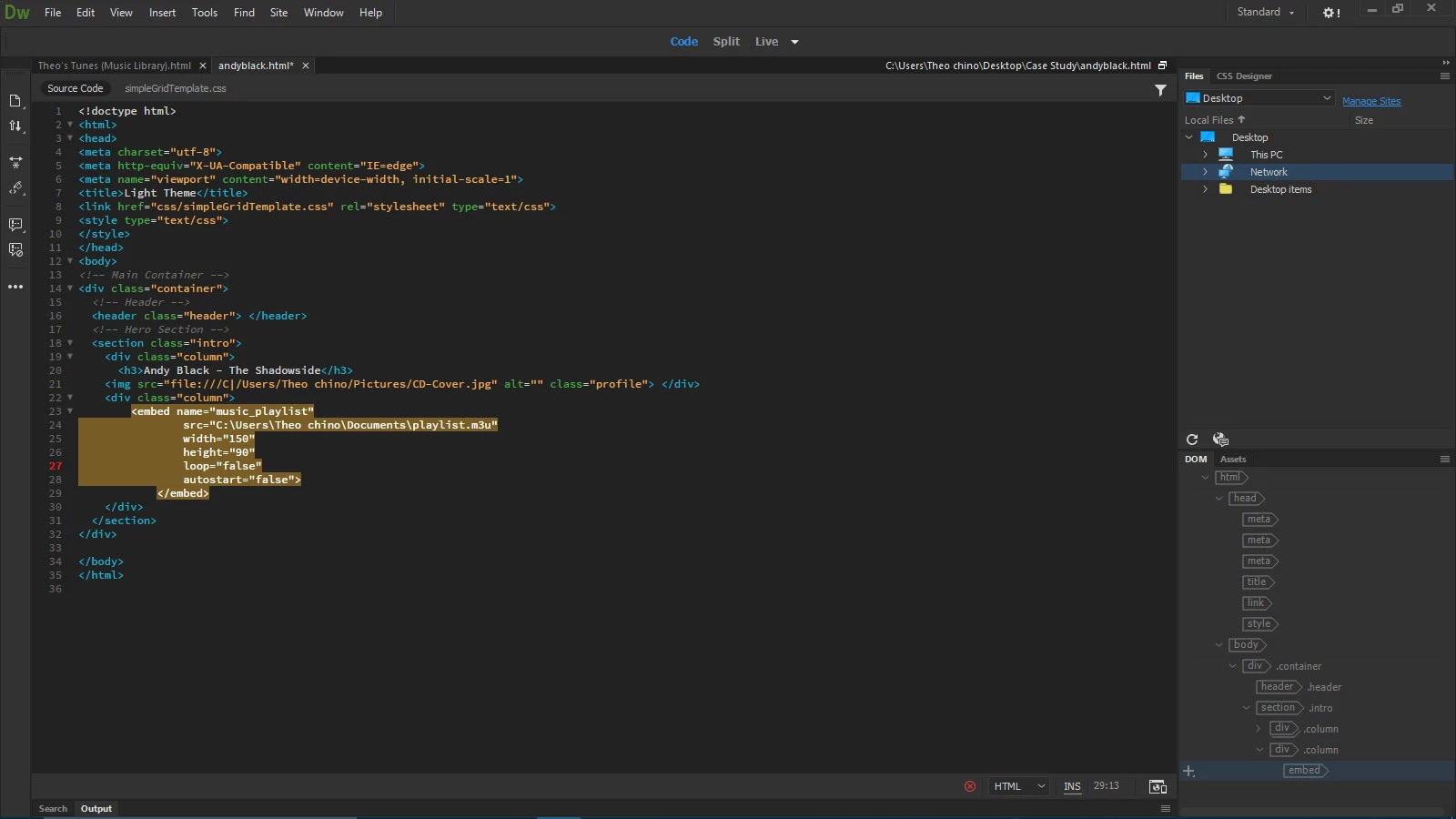
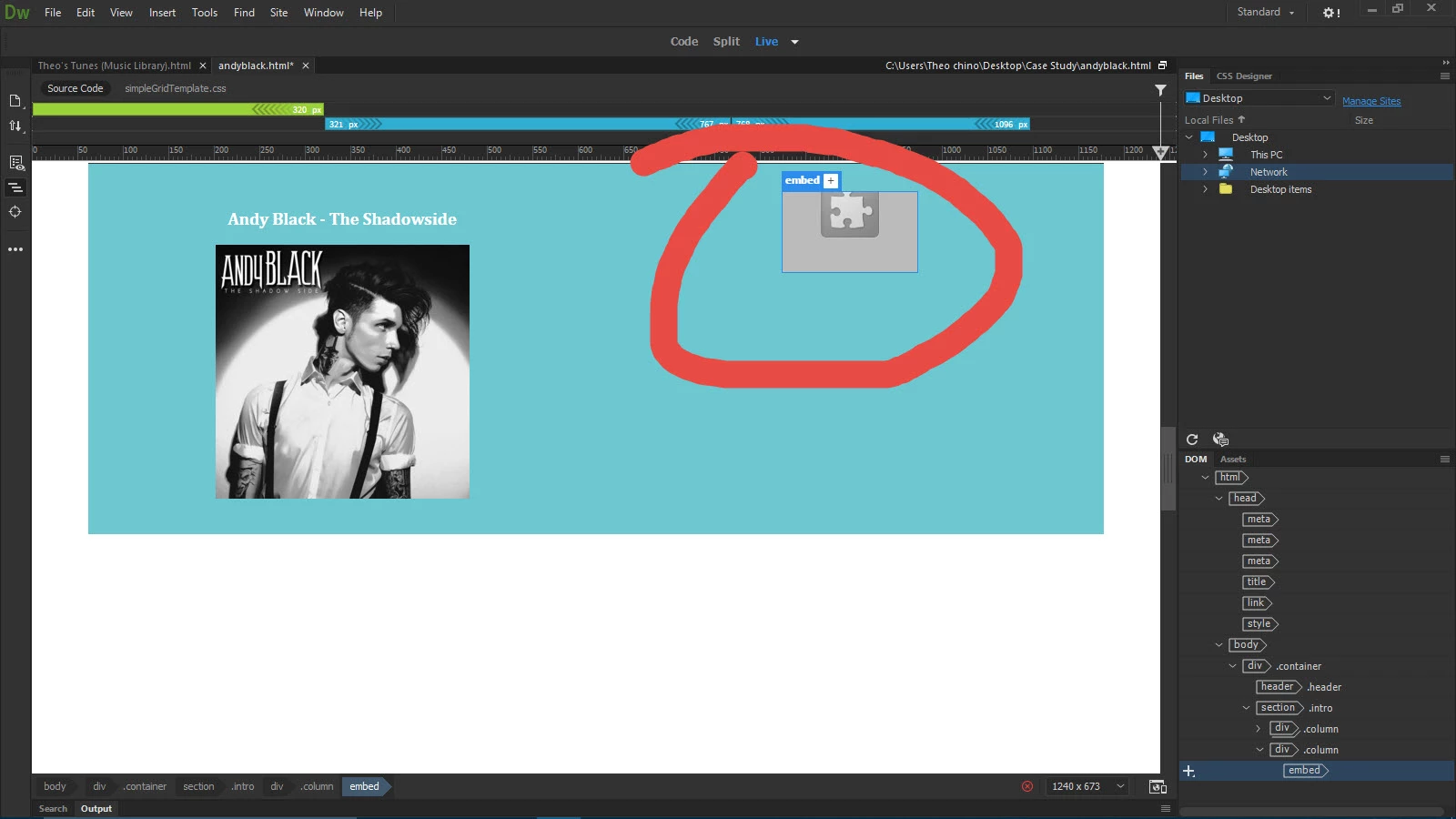
m3u requires a media player to work, and is not a standard web audio format, (mp3 or org is).

All an m3u file is is a simple text file format, that specifies the files to be played using the mp3 or org file format, using a supporting media player, for more info see -

https://en.m.wikipedia.org/wiki/M3U

You could create a custom player using html 5, see -

https://www.codeproject.com/Articles/1025941/AUD-HTML-Audio-Playlist

8 replies

pziecina
Legend
April 9, 2017

Try inserting the following into your html -

< audio src="yourplaylist.m3u" type="audio/mpeg" > < / audio >

Change the src to point to your file.

The problem with the above is that it will stop playing once the user leaves the page, and does not offer any control over the playlist, (making it a simple audio player).

Maybe something as simple as that is all that is being asked of you.

Translate
herois_varterral
Participant
April 9, 2017

Trust me, it isn't. Your last reply was really helpful though.

Translate
pziecina
Legend
April 9, 2017

I take it you tried that,

Translate
pziecina
pziecinaCorrect answer
Legend
April 9, 2017

m3u requires a media player to work, and is not a standard web audio format, (mp3 or org is).

All an m3u file is is a simple text file format, that specifies the files to be played using the mp3 or org file format, using a supporting media player, for more info see -

https://en.m.wikipedia.org/wiki/M3U

You could create a custom player using html 5, see -

https://www.codeproject.com/Articles/1025941/AUD-HTML-Audio-Playlist

Translate
herois_varterral
Participant
April 9, 2017

I barely know what I'm doing here. I've been searching for tutorials and I've found that m3u one.

Translate
pziecina
Legend
April 9, 2017

The html5 custom player is the one you should be following.

Dreamweaver does expect the user to know how to work with html, css and to some degree of competance javascript. What you are atempting is a more complexed use of the html5 audio support, and as such will require a custom solution, such as that provided by the tutorial i linked to.

There is a new addition to html5, that does allow streaming as part of the specification, but unfortunatly it is not very well supported yet.

Translate