July 27, 2020
Question

How to create login form using css and html??
  • July 27, 2020
  • 2 replies
  • 305 views

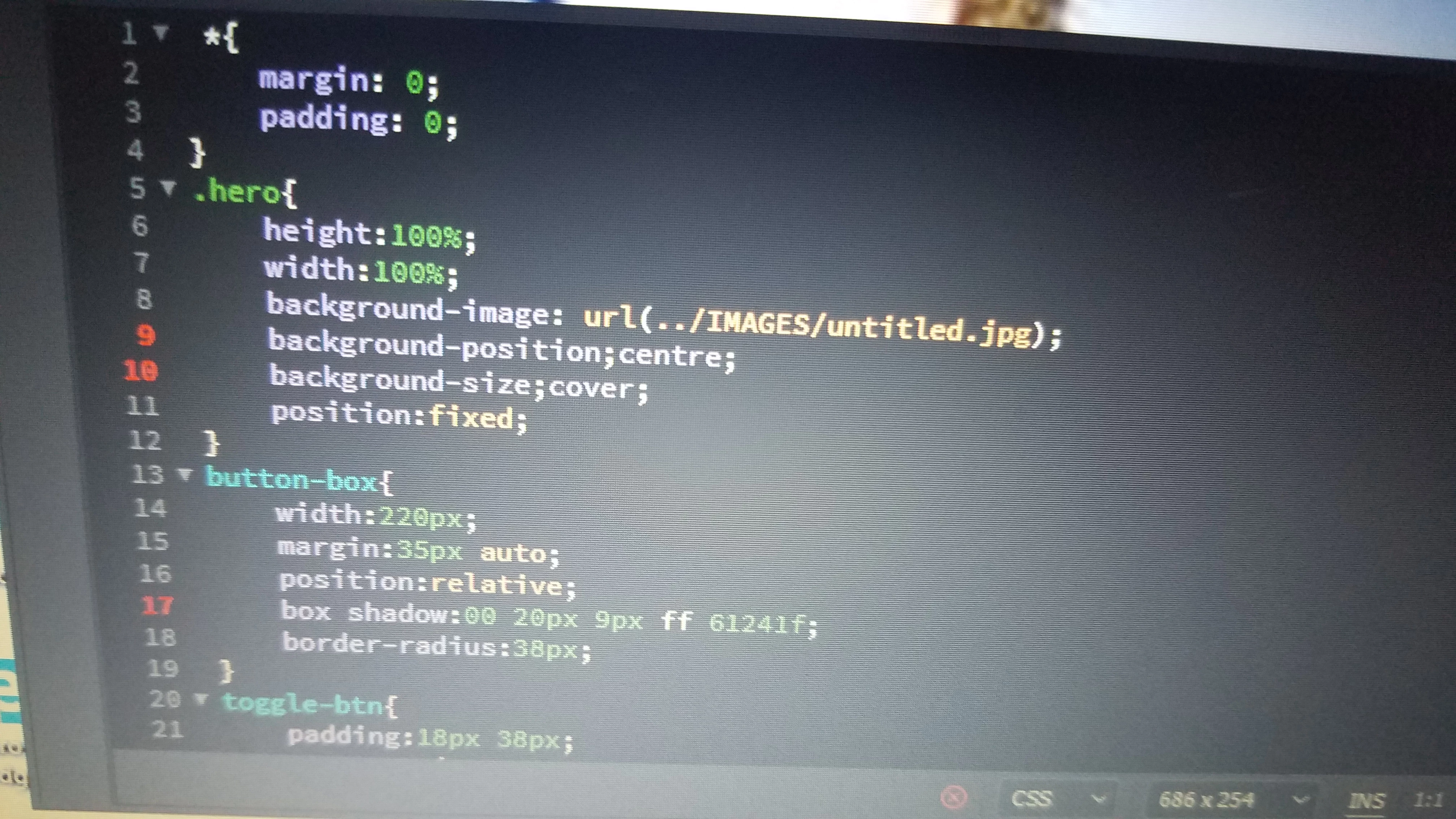
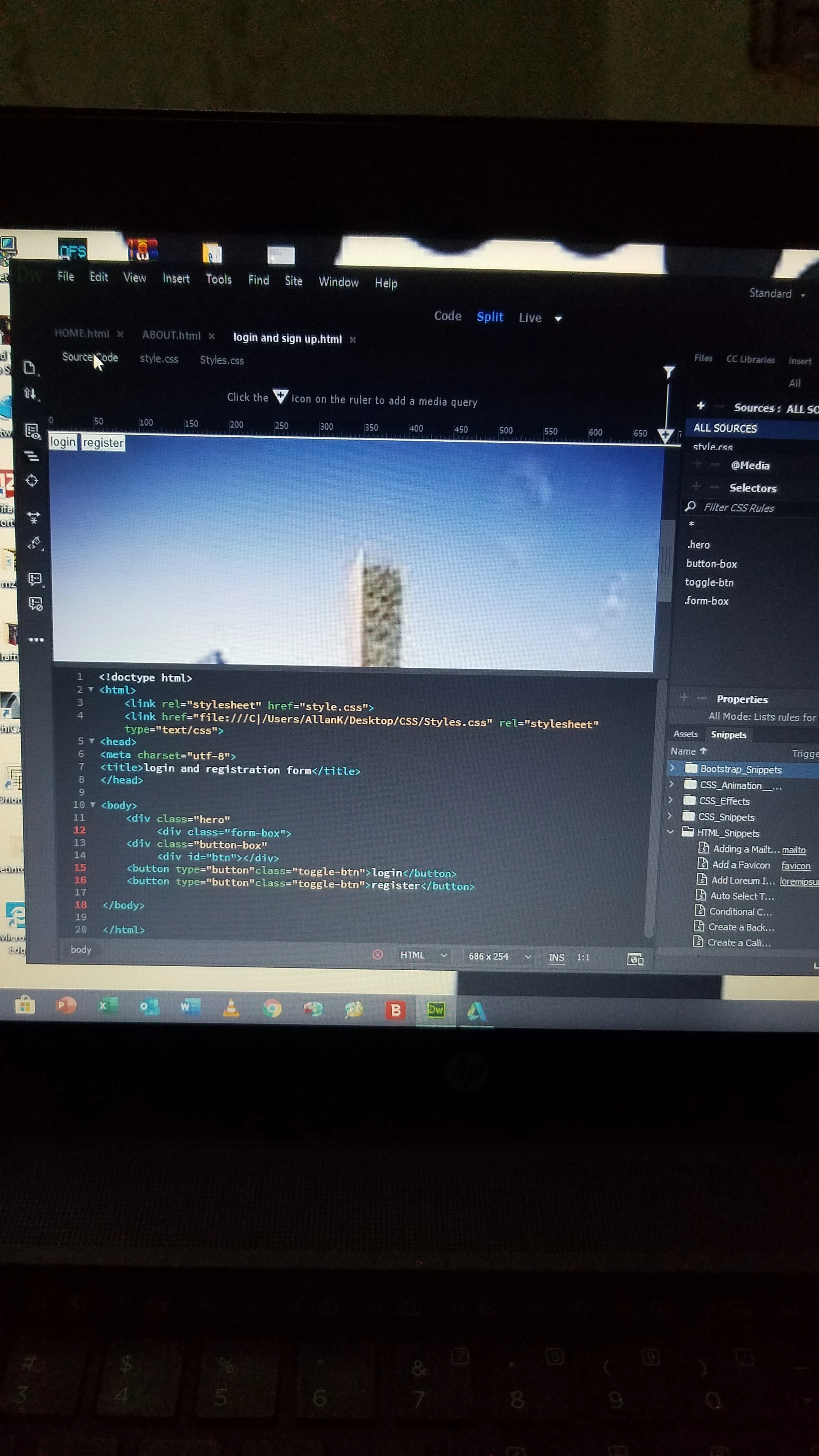
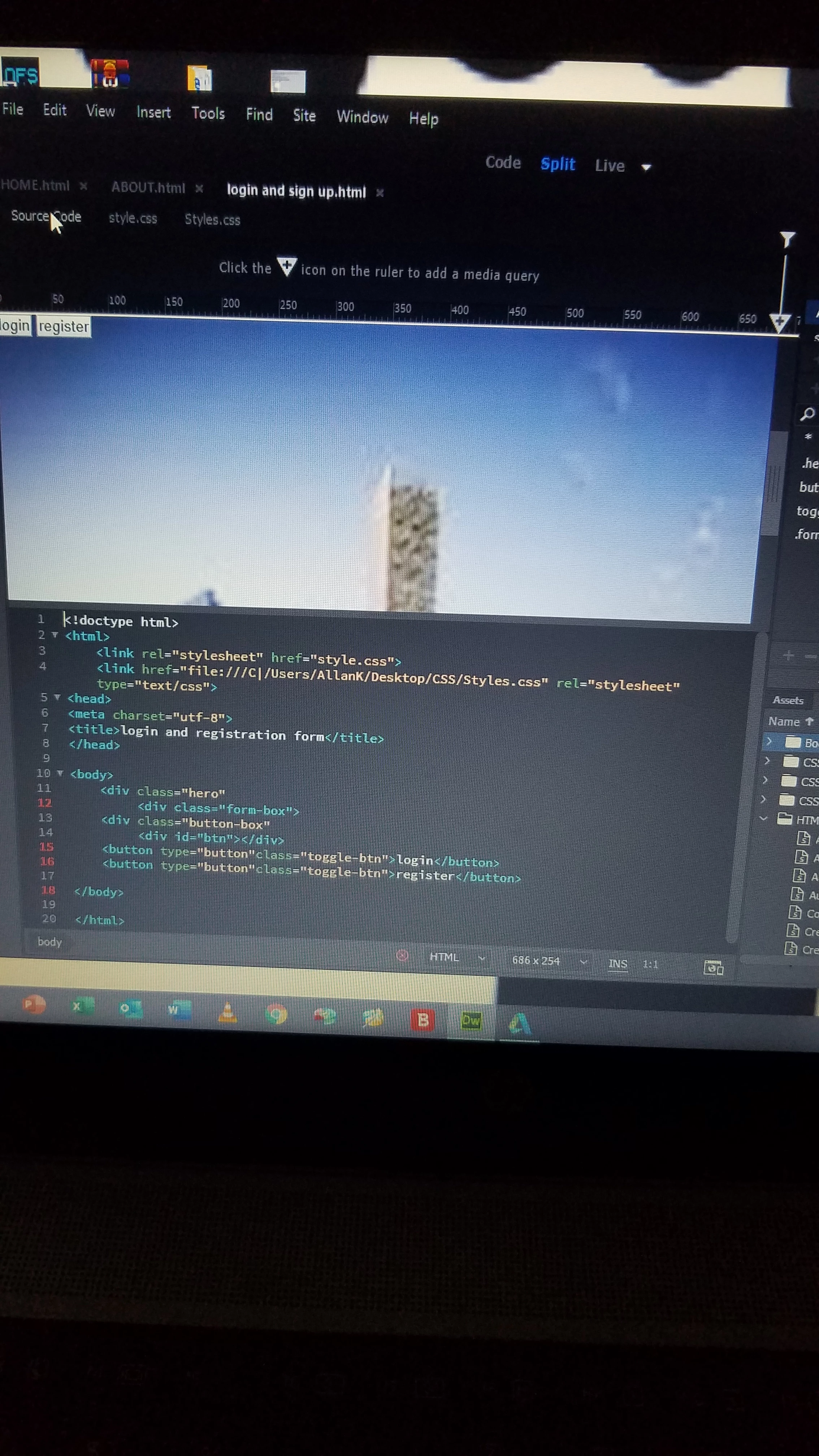
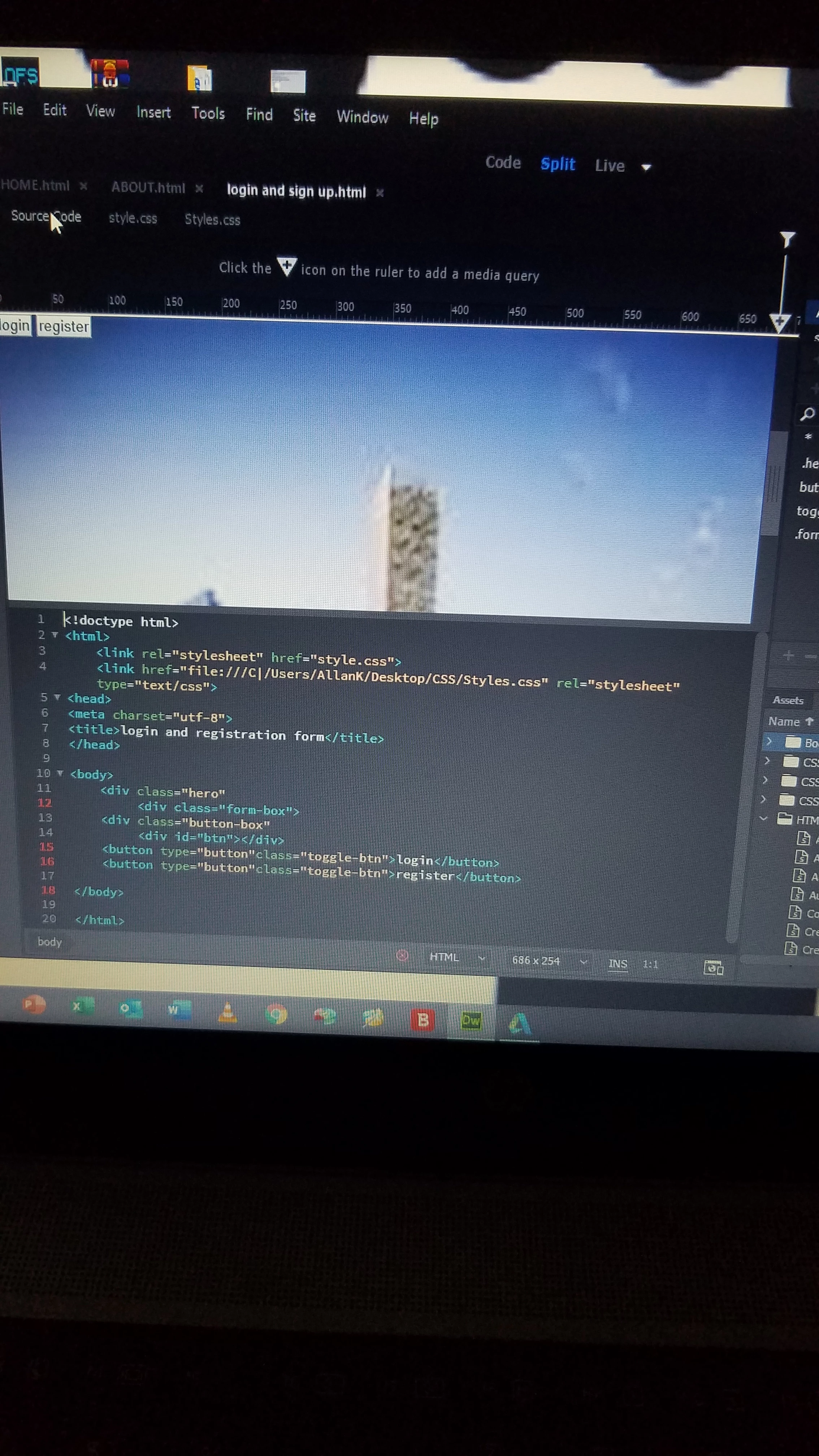
I tried merging css and html i write codes in both but they were not displaying in the live view nothing was changing. After saving divs in the css and modifing them nothing was happening in the live view. 
    This topic has been closed for replies.

    2 replies

    Nancy OShea
    Community Expert
    Community Expert
    July 27, 2020

    As I mentioned in your previous discussion on the same topic, you need more than HTML and CSS code to create a log-in form. 

    https://community.adobe.com/t5/dreamweaver/how-to-create-a-login-and-registration-form-was-adobe-dreamweaver/m-p/11315392?page=1


    It's a good idea to check your code often during development. There are tools in DW CC to help you with that.  Go to Window > Results > Validation.  Run the W3C validation tool and fix reported errors in your code.


    Nancy O'Shea— Product User & Community Expert
    Community Expert
    July 27, 2020

    The only thing I see going on in your code is that you have more <div> opening then you do  </div> closing which is why those lines are highlighted in red.  If you fix that it should solve the display issue.  There should be 2 closing div's on line 17 and that should do the trick.