


Inspiring
March 31, 2017
Answered

how to edit this template page

  • March 31, 2017
  • 2 replies
  • 651 views

As a novice to Dreamweaver, i was able to create this website several years ago. Don't laugh to hard. www.owendawsongolf.com.

Although it is simple, I've managed to use some basic SEO techniques which does get me traffic and business and i'm reluctant to change anything at this point.

I'd like to create a site for real estate photography, but would like it to be nicer looking, with functioning similar to my friends site here

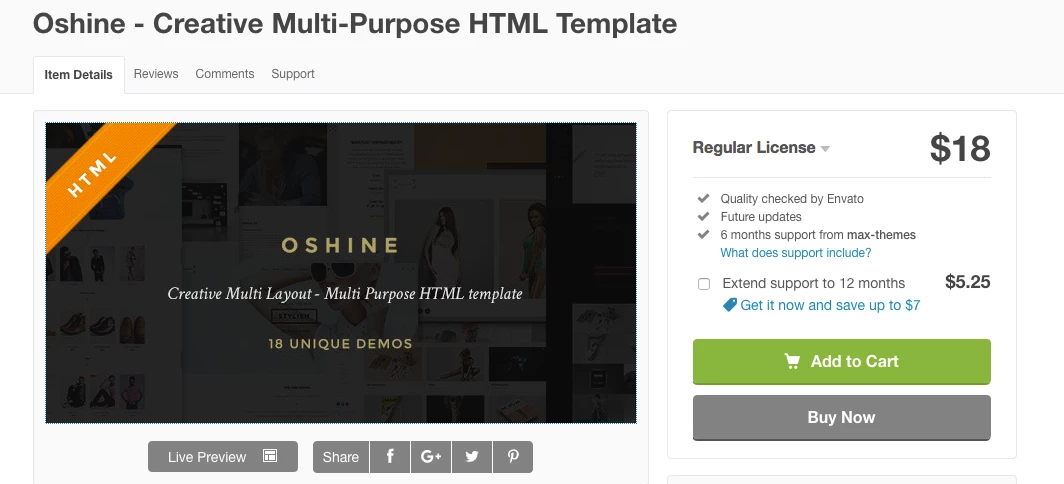
so my question is, the below template seems to have similar functionality, but i'm not sure how i would add my info, photos, video etc to it.

Is it a matter of importing it into dreamweaver and editing from there? or is there more to it. trying to figure out the difficulty level. this might be over my head.

any input would be  great. thanks  im using CS3
This topic has been closed for replies.
Correct answer Nancy OShea

im not smart enough to do my own coding and i really don't want to break the bank having some else make a site for me.

heres the link

Oshine - Version 9

would you have any recommendations of templates i could purchase with similar look to it, that would be easy to put into DW to edit?

thanks for help

Owen


Oshine is marketed as a "creative multi-purpose WordPress Theme."

So now you know.  It's specifically designed for use with a WordPress website.

This link contains a Bootstrap Masonry Template and it's free.  Try copying the code into new blank documents (HTML, CSS and JS) to see if you can work with it.

This is my template for using Masonry 3 with Bootstrap 3. For those of you who follow this gist a lot has changed since …

Nancy

2 replies

Nancy OShea
Community Expert
Community Expert
March 31, 2017

If you're an experienced coder, you can create something similar in Dreamweaver.  But it won't have all the bells & whistles that a WordPress theme contains without a great deal of custom backend coding skill.

Nancy

Nancy O'Shea— Product User & Community Expert
owenpga2Author
Inspiring
March 31, 2017

thanks Nancy

so when i asked the question to the author abiut adding text and images etc to the template via DW he said that yes that i could edit it DW. i guess he left out the wordpress part ?

Nancy OShea
Community Expert
Community Expert
March 31, 2017

I didn't look at the Template because you didn't post a link to it.

I can only tell you from personal experience that Envato Templates tend to be aimed at WordPress users because millions of web sites use WordPress.

The last Envato Themplate I purchased was such a mish mash of different code frameworks, the code was horrible to work with.  I eventually tossed it out and coded my own from a few of the ideas it gave me.  But otherwise, it was useless.

Nancy O'Shea— Product User & Community Expert
Nancy OShea
Community Expert
Community Expert
March 31, 2017

Your friend's site is built with WordPress.   And Envato Templates are mostly for WordPress users.  So unless you're building your site with WordPress (PHP & MySQL) the Template won't help you.

Blog Tool, Publishing Platform, and CMS — WordPress

Nancy

Nancy O'Shea— Product User & Community Expert
