


Answered
How to Hide Comments in Dreamweaver cc 2017?
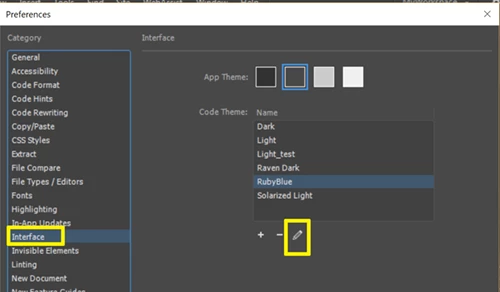
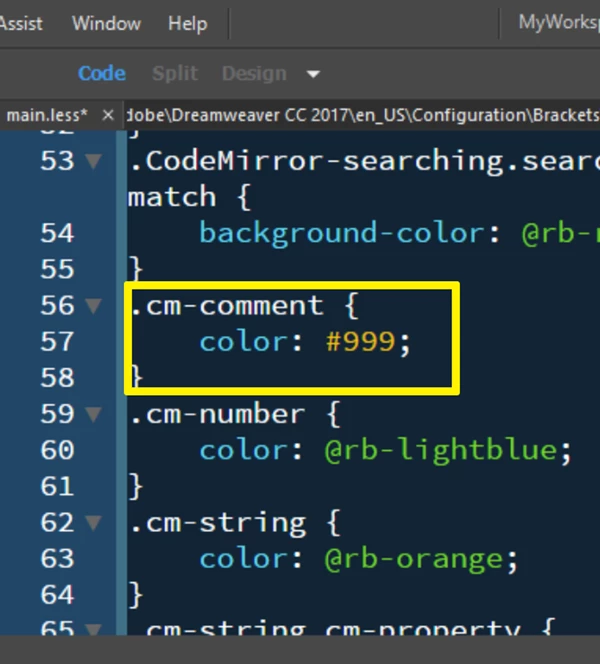
Hi, I have been using Dreamweaver CS6 for a long time and now at my place of work they have updated to Dreamweaver cc 2017. In CS6 there was an option whereby you could hide comments and for example a comment like this one in a jsp file would show up as grey. Ex: <%-- This is a comment --%> .
In Dreamweaver cc 2017 the same comment now shows as <%-- This is a comment --%> .
This is very confusing as now it is the same color as <p> or other html code. Any one knows a way how to hide these comments or make them appear as grey.

 AdChoices