
Inspiring
March 14, 2020
Question

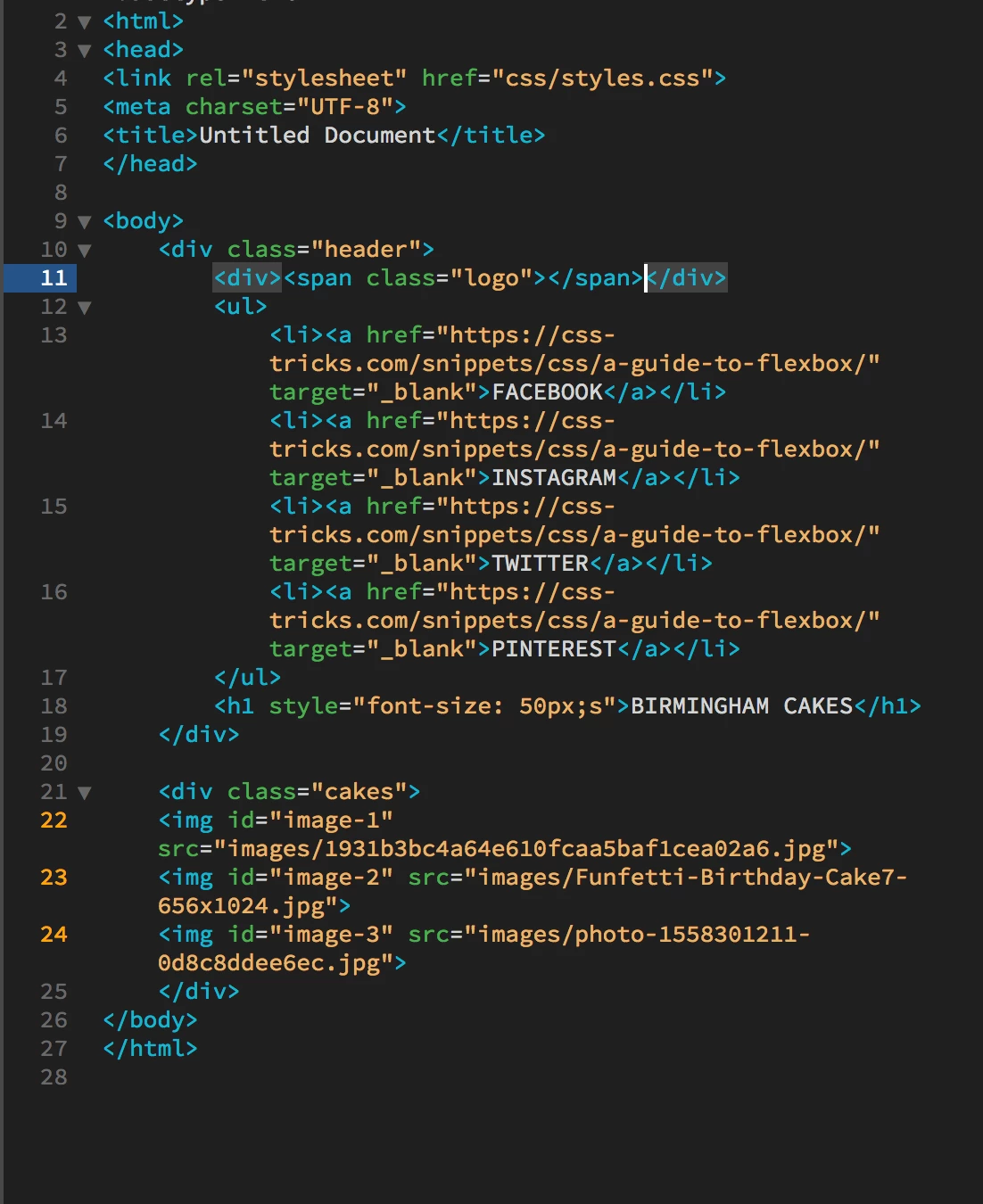
How to make my logo wrap around itself only?

  • March 14, 2020
  • 1 reply
  • 1044 views

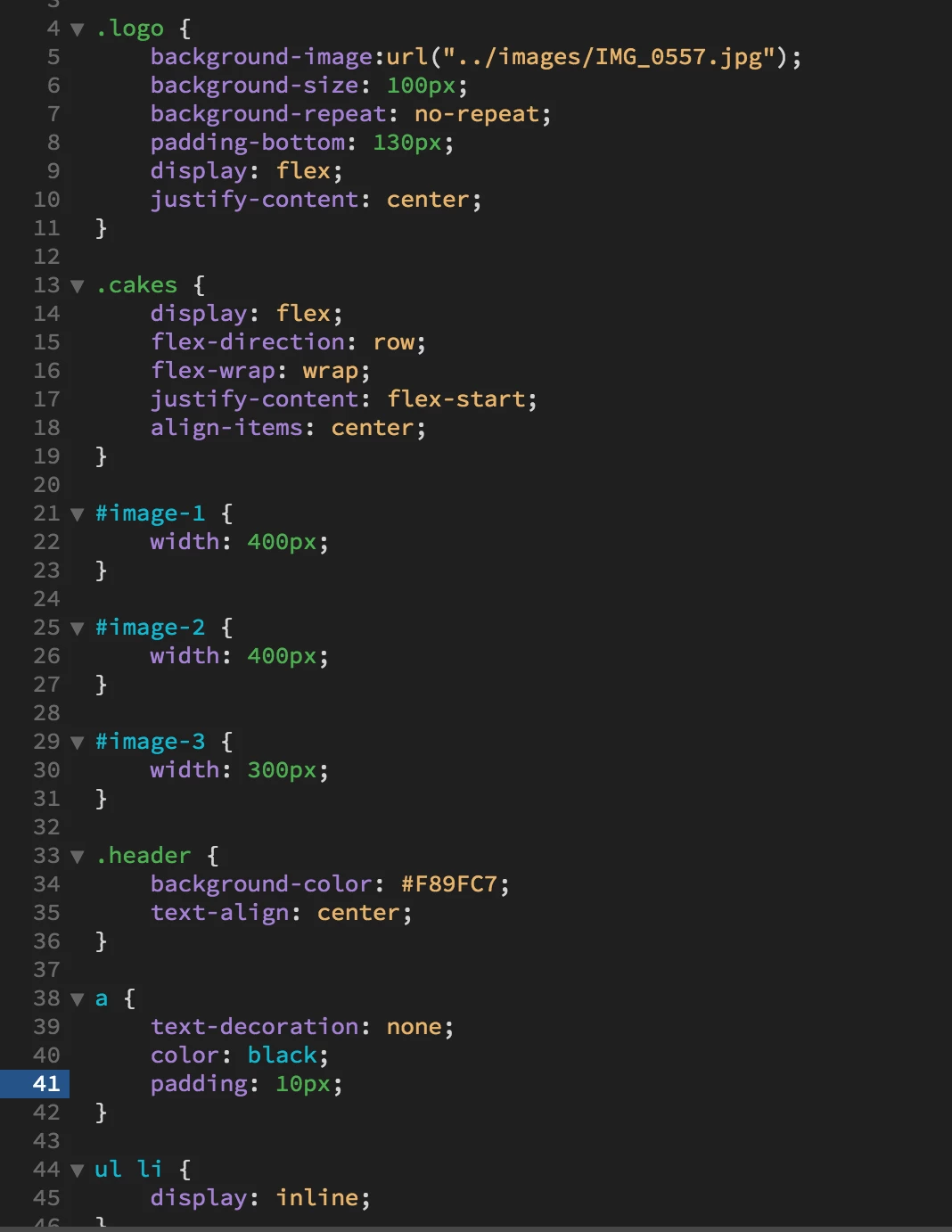
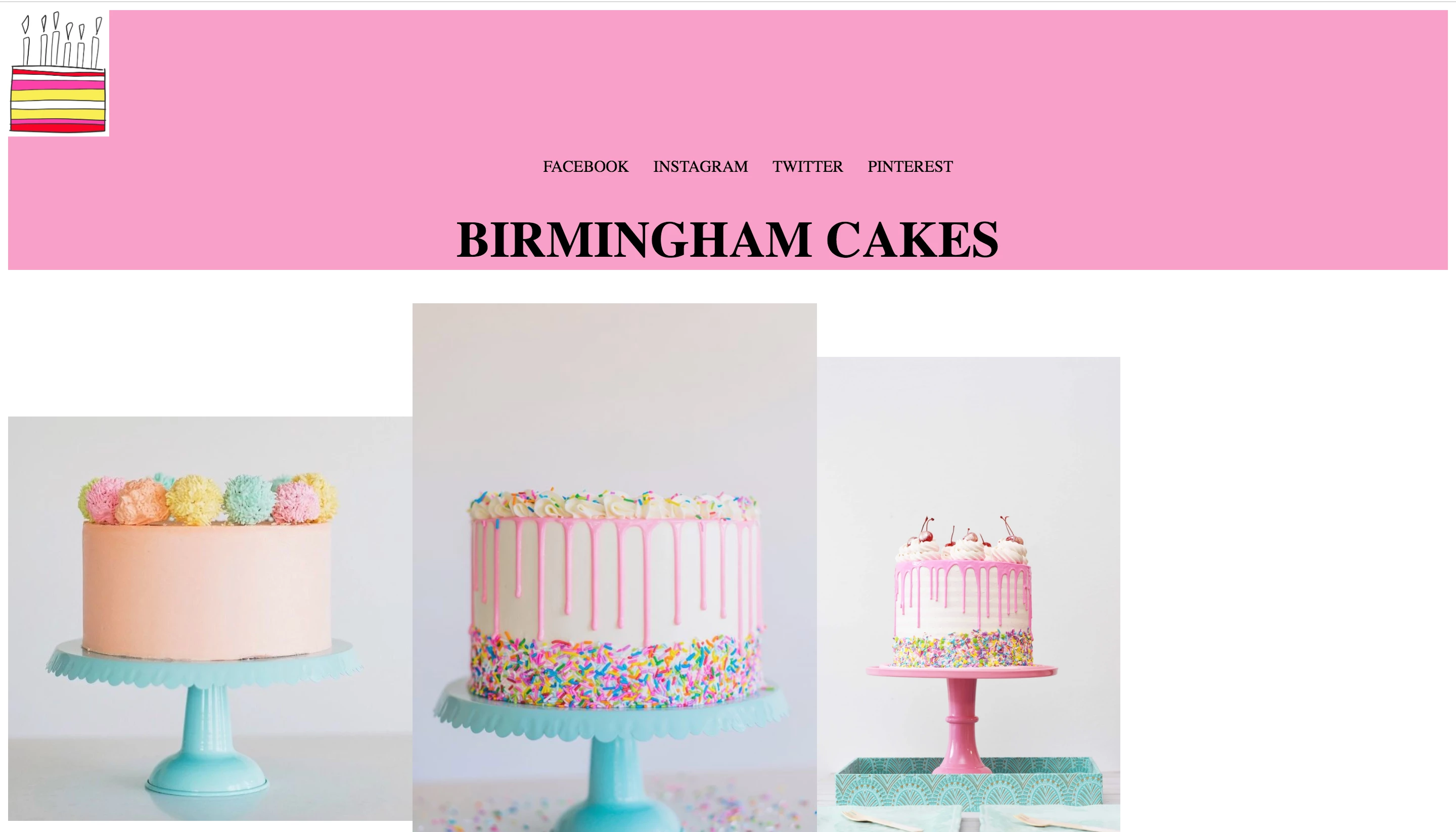
I feel like my navigation and title are pushed to the bottom of my header because the logo is taking up the full width of the page? If that is the problem, how do i make it only take up as much space as it actually is?
    This topic has been closed for replies.

    1 reply

    Legend
    March 14, 2020

    Its difficult to understand what you are trying to achieve. Assuming the image of the cake is the logo and you want it centered above the navigation and the text 'birmingham cakes' then you just need to center the logo, see your other thread in reference to 'background-images' - link - for the answer.

    Inspiring
    March 14, 2020

    I want the logo on the same line as the navigation, but the logo be to the left of the page and the navigation in the center, does that make sense? At the moment my logo sits on a seperate line it seems. 

    Legend
    March 14, 2020

    Then wrap your logo div and your navigation <ul> </ul> in a div container and apply display: flex; to it.