wmm75375203
Inspiring
July 26, 2018
Answered

How to preview in Safari (or other browsers)?

  • July 26, 2018
  • 2 replies
  • 2149 views

How do I preview a page in Safari as I used to do in cs3?

This topic has been closed for replies.
Correct answer wmm75375203

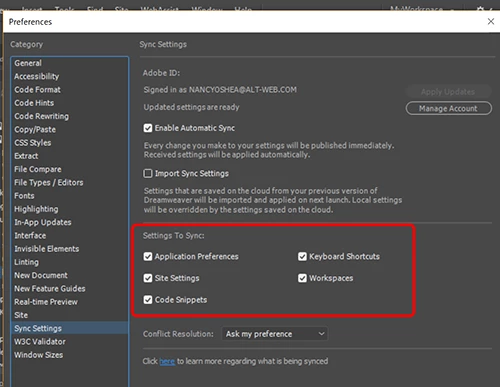
Be sure to Sync your settings to the Cloud first.   That way, you can import them after re-installing.


Thanks to all the helpers! I finally got it: On a Mac, you can’t right-click on this one (as you can on everything else). When you control-click on the little square above the file name, you’re there! All the browser action you want and you can test your external links.

Bill

2 replies

Nancy OShea
Community Expert
Community Expert
July 26, 2018

Is Safari set-up in your Preferences?

Nancy O'Shea— Product User & Community Expert
BenPleysier
Community Expert
Community Expert
July 26, 2018

Have a look at How to preview web pages in Dreamweaver and scroll down to 'Open in browser'

Wappler is the DMXzone-made Dreamweaver replacement and includes the best of their powerful extensions, as well as much more!
wmm75375203
Inspiring
August 1, 2018

Sorry. Dead end: I go to file>open recent - and the page I want comes up. Good. Then, with the design view and code view showing, I go to file>realtime preview - then choose a browser and a black page with a sad face reads, “You tried to access an external HTML page which cannot….etc.” I need a step-by-step guide. It used to be so easy in cs3!

Nancy OShea
Community Expert
Community Expert
August 1, 2018

Forget Real-Time Preview.  Use Right-Click on tab and select Open in Browser.

Nancy O'Shea— Product User & Community Expert