


Participant
October 3, 2023
Question

How to remove bothersome links in coding

  • October 3, 2023
  • 2 replies
  • 200 views

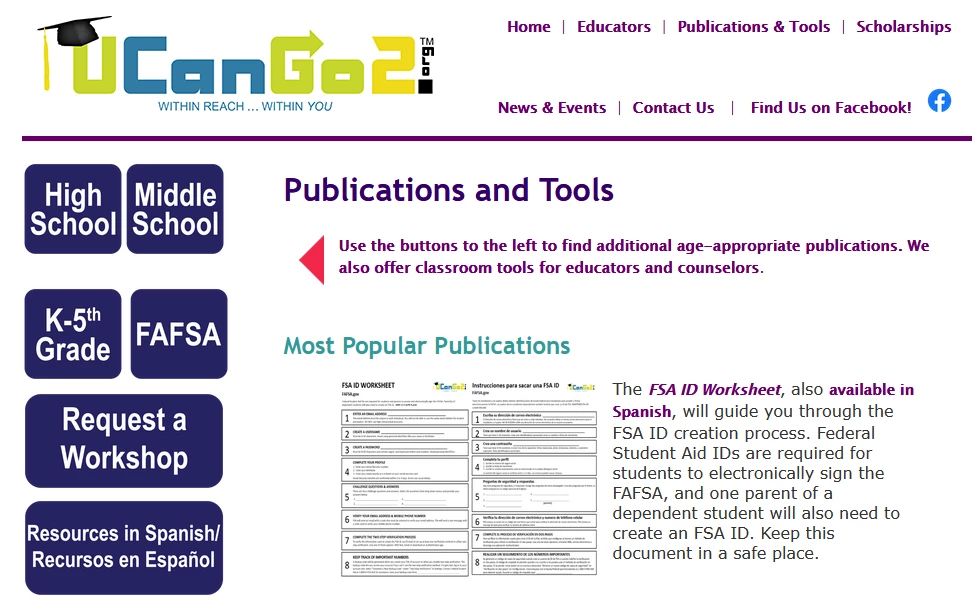
This is an admittedly older site/design so that should be understood. But on this website https://www.ucango2.org/Publications.html you can see how the headline (Publications and Tools) and subheading (Use the buttons...) are linked to a specific page. This is not the intended setup within Dreamweaver. They are linking to a site referenced on the left column of links (last link).

Public view:
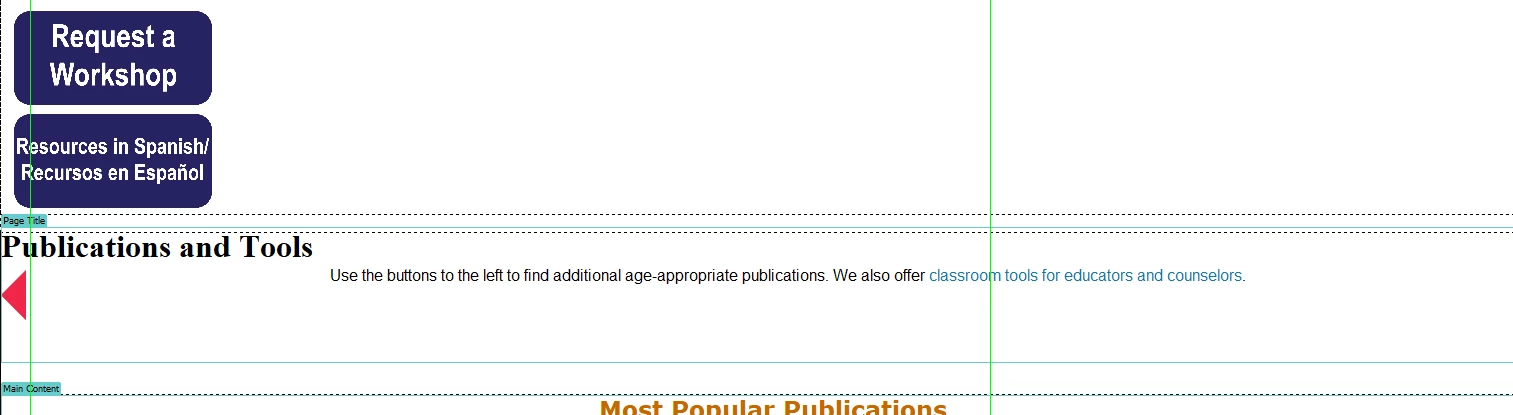
This is the internal view on the page (no links): The template page also shows no links.
 

Using Inspect on Chrome, this indicates the link that is being referenced unnecessarily. (pointed in red)
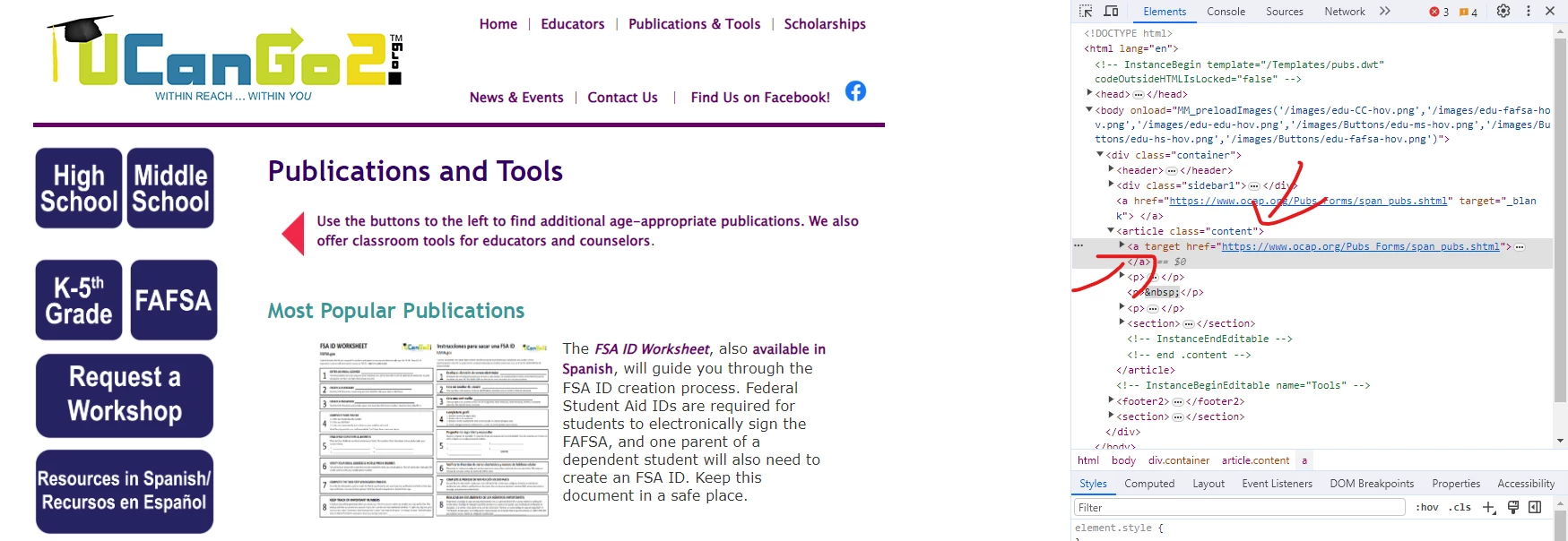
 

Question is: How do I get rid of the unnecessary links on the top of the page? This is happening on all of the pages this section of the site.

    This topic has been closed for replies.

    2 replies

    Community Expert
    October 6, 2023

    I'm not sure I understand your question. Could you please rephrase it...


    However, looking at your code, as @Nancy OShea points out, it seems that your page template (.dwt) contains various errors.


    First, you have a closing TAG


    <!-- TemplateEndEditable -->


    but I don't see any starting TAG preceding it... as


    <!-- TemplateBeginEditable name="ANYNAME" -->


    On the other hand, you have a starting TAG that follows few lines after


    <!-- TemplateBeginEditable name="Tools" -->


    and doesn't have a closing TAG as


    <!-- TemplateEndEditable -->


    before closing the </body>


    So there's every reason to believe that the two TAGs (comments) in your code have been reversed...


    As a subsidiary question, it would seem from reading the code, and seeing the captured rendering, that you're using the Template at the same stage as it would be for its child pages?

    Please give us further explanations and we could probably help you more precisely for your link trouble.

    Nancy OShea
    Community Expert
    Community Expert
    October 3, 2023

    No doubt the result of 6 or more fatal coding errors. See below for more details.

    https://validator.w3.org/nu/?doc=https%3A%2F%2Fwww.ucango2.org%2FPublications.html


    Validate code and fix reported errors in main Template.dwt files as well as child pages spawned from said templates. 

    Save changes and republish all site pages to your remote server.


    Hope that helps.


    Nancy O'Shea— Product User & Community Expert