Answered
How to stop overwrite mode on a Macbook Pro?
I cannot figure out how to stop the overwrite mode on my 2019 Macbook Pro. It does not have an ins key. pressing fn + return didn't work.
thanks for help.

I cannot figure out how to stop the overwrite mode on my 2019 Macbook Pro. It does not have an ins key. pressing fn + return didn't work.
thanks for help.
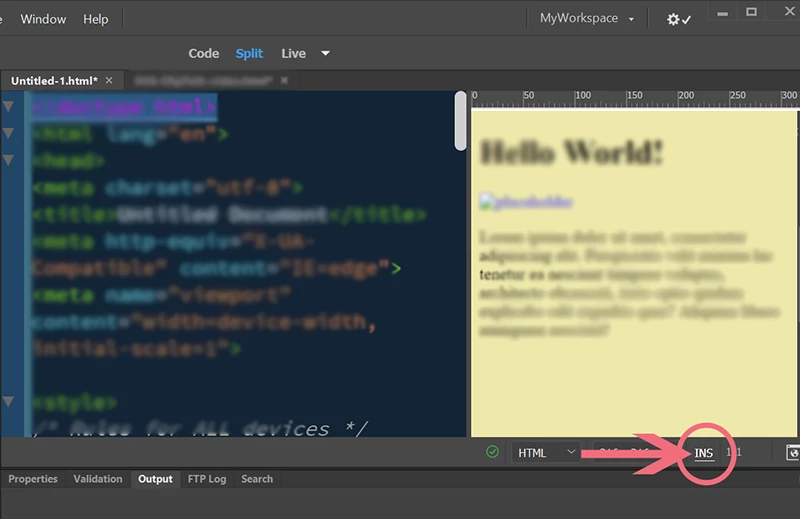
On your keyboard, click the INS key to escape from OVR mode. Or click where shown in my screenshot below.
Already have an account? Login
No account yet? Create an account
Enter your E-mail address. We'll send you an e-mail with instructions to reset your password.


 AdChoices